Letters mode contains all of the outward correspondence about the selected patient.
Letters may be directly entered onto the patient's file via this Tab, displayed, edited, deleted and copied. However for bulk typing of letters, it is intended that the Dictation Mode be used.
If there have been no letters entered onto the patient's file for the selected User, then "No Letters on file" will display on the Tab. If there are entries on the patient's letters file, then a summary of these will appear on the Tab. The summary information includes the date of the letter, and whom it was to.
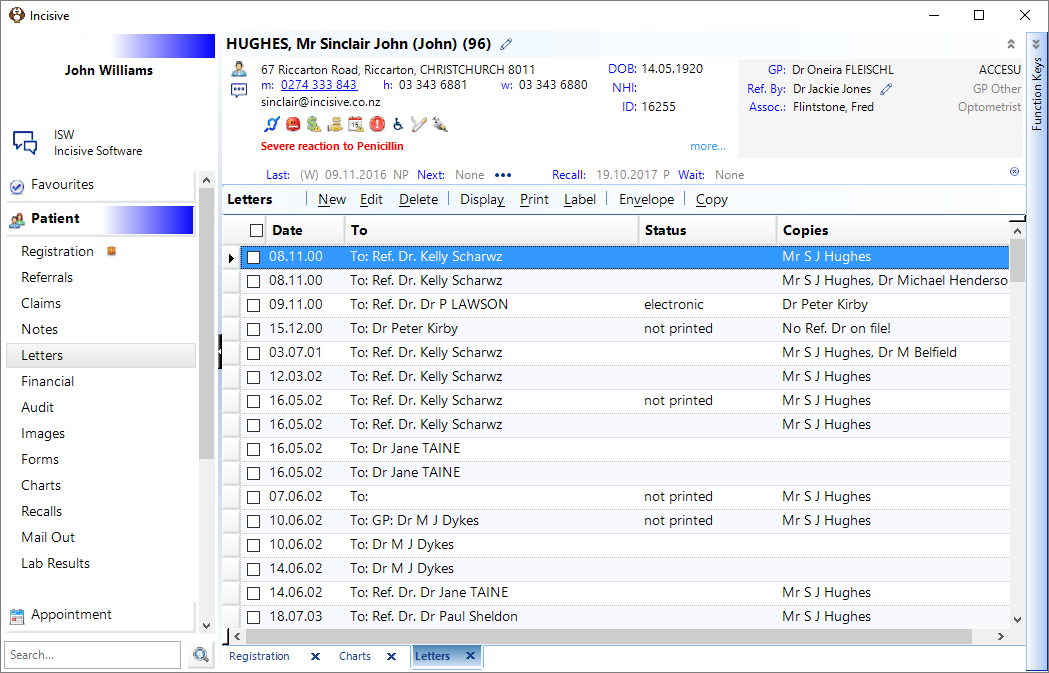
Create a new letter. | |
Edit the highlighted letter | |
Delete the letter. | |
Choose how you want the list of letters to be displayed. | |
Print the letter. | |
Select and print a label LABELS | |
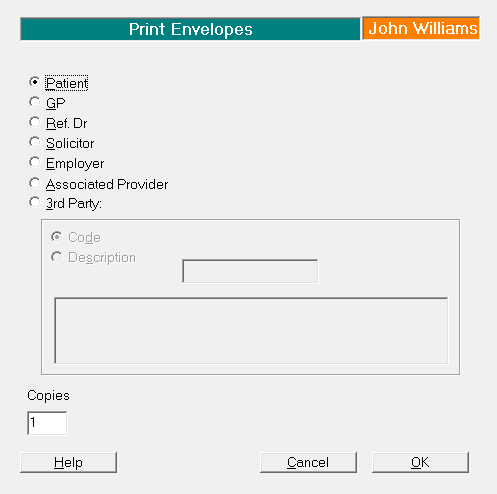
Envelope | Print an envelope.
|
Make a copy of the highlighted letter | |
Spacebar | Use the spacebar on the keyboard to expand the letter to view the text of the letter. |
Tag (F6) | Use the F6 key or put a tick in the checkbox to select one or more letters to then be sent using the F7 Send function. |
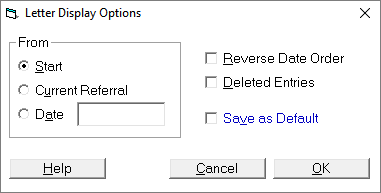
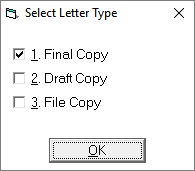
Function Keys available
F3 - patient details
F6 - tag letter
F7 - send tagged document
Shift+F7 - look-up Contacts list.