The Load Typing button has been designed to allow you to type your letter(s) on another computer, perhaps at home, save the file(s) onto a disk and then load the typing into the database. It does not matter what brand of Word Processing package you use, provided the file(s) are saved in Rich Text Format (*.RTF).
Each individual letter needs to be saved as a separate file.
- Select - More - Load Typing.
A screen similar to the one below will display.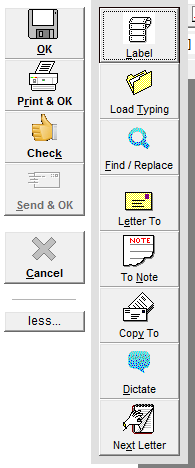
- Select Load File
- Select 'OK'.
The standard Windows 'Open file' screen will display. - Make sure that you are looking for the file in the correct location.
- Select "Files of type" Rich Text Format (*.rtf).
- Highlight the file name displayed in the list and select 'Open'.
Your typing will be loaded into the current screen. - Continue as if you had just typed the letter.