The text you type as a letter will only appear when you display, print or edit that letter. Often the text contained in a letter needs to form part of the clinical notes. The To Notes button allows you to transfer the selected text (in effect a copy and paste) to the patients notes file.
To transfer text to the patients notes file
- Highlight the text to transfer.
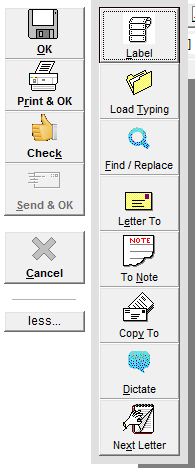
- Select - More - 'To Note'.
- Select the type
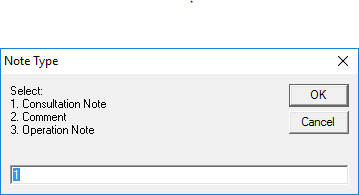
The type of entry chosen will have implications for the Accounts Check List. - Select 'OK".
On this page: