Patient Labels
Patient labels can be printed a number of different ways depending on the part of the program you are in.
In Patient Mode you will have the patient loaded. In areas such as Appointment mode or Dictation mode, you will highlight the patient.
- With the patient either selected or highlighted select Label.
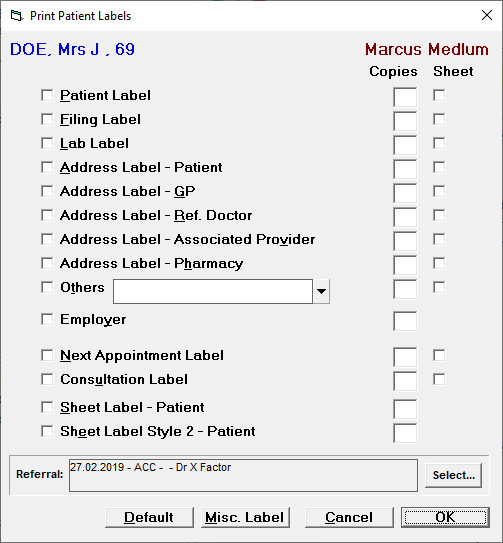
- Choose the type of label(s) you require.
- Enter the required number (of each type) you require.
- Select OK.
- The requested labels will print.
Label Type | |
|---|---|
Patient Label | The Patient label can be customised see TO EDIT LABELS |
Filing Label | The Filing Label can be customised. See |
Lab Label | |
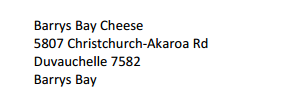
Address Label - Patient | The Patient Address Label can be customised. |
Address Label - GP | The text that prints on a GP Address Label is controlled by the program, as this information is unlikely to change. The text that prints complies with addressing requirements by either NZ Post, or the Australian Postal Service. |
Address Label - Referring Dr | The text that prints on a Referring Doctor Address Label is controlled by the program, as this information is unlikely to change. The text that prints complies with addressing requirements by either NZ Post, or the Australian Postal Service. |
Address Label - Associated Provider | The text that prints on an Address Label for the Associated Provider is controlled by the program, as this information is unlikely to change. The text that prints complies with addressing requirements by either NZ Post, or the Australian Postal Service. |
Pharmacy | The text that prints for the patients default pharmacy current selected in Patient Registratrion. |
Others | |
Employer | The text that prints for an Employer Label is controlled by the program, as this information is unlike to change.
|
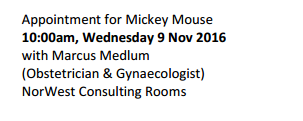
Next Appointment Label | The text of the Next Appointment Label is controlled by the program due to the limited amount of space on the label and the amount of information that needs to go on the label. It includes the patient name, time and date of the appointment, the Provider the appointment is booked with, the Specialty of the Provider, and the Facility that the session is linked to.
|
Consultation Label | The Consultation Label can be customised, see |
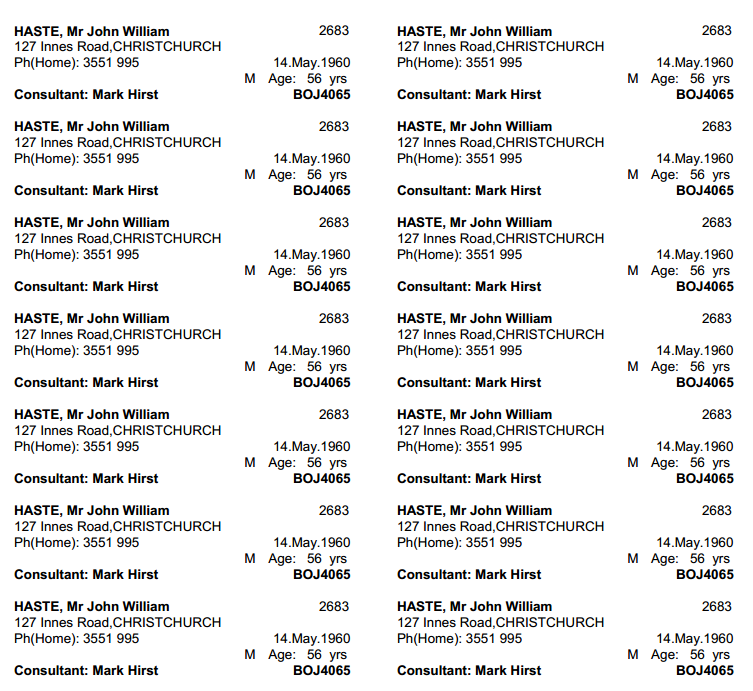
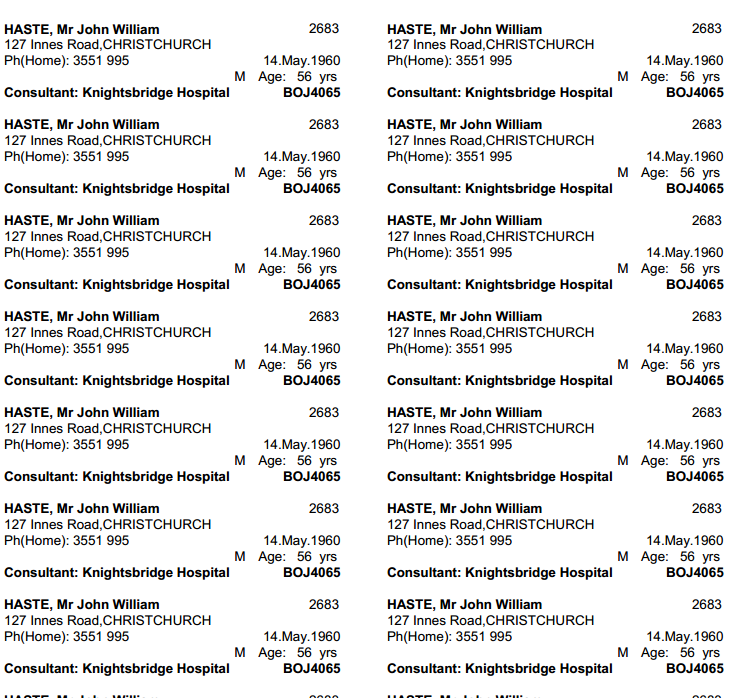
Sheet Label - Patient | Sheet Labels are designed for printing by hospitals that require multiple copies of the same label for each patient. The text that prints on the Sheet Label - Patient is controlled by the program.
|
Sheet Label Style 2 - Patient | The text that prints on the Sheet Label - Patient is controlled by the program.
|
The LabelSetup table in the main database contains the information for the labels.
The following Labels must have the associated 'Type' letter in order to print when selected from the Print Patient Labels screen, or as a label Receipt.
Label | Type |
|---|---|
Patient Label | P |
Filing Label | F |
Lab Label | L |
Address Label - Patient | A |
Receipt | R |
Consultation Label | C |