Once a letter is on the patient's file it can be sent manually to a recipient.
- Highlight the letter(s) that you wish to Send and press F6 to Tag
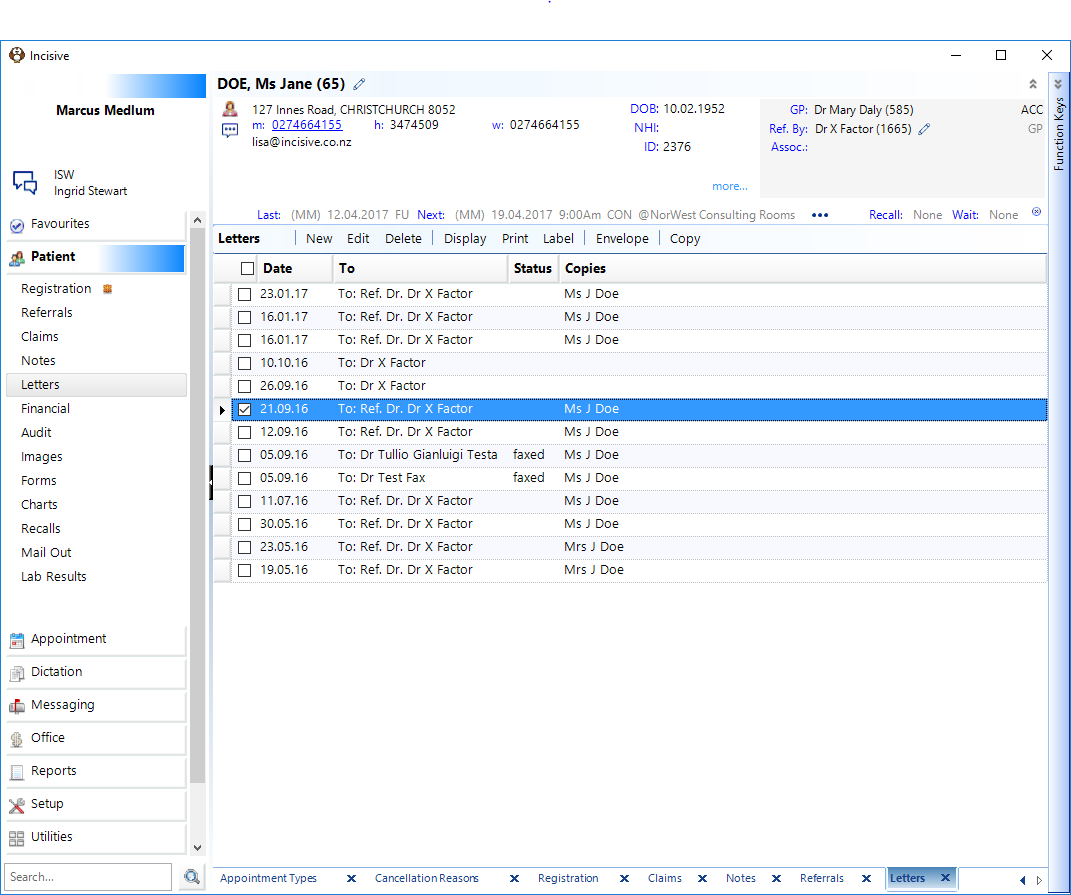
- Press 'F7' to Send.
- Select the Destination, either GP, Referring Doctor or Other.
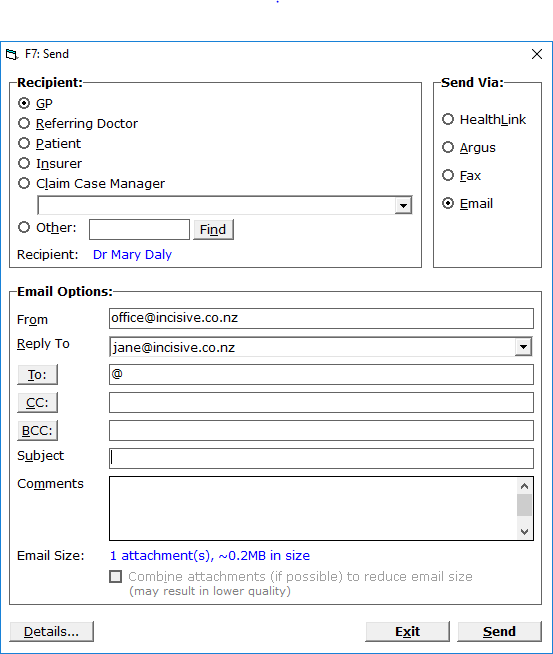
- If 'Other' is selected, type in the Code and press 'Enter'.
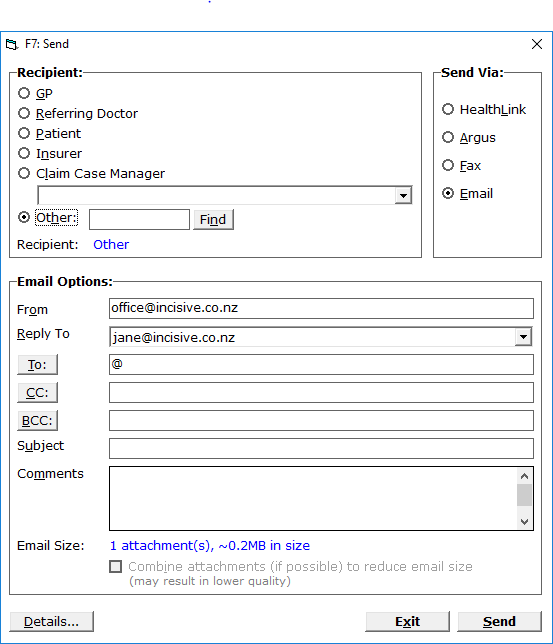
- From the list select the correct recipient.
- Check that the correct Send Method is selected.
- Select OK'