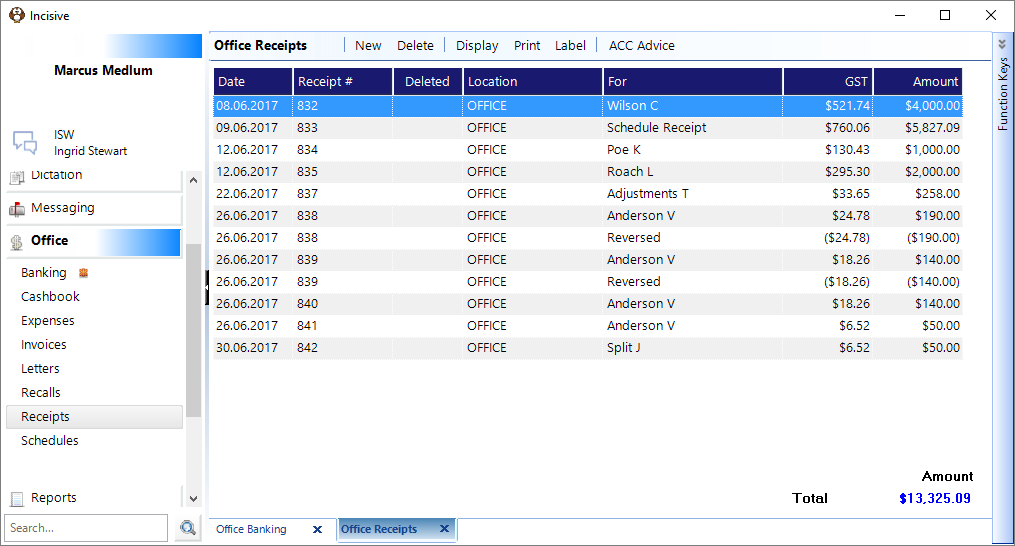
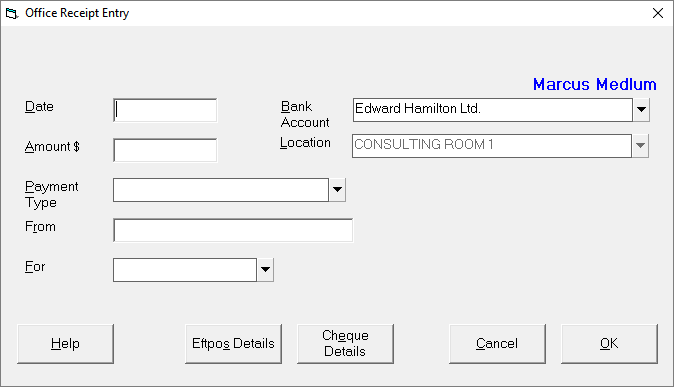
Any type of receipt can be entered via the Receipts Tab in Office mode.
This option is commonly used to enter a single payment that has been received (often from a health insurer) and is for several invoices.
When processing the payment a receipt entry is automatically posted back into the patient's record.
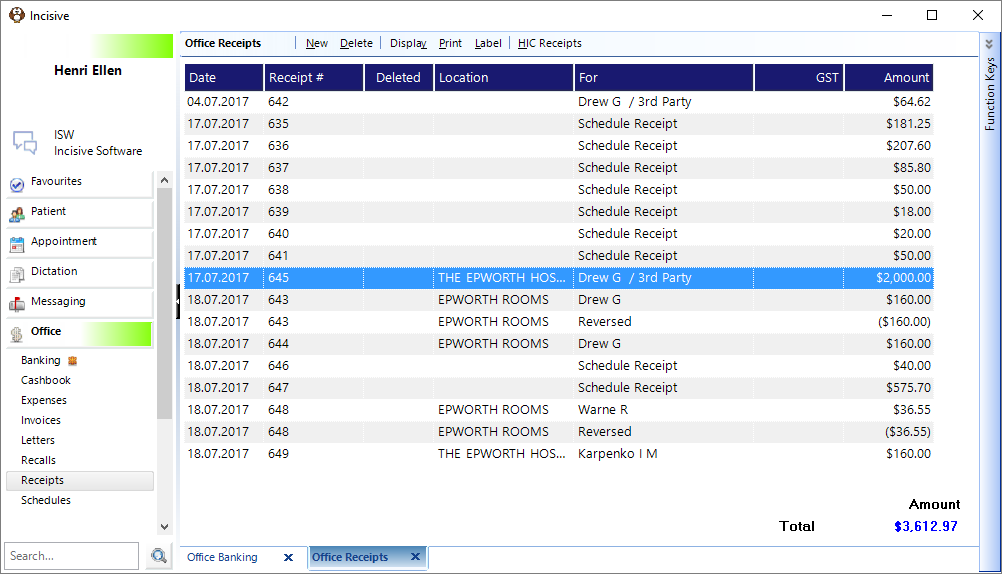
Receipt a payment that is for multiple patient or 3rd Party invoices.
| |
Delete | Delete the highlighted Receipt. Deletions are not permitted if:
|
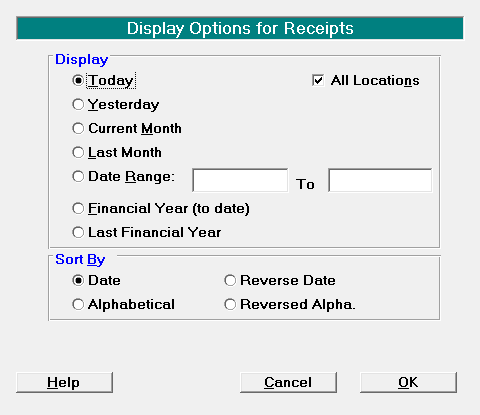
Display | This option provides a date filter to display only a selected range of receipts. The default selection is to only display Today's receipts
|
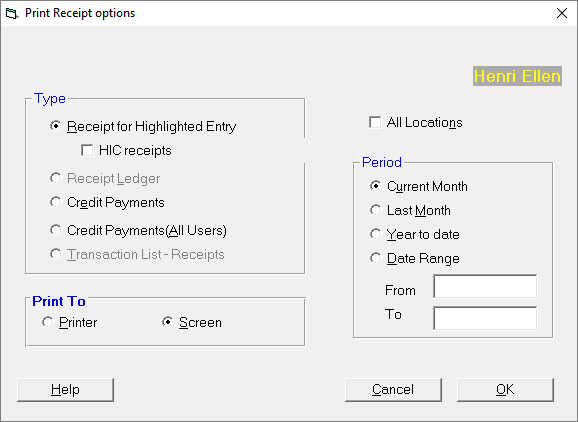
Print individual receipts or receipting reports for a date range and selected banking Locations
| |
Label | Print Patient, Correspondence or 3rd Party format labels
|
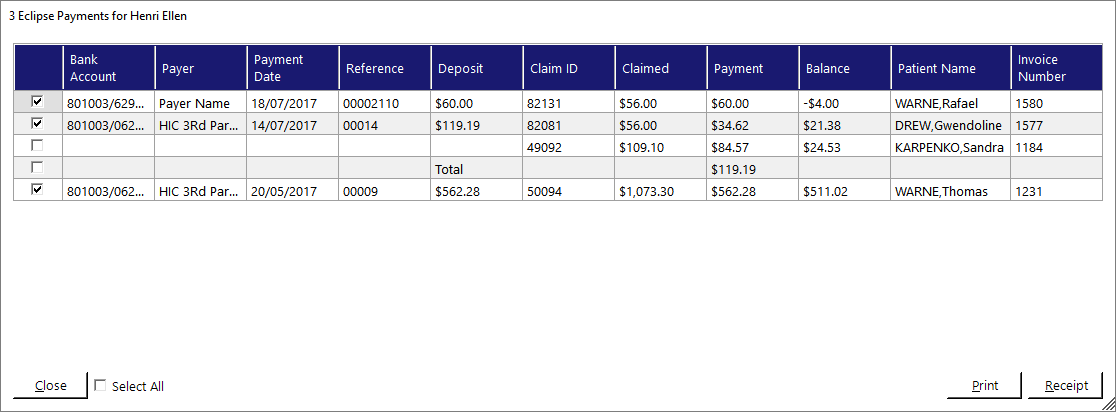
HIC Receipt | Display and receipt the payments that have been received for the currently selected Provider.
Payment Advice notices will only appear in this list if the Payment Advice files have been retrieved from the Medicare & Eclipse servers, which is usually performed by a scheduled task. You can also manually run the retrieval process from Utilities > Import > Eclipse Payments |
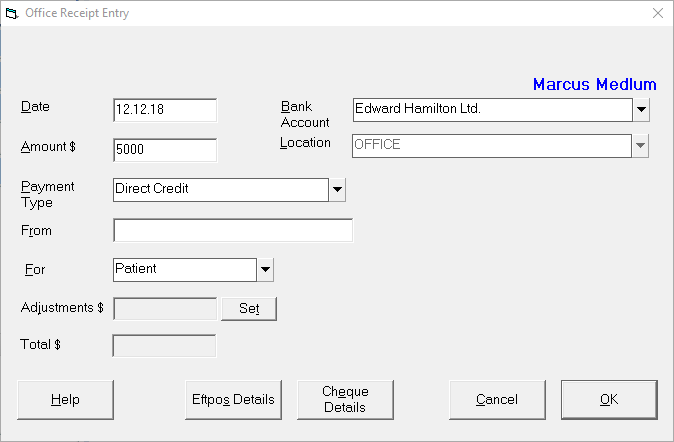
| |
Delete | Delete the highlighted Receipt. Deletions are not permitted if:
|
Display | This option provides a date filter to display only a selected range of receipts. The default selection is to only display Today's receipts
|
Print individual receipts or receipting reports for a date range and selected banking Locations
| |
Label | Print Patient, Correspondence or 3rd Party format labels 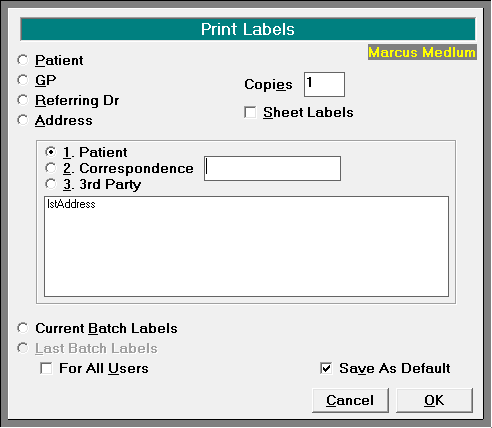 |
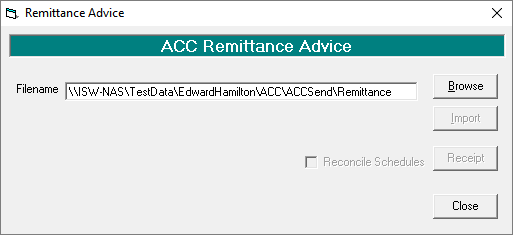
ACC Advice | Import from ACC the details of payments made and the invoices the payments relate to.
|
Related:
- Importing Eclipse Payment notices
- Medicare Online & Eclipse reference
- ACC eBilling configuration
Training:
- Multiple Patients - Group Receipts
- Dishonoured payments
- ACC Payment Advice import
- ACC Payment reversals
- Receipting Payments from Debt Collectors