If you select that a receipt is for a Schedule, then a screen similar to the one below will display with the cursor at the "pay off" box.
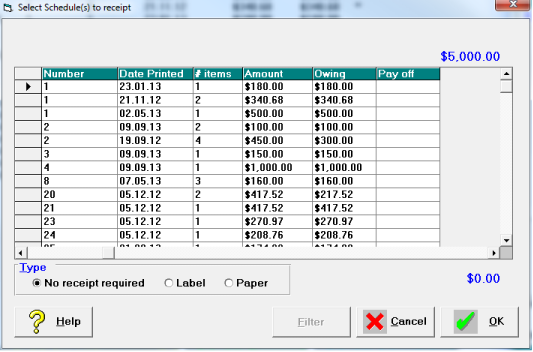
- Select the schedule to be receipted and type in the amount to pay off that schedule.
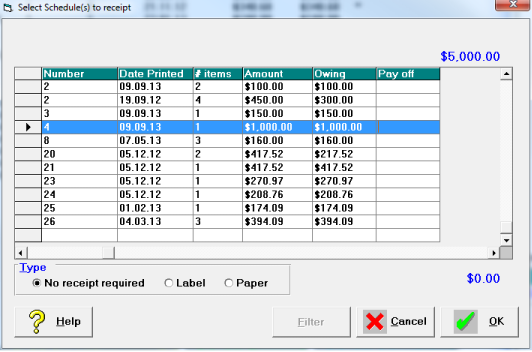
- Select and payoff further Schedules if required until the full amount of the receipt has been allocated.
The amount at the top of the box should match the amount at the bottom after the amount to be receipted is entered. Ensure you are receipting the correct schedule number. - Select the appropriate Receipt Type.
- Select 'OK'.