A Medical Summary can be configured to appear at the top of each patient's list of Notes.
It is limited to one medical summary per patient, per user.
Regardless of date of entry, this will always display and print at top of records.
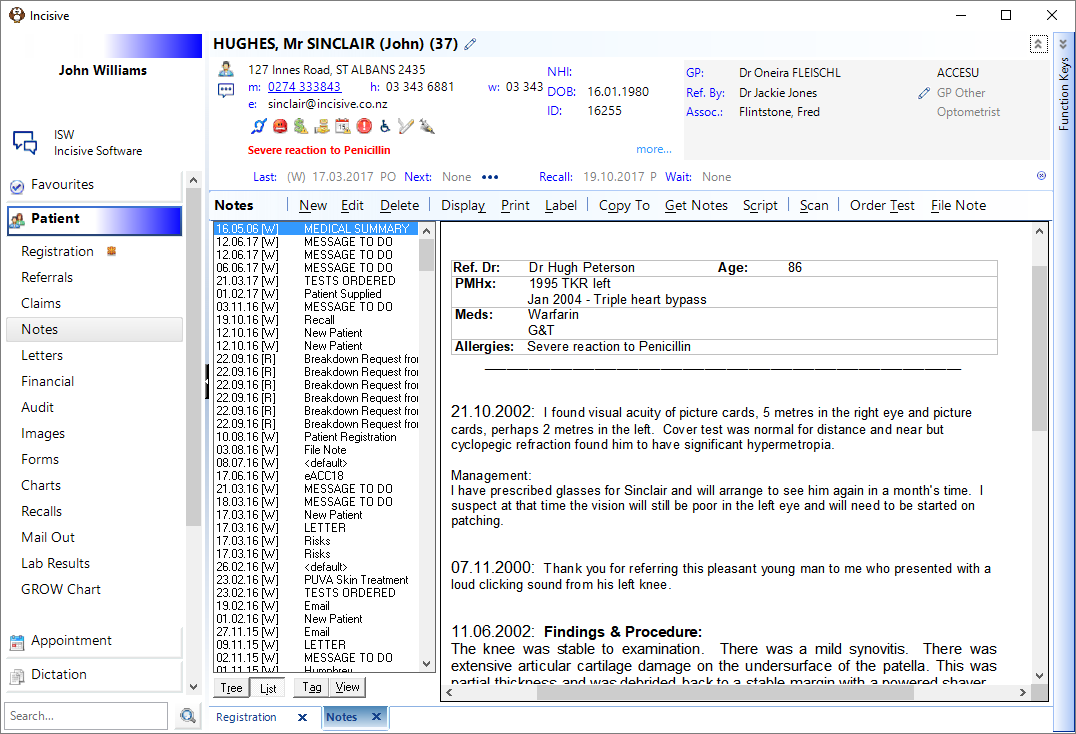
Creating a Medical Summary
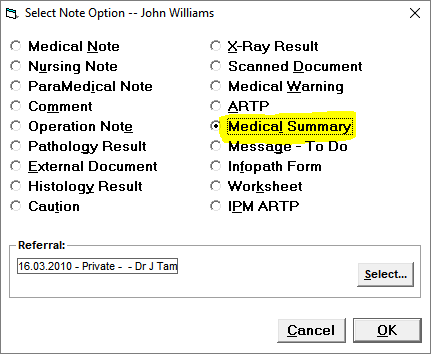
In the patient's Notes, select New > Medical Summary
Adding Notes
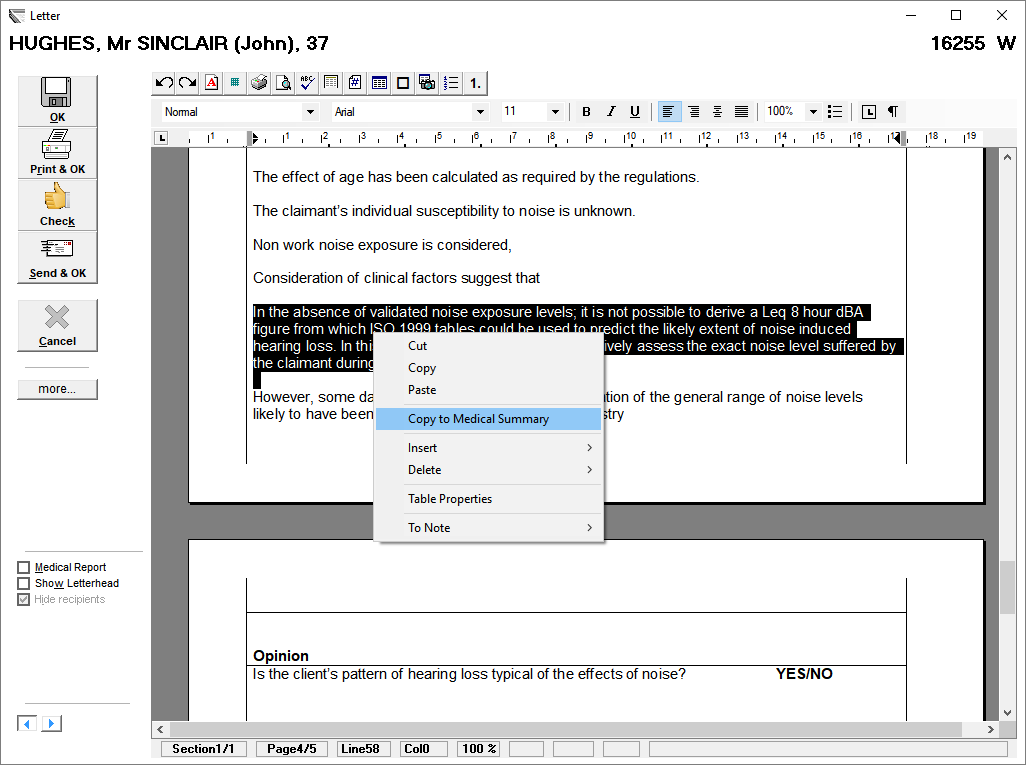
When typing a letter or note in Dictation or Patient, select the text and right-mouse-click then choose the option to 'Copy to the Medical Summary'. Additional medical details can be added to the summary, when further letters are written.
A Medical Summary can be edited, or deleted.