To enter a worksheet for a patient
Notes - New - Worksheet
- Select Worksheet from the Note Options screen.
- From the Select Form screen, select the Form Name of the Worksheet you require.
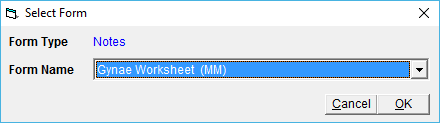
- Select 'OK'.
The Worksheet will display on the screen. - Complete the Worksheet.
- Select 'OK' to save the Worksheet to the patient file.
Once a worksheet is in the patients file, you can then edit it and make changes as required.