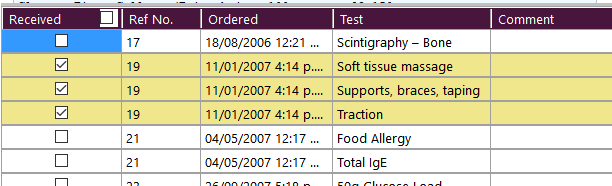
Each Test item is able to be marked as requiring a follow-up reply which means that the when the test is ordered it needs to be reconciled with the incoming results and marked off that it has been received.
This allows you to trace and identify if the patient has not presented for the test or that the lab has not provided you with the result.
If any tests ordered for a patient require this follow-up the original test ordered will appear at the bottom of the Message Content panel and can be marked off as having been received when the result is viewed.
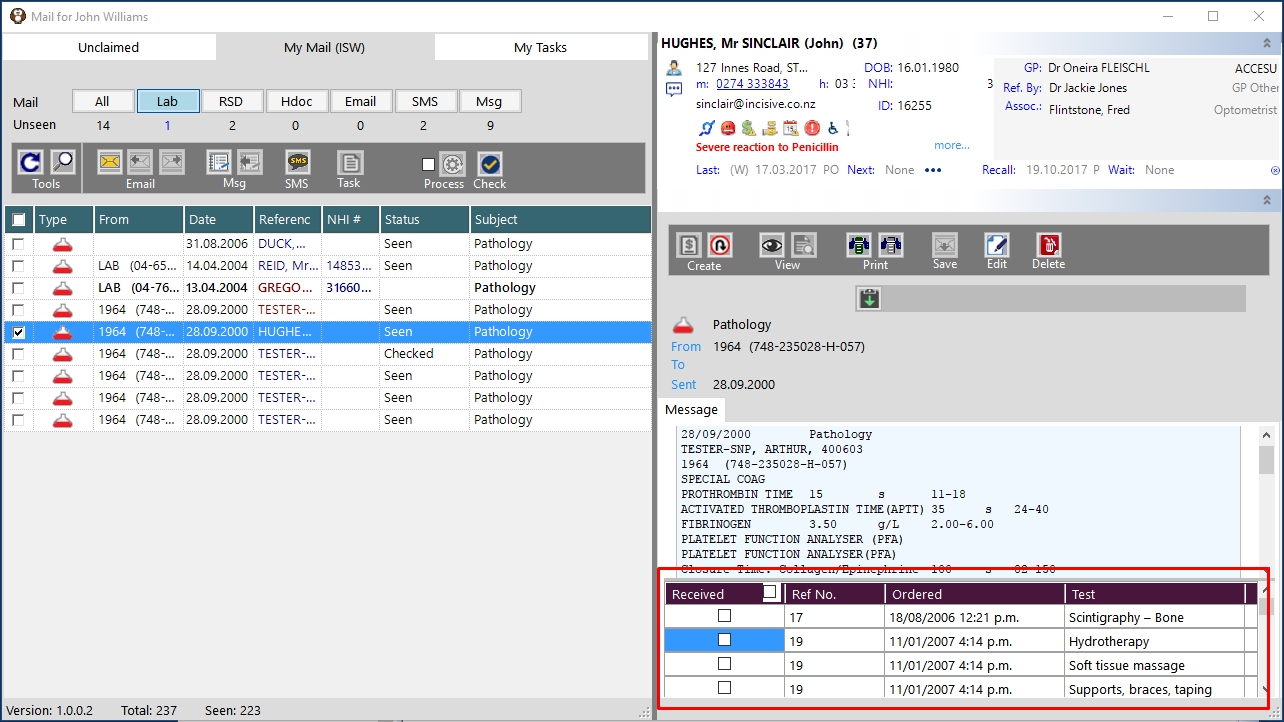
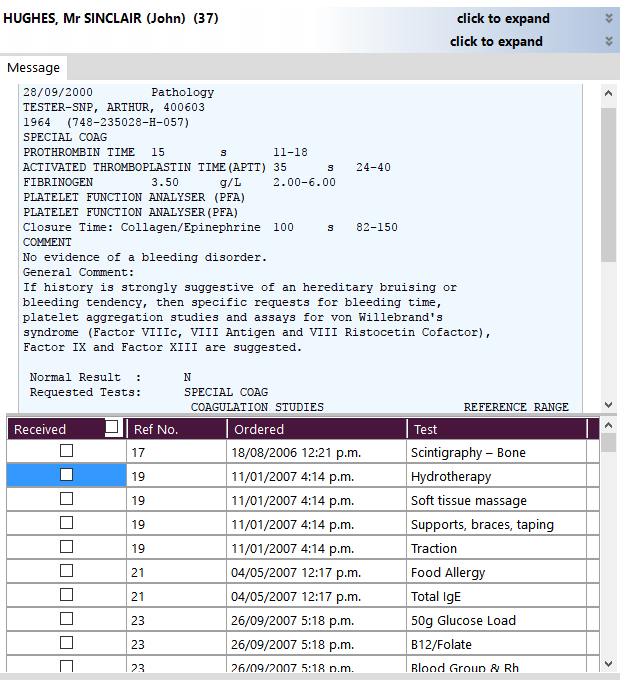
If there is a large list of tests ordered you can drag the horizontal divider bar higher to expand the space available and also collapse the Patient Details pane and the Actions pane by clicking on the chevron symbol 
As you select the Ordered Tests to mark them as Received the rows will be shaded a light yellow colour and will disappear when the results are processed.