Forms is intended as a quick reference to see what Forms the patient has received (you may also choose to display these on Notes) and to print a new form for the patient. Forms can be Patient Information sheets, hospital admission forms, an appointment letter etc.
Once a form is created (there are two types of Forms, ones created in the Word Processor and ones that are scanned see Set-up > Templates > Forms), the form can be quickly printed from this tab. Relevant patient details can be merged with the form and specific information asked for, which the operator keys in. At this point no understanding of word processing is required.
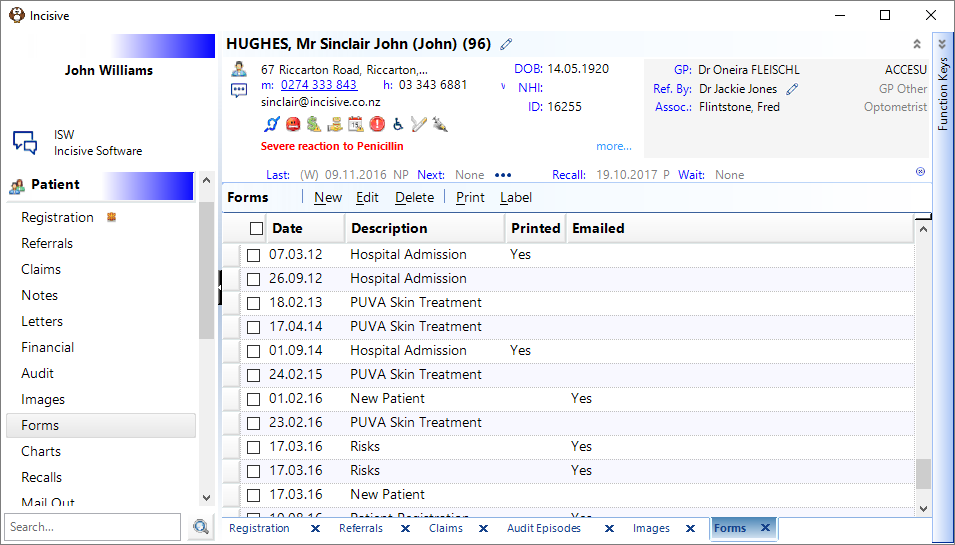
New | Create a new form letter. |
Edit | Edit an existing form letter. |
Delete | Delete an existing form letter. You will be asked to confirm you wish to do this. |
Print an existing form letter. | |
Label | Print any type of label. See LABELS |