This option allows you to select a form to print from the list of available forms for the current User or Group.
- Select the 'New' button.
A screen displays a list of available forms.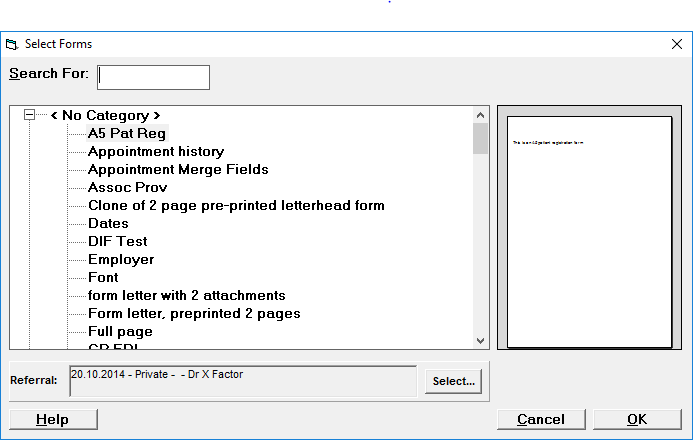
- Highlight the form that you wish to print.
- Select 'OK'.
If the form is one that requires no specific input from the operator, then the form will print straight away. Otherwise you will be prompted to fill in the specific merge fields for the particular form that you have chosen.
- Answer the screen prompts for text or choose options as appropriate.
- Select 'Print & OK' to save the form letter and print it at the same time; or
- Select 'OK' to save the letter for editing and printing at a later stage.