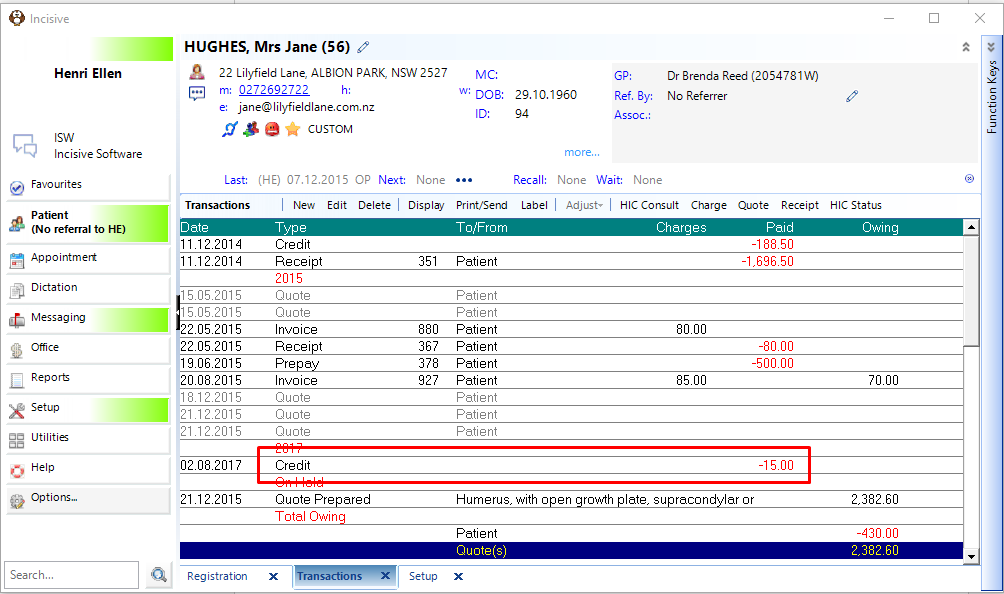
This function allows you to apply a Credit value to an invoice to decrease or remove the debt owing.
This Credit option is only for Patient and 3rd Party invoices - it cannot be used to credit Schedule invoices.
The Credit Note option should be used for Inventory invoices so that stock quantities are reinstated.
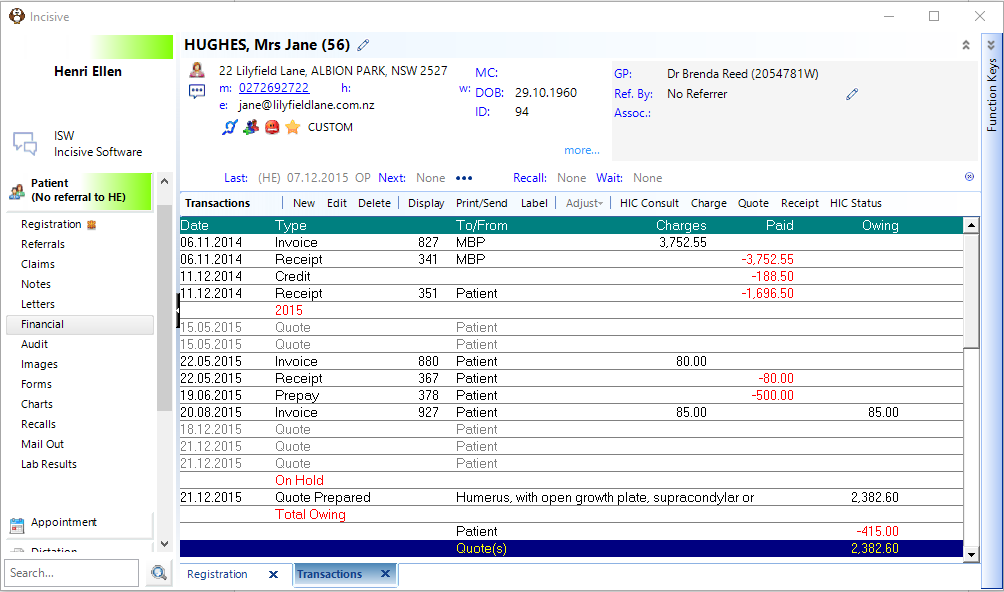
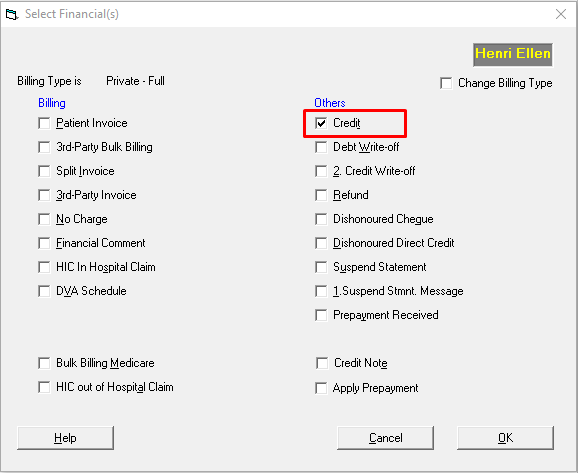
- Select New > Credit
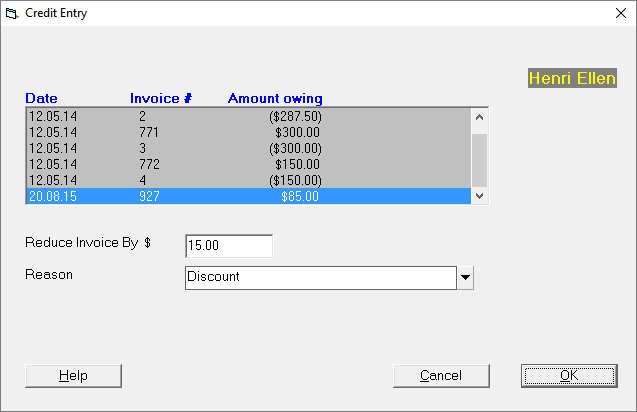
- Select the invoice to credit, the credit amount and the reason for the credit.
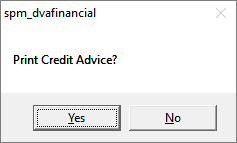
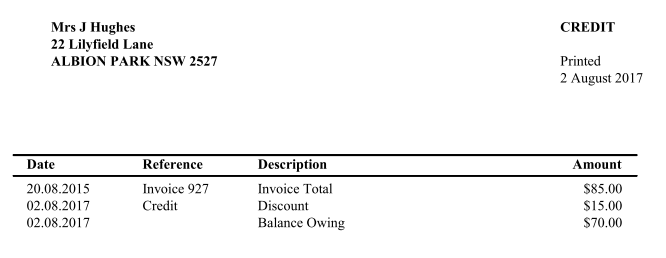
- Choose to print a Credit Advice document
Related Pages:
Training:
- ACC invoicing
- Add a New Transaction Au
- Add a New Transaction NZ
- Quick Invoicing
- Invoicing the Patient
- Invoice to 3rd Party
- Invoice a Solicitor
- Change Referral for an Invoice
- Make invoice codes from Medicare
- Adding Assistants or Alternate Providers
- Print Balance for Invoice
- Billing Types
- Advanced Invoicing Options
- Hospital Invoicing Au
- Hospital Invoicing NZ
- Tutorial - Invoicing
- GST Rounding adjustment
- Multiple Patients - Group Receipts
- Dishonoured payments
- ACC Payment Advice import
- ACC Payment reversals
- Receipting Payments from Debt Collectors