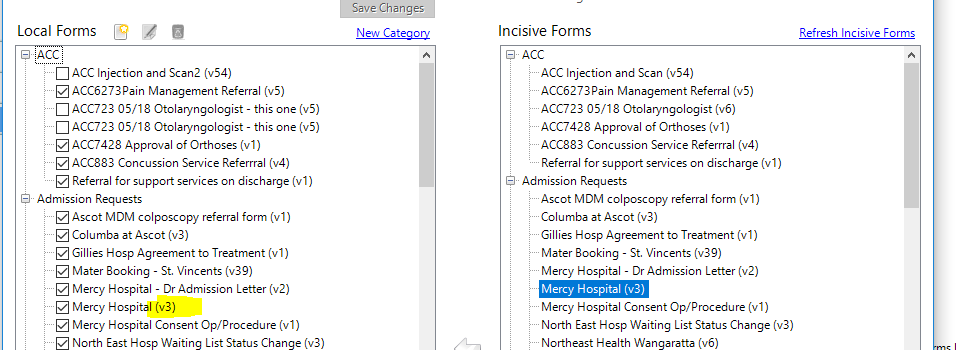
If you require to update the field forms to a later version there are a couple steps required to make this available.
- Go to Setup - Templates - Forms - Field Forms.
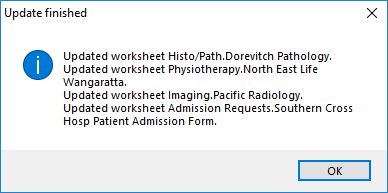
- Refresh Incisive Forms. You will see if any forms have had additional content added or changes have been made. A window similar to the one below will advise when the update has finished and what changes have been made. You will then see the change of version in Incisive Forms.
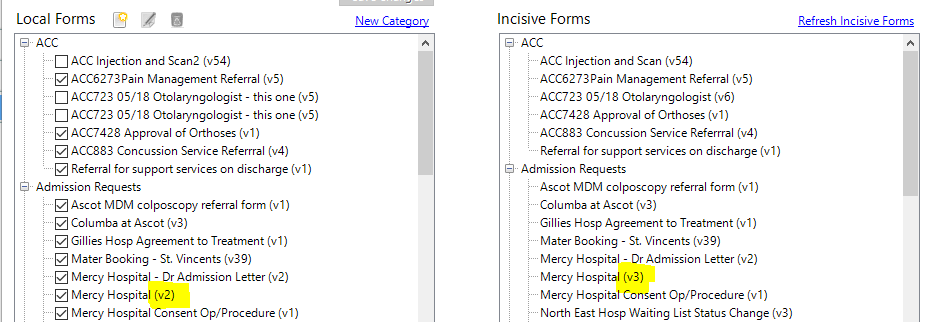
- Update your local forms by deselecting the Form in your local forms and saving changes. This will remove the form from you local forms. You will then need to click on the updated Field Form in Incisive Forms and drag it over into your Local Forms again and Save Changes. Your updated Form will then be available in your local forms