Occasionally you may want to remove a Field Form from your Forms selection list. There are two options available to you
- Deselect the form
- Delete the form
- Go to Setup > Templates > Forms > Field Forms
Highlight the form you want to deselect or delete
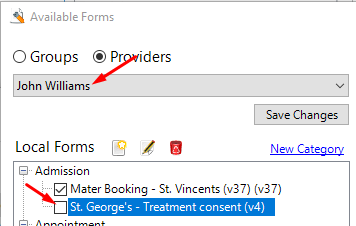
Make sure you have selected the form for your Provider (not any other Group or Provider)
Uncheck the check-box if you no longer want the form to appear in your list
To delete the form, click on the Delete button. A Delete icon will appear beside the form to be deleted.
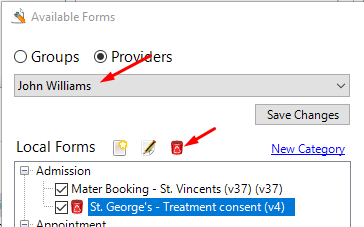
Click on the Save Changes button