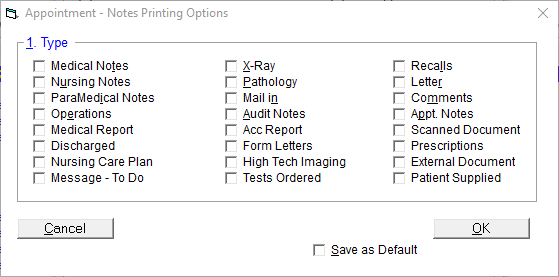
Session
Current
This will print the highlighted session in the default style (as configured in Print - Options).
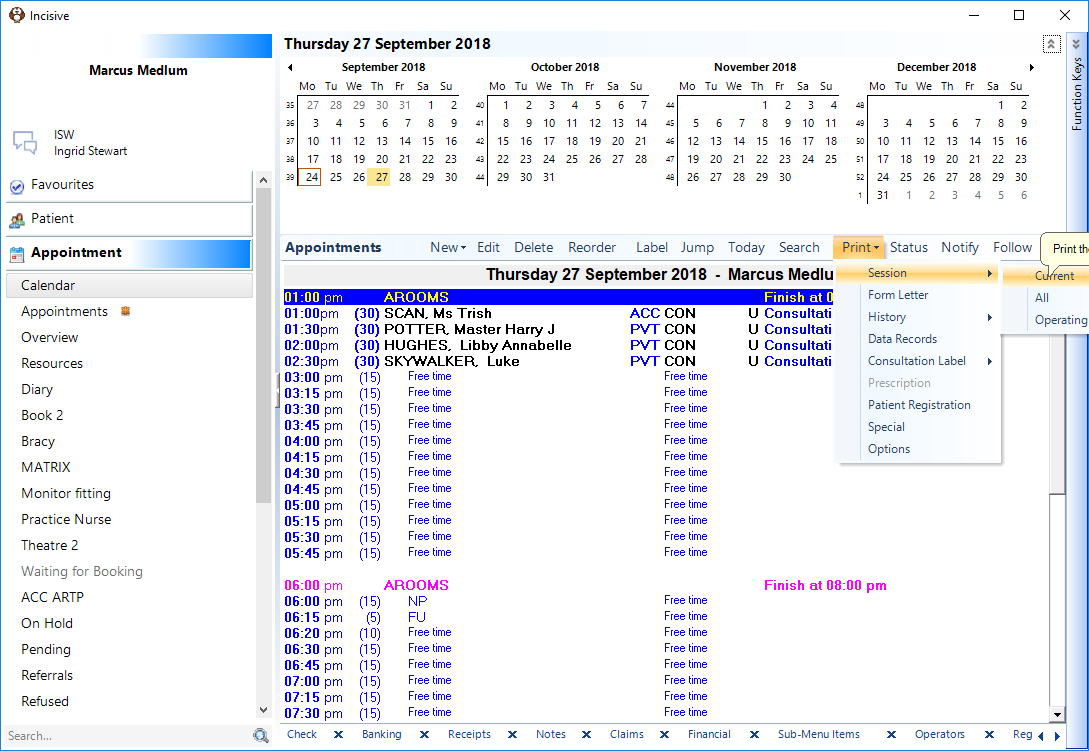
All
All sessions for the currently selected day and provider will print with the style(s) (as configured in Print - Options).
Operating List
The highlighted session will appear in a Print Preview in an Operating List format, regardless of whether the Session Type is an operating list or not. This option allows the selection of an alternate printer [P] or the list can be printed to a PDF file by selecting [PDF].
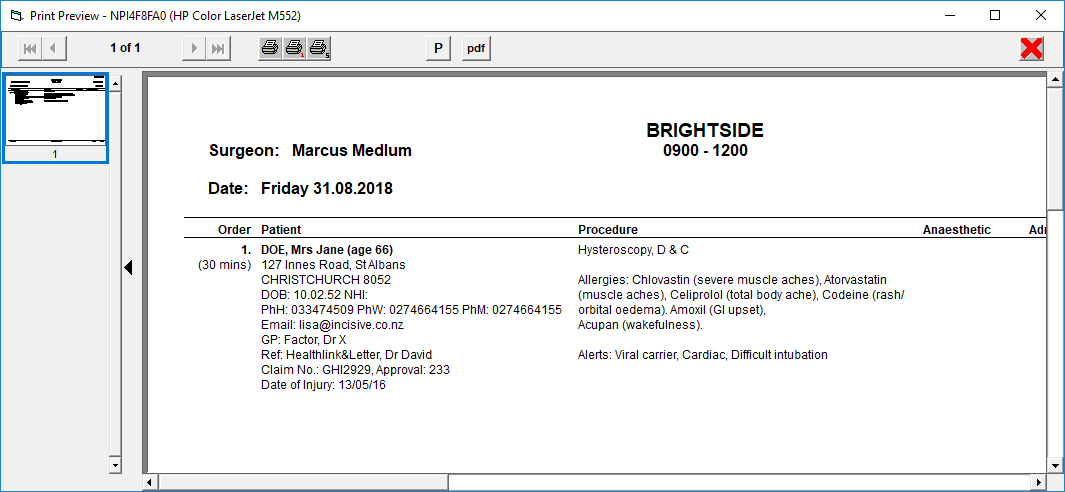
Form Letter
This allows for a Form Letter to be printed for either the currently selected patient, or for the entire session (list) if the Session Header is selected.
History
Appointment
This produces a report of all the appointments made (Additions to Appointment Book), appointments edited (Changes to Appointment Book), appointments deleted (Deletions from Appointment Book) and appointments transferred (Transfers to/from Other Date).
The report is for the currently selected day and Provider or Book.
Session
The Appointment Session History reports:
Additions to Appointment Sessions
Changes to Appointment Sessions
Deletions from Appointment Sessions
Transferred Appointment Sessions
Finalised / Unfinalised Appointment Sessions
Cancelled / Uncancelled Appointment Sessions
The above entries record the date and timestamp, the operator ID and details about the session, i.e. length and date.
Data Records
A report used for troubleshooting by Incisive.
Consultation Label
Session
This will print a Consultation Label for all patients in the session.
Link to Consultation label
All
This will print a Consultation Label for all patients on the days list (i.e. across multiple sessions) for the current Provider.
Prescription
Patient Registration
This will print the Patient Registration form (default or customised) for either the highlighted patient or the entire list if the Session Header is selected.
Special
This allows the current session to be printed in a format other than the default. The screen is similar to that in Print – Options but there is no option to make the changes the default.
On selection OK, the session list will print in the selected format.
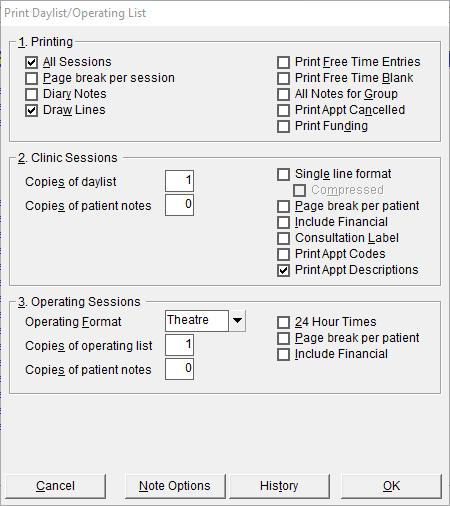
Options
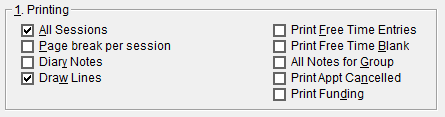
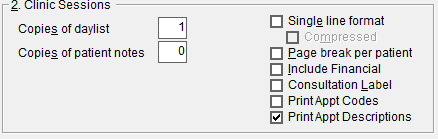
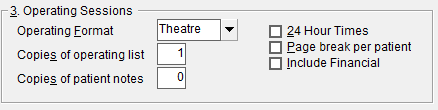
This allows the default options to be configured for both Clinic Sessions (2.) and Operating Lists (3.).
If an option is dimmed, it is because the currently selected day does not have a session of that type, i.e. there are no operating lists, only clinic lists.
Printing
Clinic Sessions
Operating Sessions
New Default Settings
To save the current selections as the default, select this option.
Note Options