The Appointment Module provides the ability to make appointments for consultations, treatments, operations - even equipment or treatment rooms.
Waiting Lists can be built to help manage the flow of the patients.
- CALENDAR
- APPOINTMENTS
- OVERVIEW
- RESOURCES
- DIARY
- HOSPITAL BOOKINGS
- WAITING LISTS
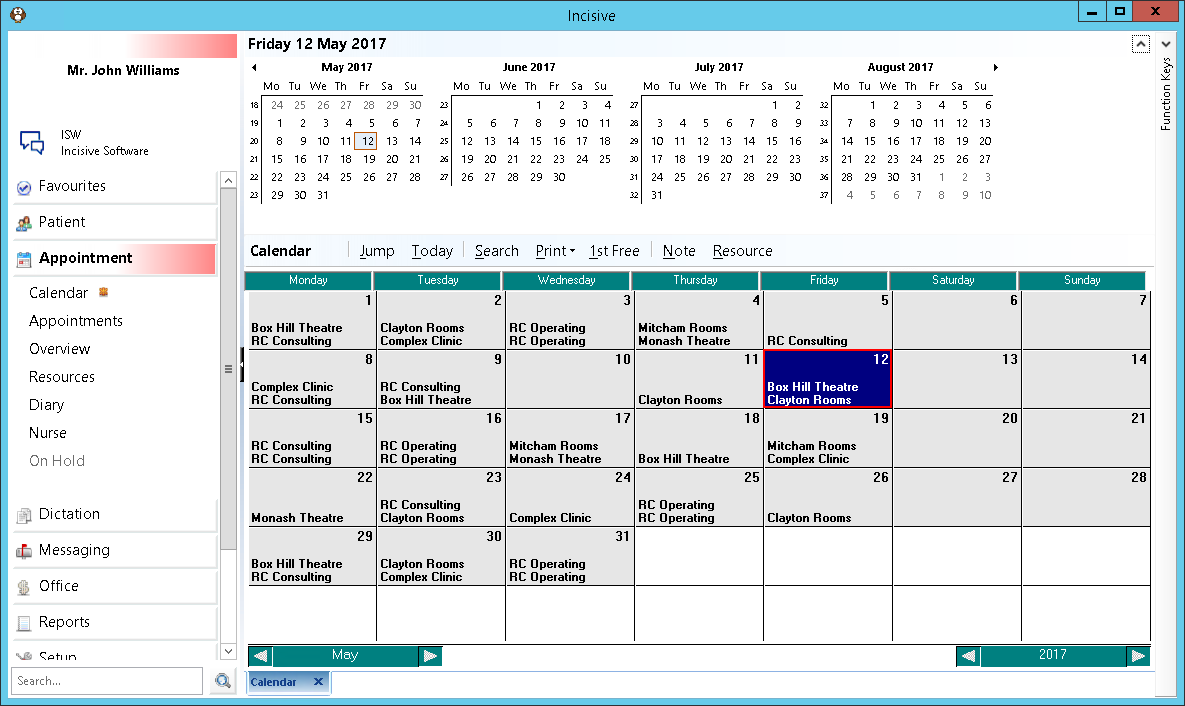
At the top of the Appointment tab there are monthly calendars. The number of these that display will depend on the size of the monitor and the screen resolution and whether the application is maximized to the full screen display.
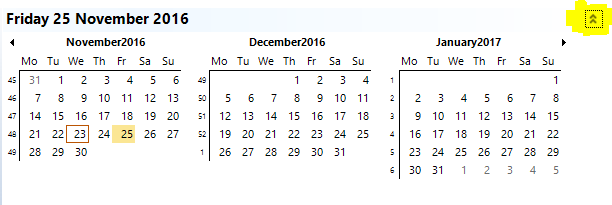
The Calendar display can be toggled on and off using the up and down arrows (chevrons) in the far right hand corner above the last month displayed. These are highlight yellow in the examples below.

Your screen size and resolution, and size of the Appointment Module display. in addition to influencing the number of months of the Calendar display, may also affect the Menu bar. In the Appointment Book, there are a larger number of menu options from the other modules. If space contraints prevent all the menu options from displaying, a blue
Concepts
Understanding the following concepts will assist you with the use of the Appointments Module. It will also allow you to optimally configure the Incisive application for use in your practice.
Sessions
A session sets out the start time and duration that appointments can be booked. It also defines what type of appointments can be booked into the session and where the session is.
Without a session, you cannot book appointments.
Appointments
An Appointment or booking is made for a patient into a Session. This can be a booking for a consultation, treatment, procedure or an operation.
Books
Books allow for additional (or alternative) lists of appointments. They may be used for booking appointments for the Provider or doctor, or for another person, such as a staff member performing a test, or an Assistant or Research Fellow.
In a hospital environment, a book is used for each theatre.
Waiting Lists
Waiting Lists can be created to allow patients to be tracked, i.e. those patients waiting for a booking, and for managing approvals for surgery. Patients can be entered directly onto a Waiting List or an appointment can be transferred to a Waiting List.
Resources
Resources can be either people, rooms or equipment. Resources cannot be double booked. The use of resources in a group practice is therefore ideal to ensure that Procedure Rooms or staff etc. are not double booked.
Time
In the Appointment Book, times are entered in either a 24 hour clock format, of if the time is in the afternoon, you can enter PM and the program will convert it to the 24 hour format.
If the session times, and / or appointment times are in the morning, it is not necessary to enter AM.
Time entered as | 2pm |
Changes to | 1400 |