The Diary Tab allows you to freehand notes onto the selected day just as you would make notes in a book. These "Diary Notes" can then be optionally printed on the Day List or on their own.
- Select the correct date the diary entry is for.
- Select 'Edit'.
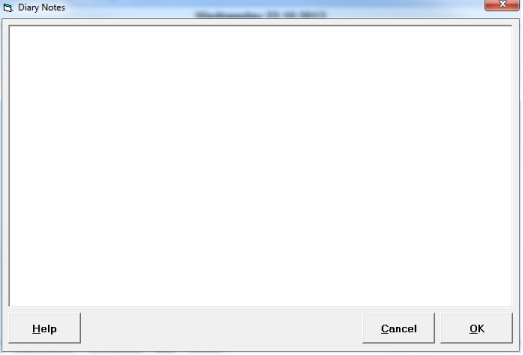
- Type the required text.
- Select 'OK'.
JUMP
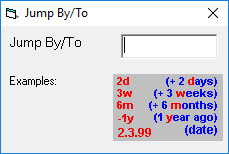
Jump allows you to move forward or back the number of days, weeks or months you require.
TODAY
Today will always bring you back to todays date from where you are.
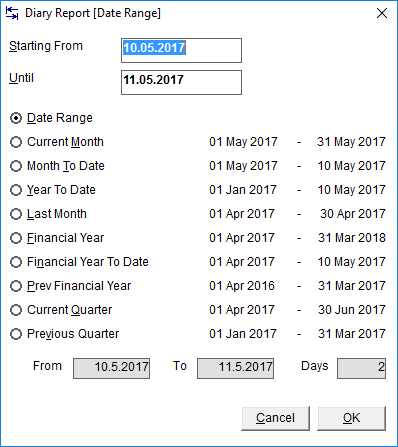
Ability of produce a report of Diary Notes for required date range.