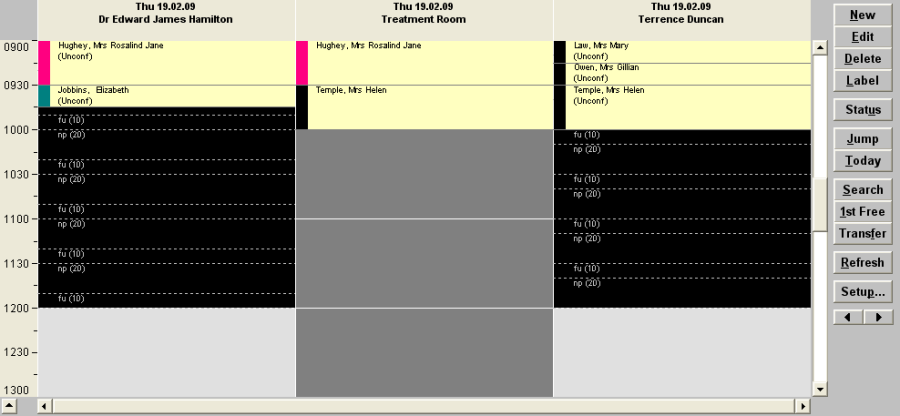
Consultation or Operating lists are usually for the Provider (User)

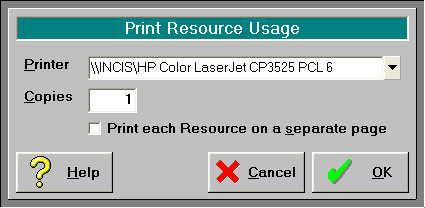
For a list of what patients are booked to use the resource(s), select the 'Resource' option on the Toolbar and choose the Resource. The list will now be filtered to display only this patients that are linked to use the Resource selected.
This list can also be printed with the option of printing each resource on a separate page.
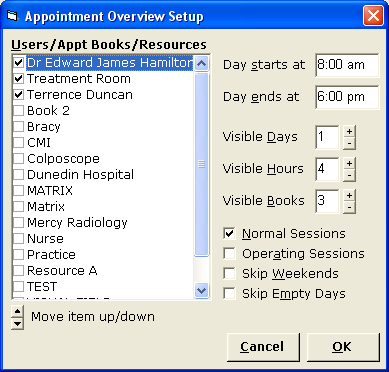
Alternatively, if you wish to view the resources used together with the appointments for a number of different providers, configure the 'Overview' tab to include the resource(s) and the Users. Select the 'Setup' icon to configure how the Overview screen is to display.
The overview screen will allow you to identify time slots where the resource and user are both available.