An Operator is a person who has a login ID created in the database which enables them to use the application.
Each Operator has a unique ID and is able to set and change their own password. The application will use the ID to record who has made changes to the records in the database, therefore it is important that you do not share your login with other staff.
In the Incisive application (SPM/PHM) an Operator is anyone using a workstation (computer) with access to the database and not necessarily a Provider.
Each Operator is then assigned one or more ‘ROLES’ which will provide ‘permissions' to each of menu options. The Roles are assigned on a Provider basis.
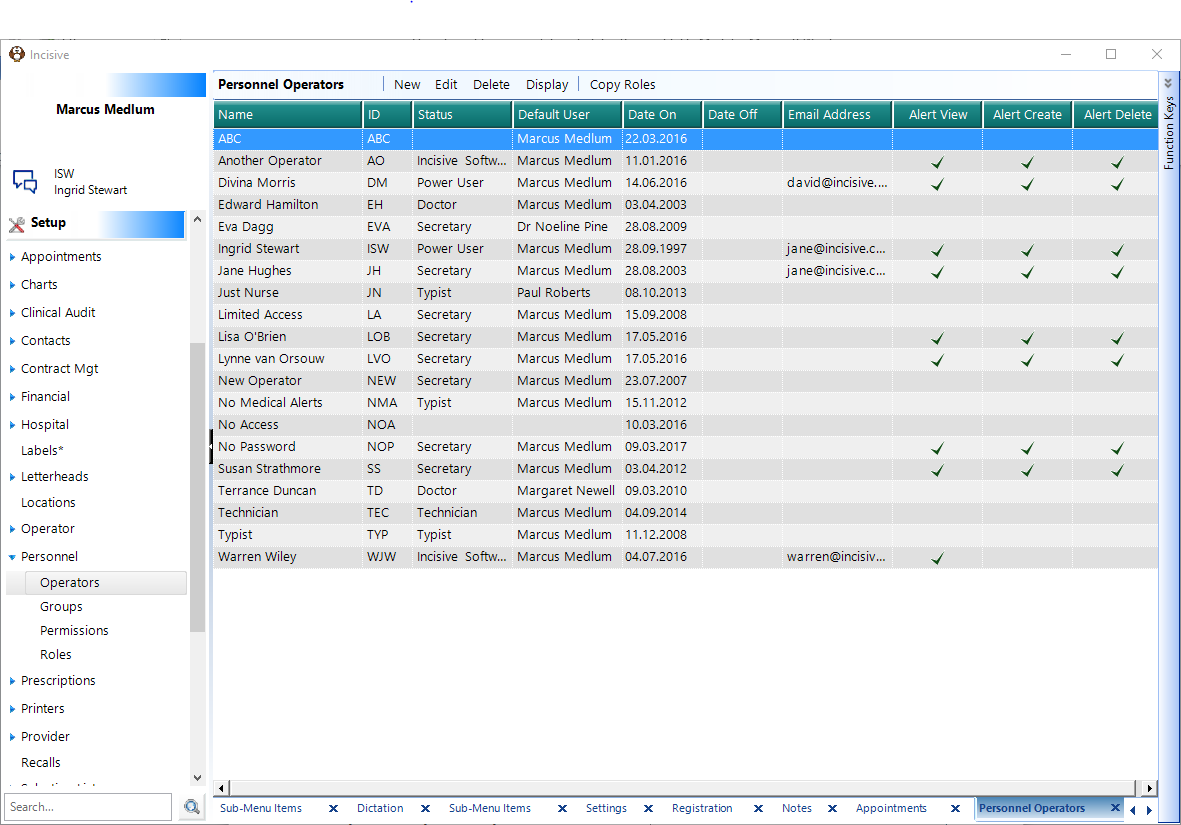
New | Setup > Personnel > Operators > New Please note that you will require permissions to do this. Not all Roles will have these permissions. If you do not have permissions to do this, please contact the System Administrator. 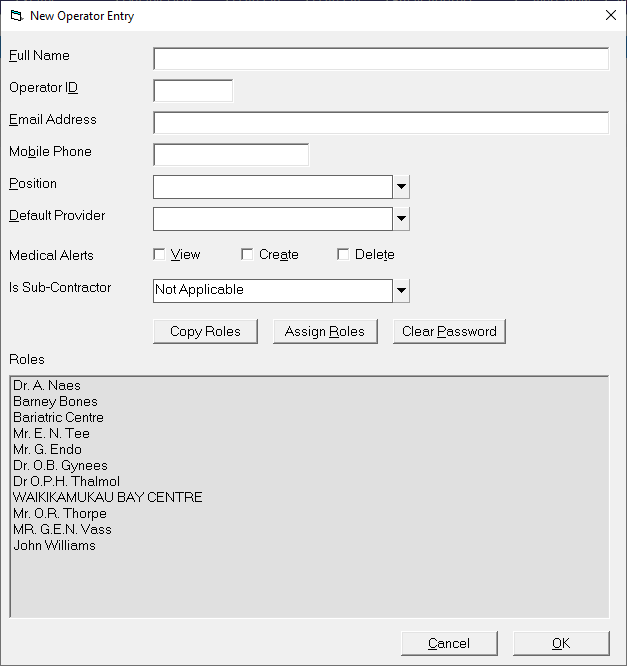
| ||||||||||||||||||
Edit | To amend any operator details select Edit and make the necessary changes. 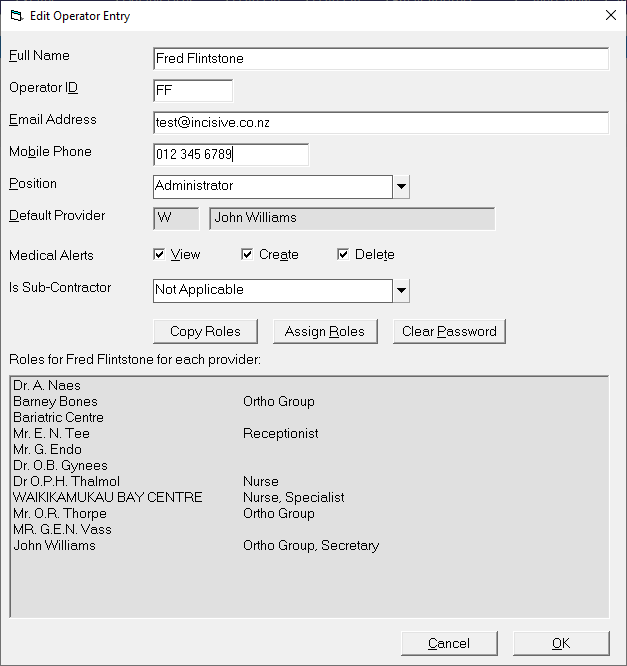 | ||||||||||||||||||
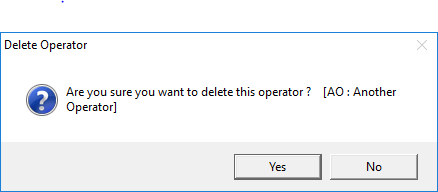
Delete | To Delete an OperatorHighlight the Operator you wish to delete and select 'Delete'. Confirm the Operator you wish to delete. The Operator record is not actually deleted they are just hidden from the list and the date is recorded as 'Date Off'. They can be re-established using the 'Display' option. | ||||||||||||||||||
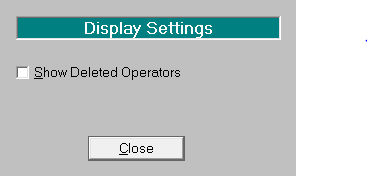
Display | Deleted OperatorsBy default, the list of Operators does not include deleted Operators. To include these in the list, select 'Display' and choose Deleted Operators. | ||||||||||||||||||
This option allows you to:
| |||||||||||||||||||
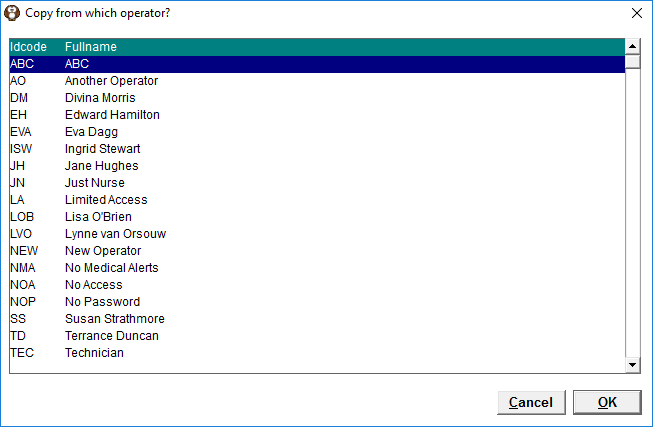
Copy Roles | The Copy Roles function allows you to copy roles from one operator to another.
| ||||||||||||||||||
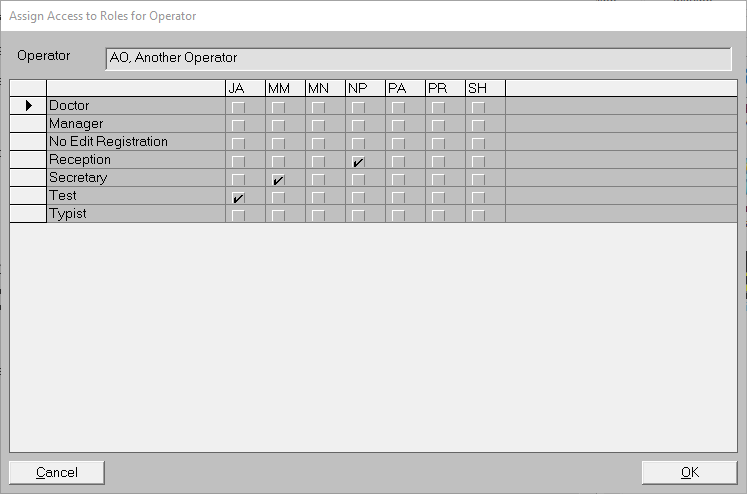
Assign Roles | The Assign Roles function allows you to assign roles by Provider to the current selected operator. This performs the same function as the Setup > Personnel > Roles then selecting the Operator and choosing the Roles button - it's just faster. From Setup - Personnel - Operators - Edit
|
How Do I…
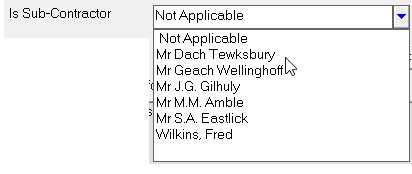
- Adding a new Operator
- Providing access to inTOUCH for Anaesthetists