Labels can be printed in the Appointment Book in much the same way as they can in the Patient Module.
Labels for a patient
- Select the patient.
- Select 'Label'.
Select the type and number of labels to print.
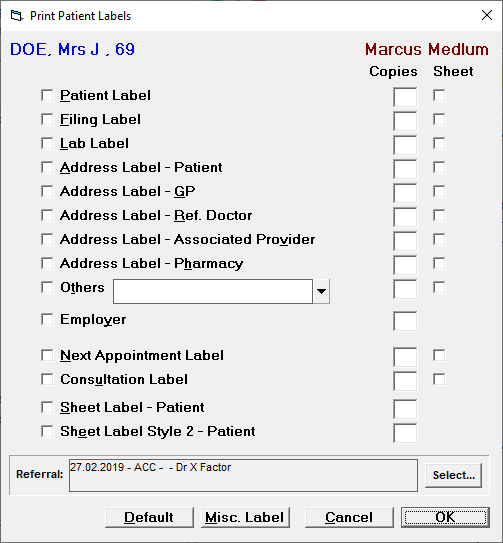
- Select 'OK'.
- The labels will print.
Labels for a session
If you require the same labels for all patients booked in a session, rather than print them individually, patient by patient, you can print labels for the entire session
- Select the session header.
- Select 'Label'.
The Print Patient Labels screen will display.
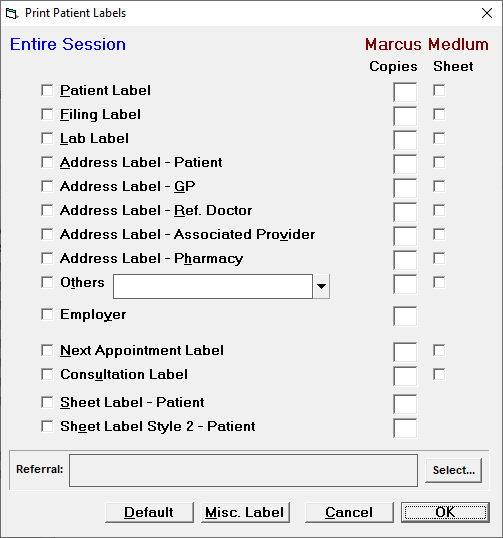
- Select the type(s) and number of each type of label to print.
- Select 'OK'.
- The labels will print.
For more information on labels
See LABELS