Messages can be sent across the network between different Operators using the Incisive application, without needing to have email accounts setup.
The messages can be general or related to a particular patient.
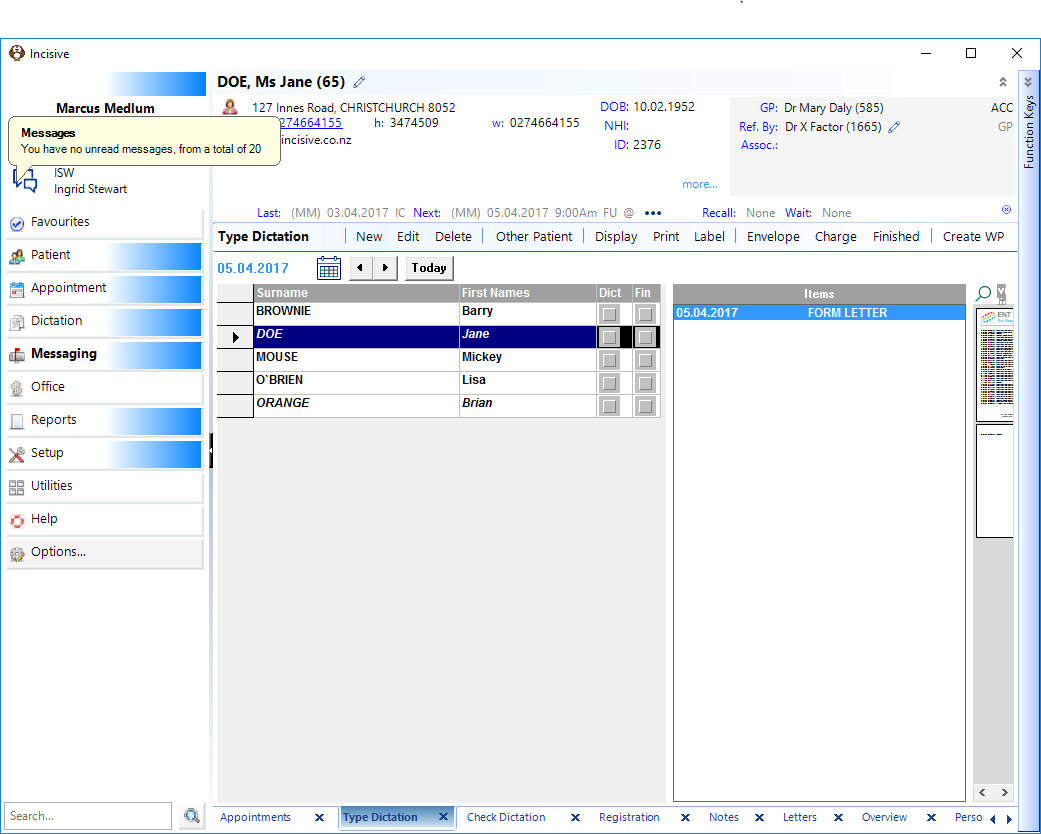
When you login, the initial screen you are presented with is the 'Dashboard', which will display all the messages that have been sent to you. You are also notified of any new, unread messages, by a numeral superimposed on top of the envelope in the top left area of the program.
Related:
Training:
- Assign UNCLAIMED Mail
- Accept LAB Results
- View RSD Documents
- Save EMAIL and Attachments
- Save a Fax to the Patient