You are notified of new messages for you by a numeral appearing on top of the envelope in the top left of the screen. 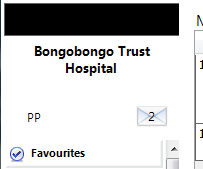
To read the messages either:
- Double-click on the envelope
- Select 'Dashboard' tab
- Use the menu and go to Messaging > Read Messages
- Press Shift+F10
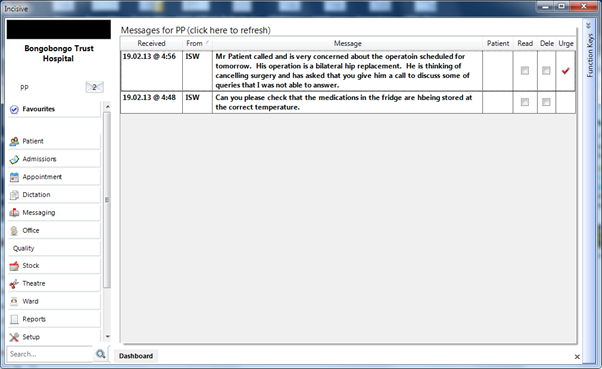
- When you have read the message select the 'Read' checkbox so that the message becomes unbold and the 'unread' number decreases on top of the envelope.
- Select the 'Archive' checkbox to remove the message from the list. The message is still in the database but is hidden from view.
- Mail sent about, or on behalf of a patient, can be viewed in Patient Mail Out
Linking the Patient
If a patient is linked to the message you can jump to the patient's record by double-clicking on the patient's name.
Patient Notes
If the message is linked to a patient it will automatically appear in the patient's Notes as a 'Message To Do'.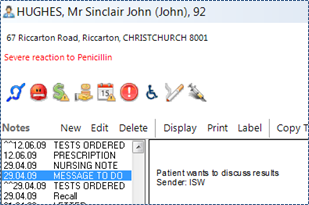
On this page:
Training:
- Assign UNCLAIMED Mail
- Accept LAB Results
- View RSD Documents
- Save EMAIL and Attachments
- Save a Fax to the Patient