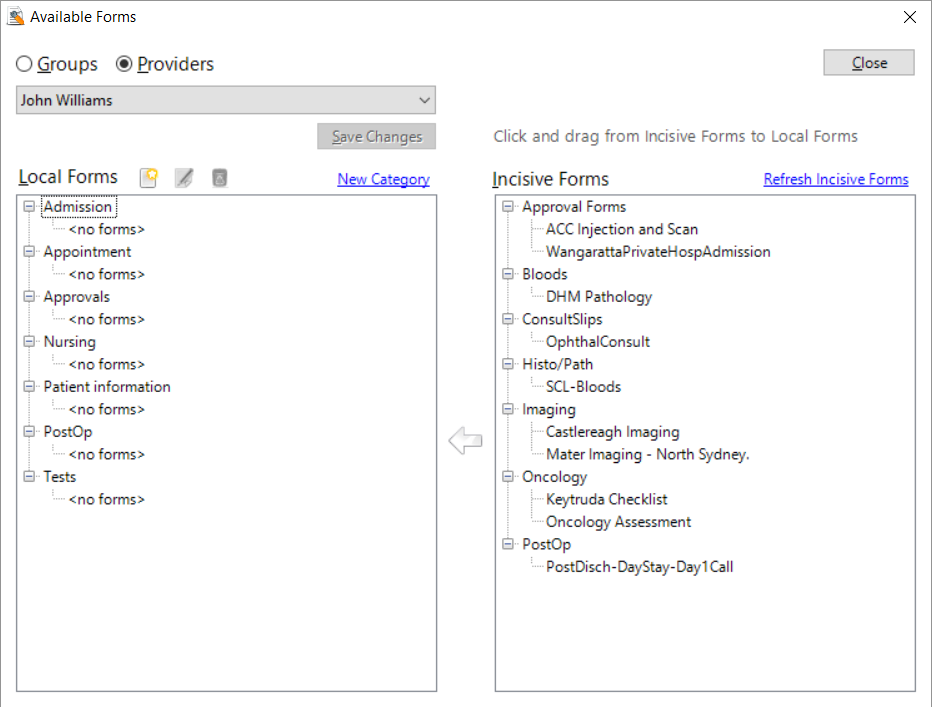
The library of forms that are provided by Incisive are displayed in the right-hand window. Choose the form you want to use and drag over to the left-hand window.
Forms can be made available to:
- Individual Providers
- All Providers
- Members of a Group
- All Groups
If a Provider is a member of a Group, they will be able to use all the forms that are accessible to the Group and also forms that they have available only to themselves.
Steps to use an Incisive Form
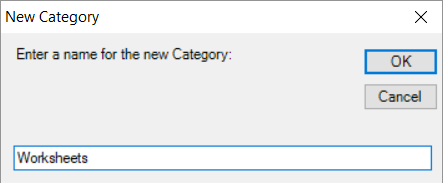
- In the Local Forms window check that you have the Categories you need. Use the New Category option to create a new category.
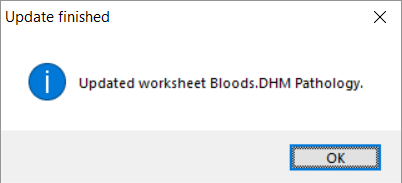
- In the Incisive Forms window, use the 'Refresh Incisive Forms' option to get the latest version of existing forms and any new forms.
- Use the mouse to select the form you want to use, in the Incisive Forms library and 'drag' it into the Category (in the Local Forms list) that it is to be displayed in.
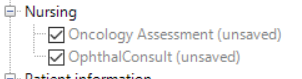
- Save the selection