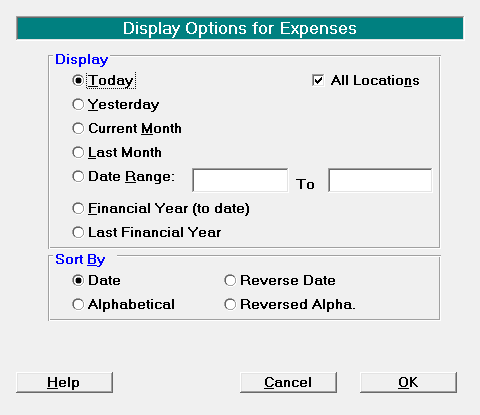
The Expenses Tab displays a list of expenses entered for the current month, or the month or date range selected via the Display icon.
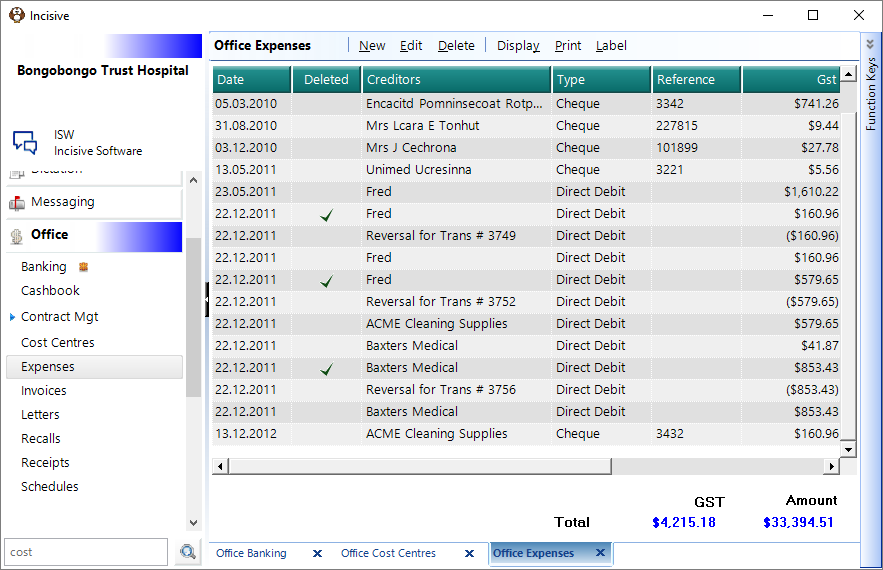
New | Enter a new expense |
Edit | Modify an existing expense entry |
Delete | Delete an existing expense entry |
Display |
|
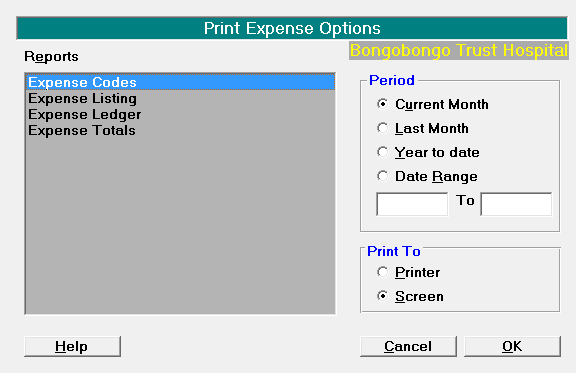
| |
Label | Print a patient or Address label |
Related:
Training:
- Reversal of Expense entries
- Payment that has a nonstandard GST component