To Delete an Expense Entry
Office > Expenses
- Select the Expense entry to be deleted.
- Select Delete.
- Select Yes to confirm the deletion of the expense entry.
A reversal transaction will be created and the original entry will be marked as deleted.

The date of the deletion will be dependent on whether the period of the original transaction has been closed off. If the period has not been closed off then the reversal entry will be dated with the same date as the transaction it is deleting.
Restrictions
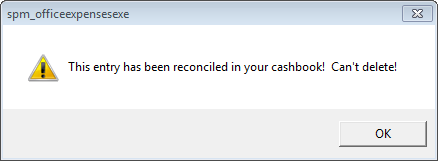
- Expense entries can only be deleted if they are not reconciled in the cashbook.
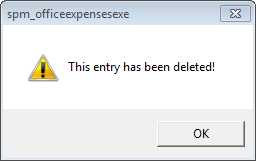
- You cannot delete an entry that has already been deleted.
- You cannot delete the reversal entry.
On this page: