To display Expense entries on screen (for possible editing or checking)
- Select the 'Display' button.
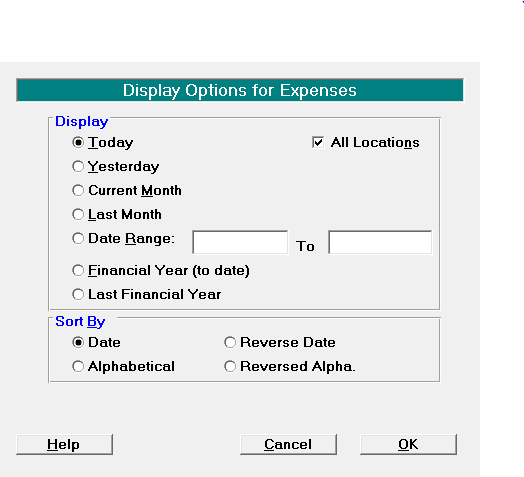
- Select the appropriate period to view on screen. The Today, Yesterday, Current Month, Last Month, Financial Year, and Last Financial Year buttons make for fast selection, or alternatively type in a date range.
- Select 'OK'.
The entries for the selected period will display on screen.