The delete function allows you to delete Sessions (without appointments), Appointments and Breaks.
Appointment - Appointments - Delete
Delete a Session
- Select the session to delete.
- Select 'Delete'.
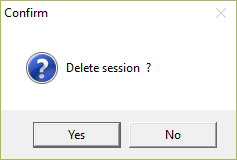
- Select 'Yes' to confirm the session is to be deleted.
If there are appointments already booked into the session, you will be unable to delete the session. A message will display.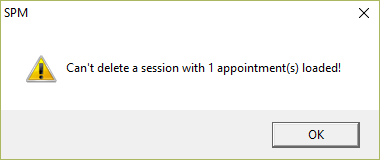
Rather than delete a session, it may be better to cancel the session, i.e. if the doctor is going to be away at a conference or on holiday. In this way, the number of cancelled sessions is reported, whereas the deleted sessions are not.
Delete an Appointment
- Select the appointment to delete.
- Select 'Delete'.
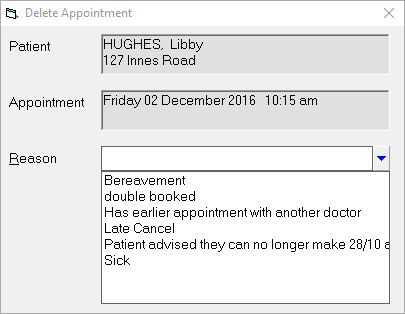
- Enter the reason for the deletion.
- Select 'Yes' to confirm the deletion of the appointment.
If you need to move an appointment to another day, you should use the TRANSFER option rather than deleting the appointment and creating a new one.
This is essential if you are using PAYG credits to avoid an additional credit from being used.
Delete a Break
- Select the break to be deleted.
- Select 'Delete'.
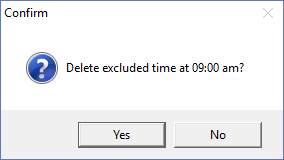
- Select 'Yes' to confirmed the excluded time is to be deleted.
- If the break was within a session, the time is now available to book appointments.
On this page: