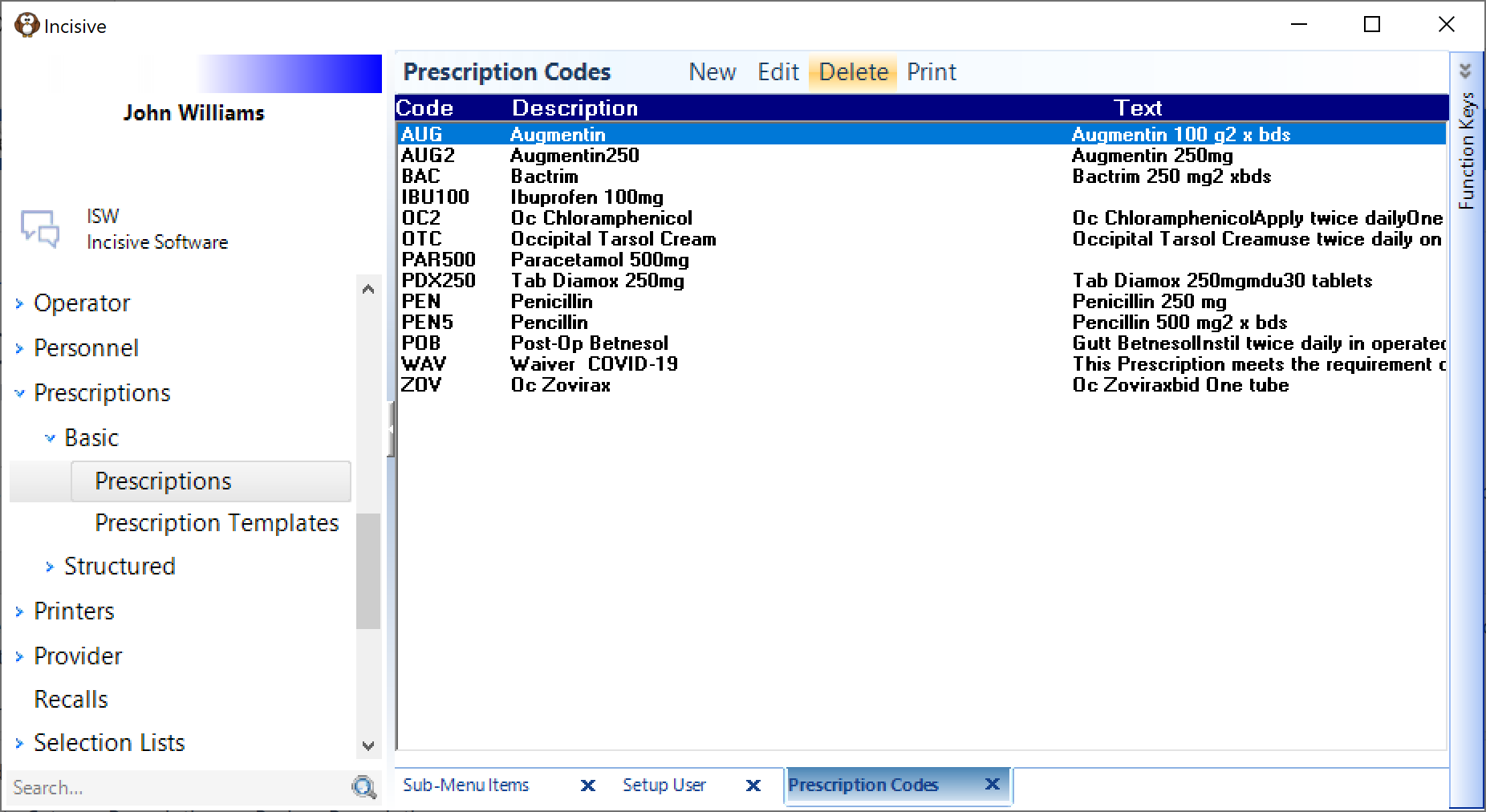
Basic prescriptions allow you to build and maintain your own list of drugs and dispensing information, as compared to the Structured prescriptions which requires you to import the MIMS drug list.
If some or all of the Providers are the same specialty they may also have a very similar range of drugs they prescribe. Instead of duplicating the entries for each Provider you can instead share the list to members of your Group or All the Providers in the specialist centre.
Configure the options in Setup > Provider > Config3
Create a drug prescription
- Go to Setup > Prescriptions > Basic > Prescriptions
- Select' New
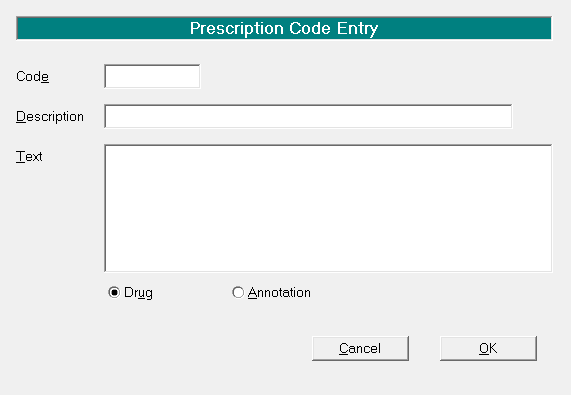
- Enter the Code (Make this a short abbreviation you will remember easily).
- The description is a brief description of the drug.
- The text is the information you would like to see on the prescription
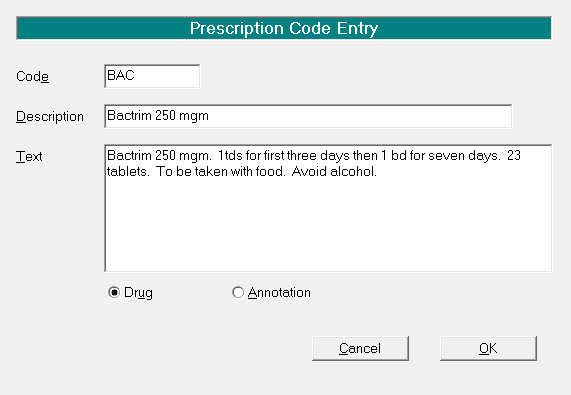
- Choose Drug or Annotation
Annotation can be inserted into the same section as the Drug on the prescription form
Drug will go into a new section on the prescription form