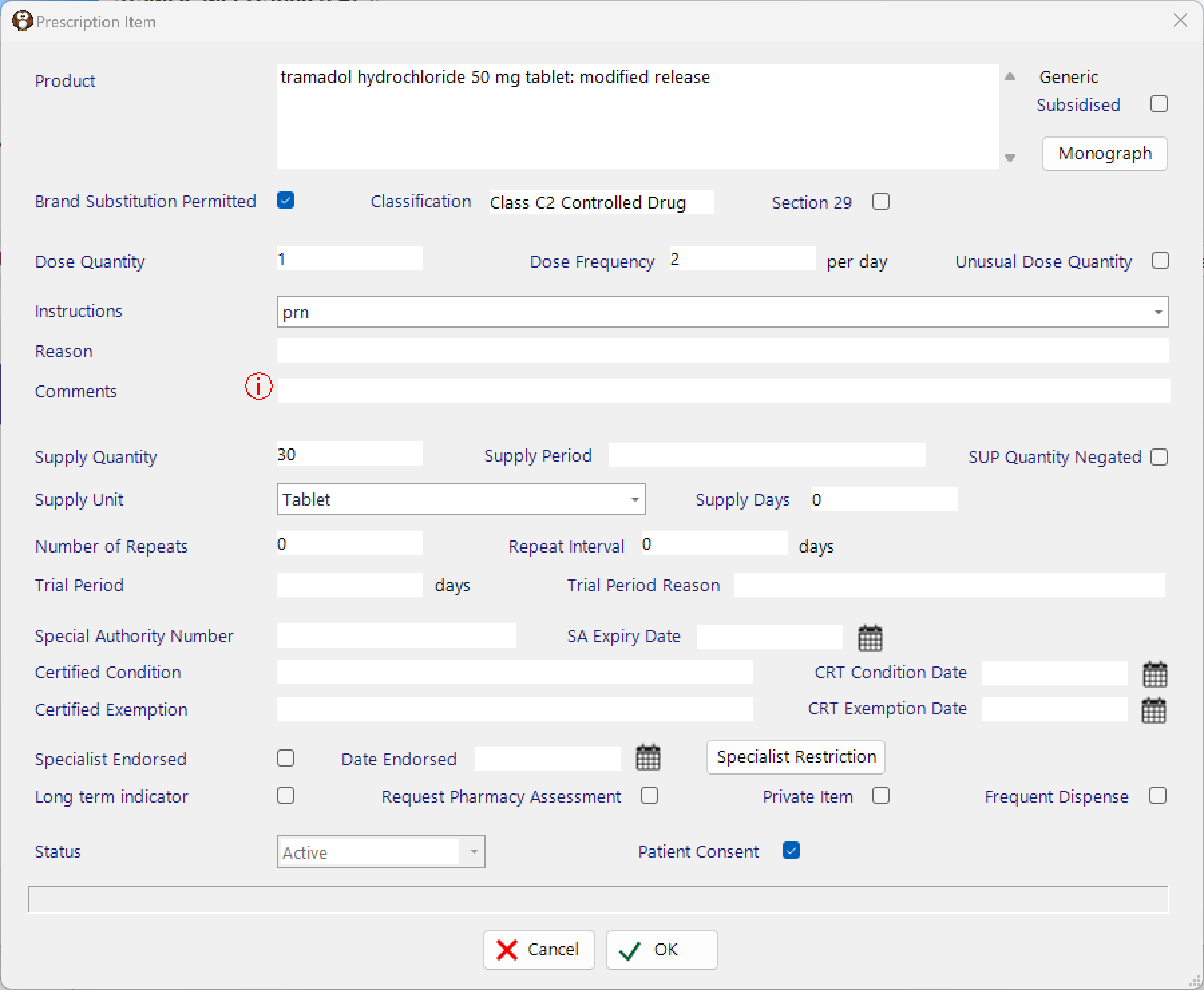
Medicines that you frequently prescribe can be saved as a Favourite so they are faster to find and add to the next prescription.
Saving a Favourite
In Patient > eScripts choose New from the menu toolbar
Use the options to select a medicine, as if you were adding it to a prescription
Use the ‘Save As Favourite’ button
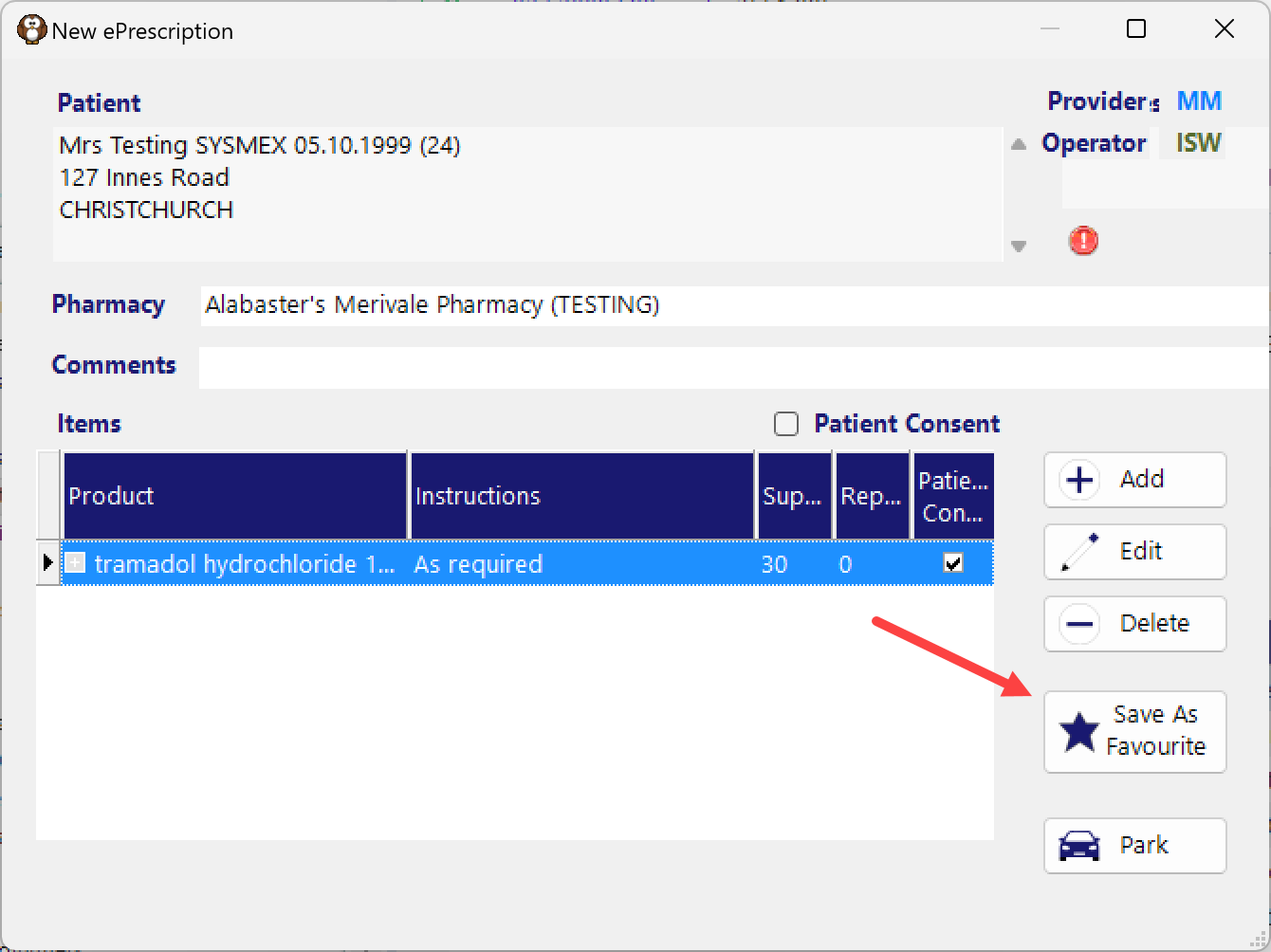
There is not currently any ability to modify or delete a saved prescription.
Using a Favourite
Go to Patient > eScripts then proceed as if you were creating a new prescription.
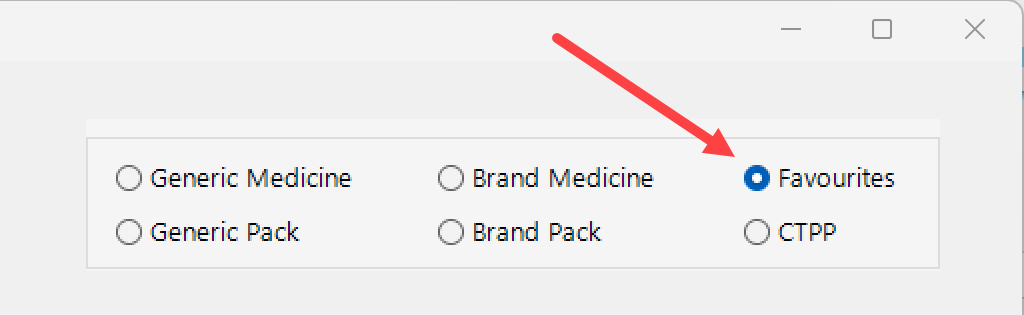
When searching for a medicine, choose the ‘Favourites’ radio button.
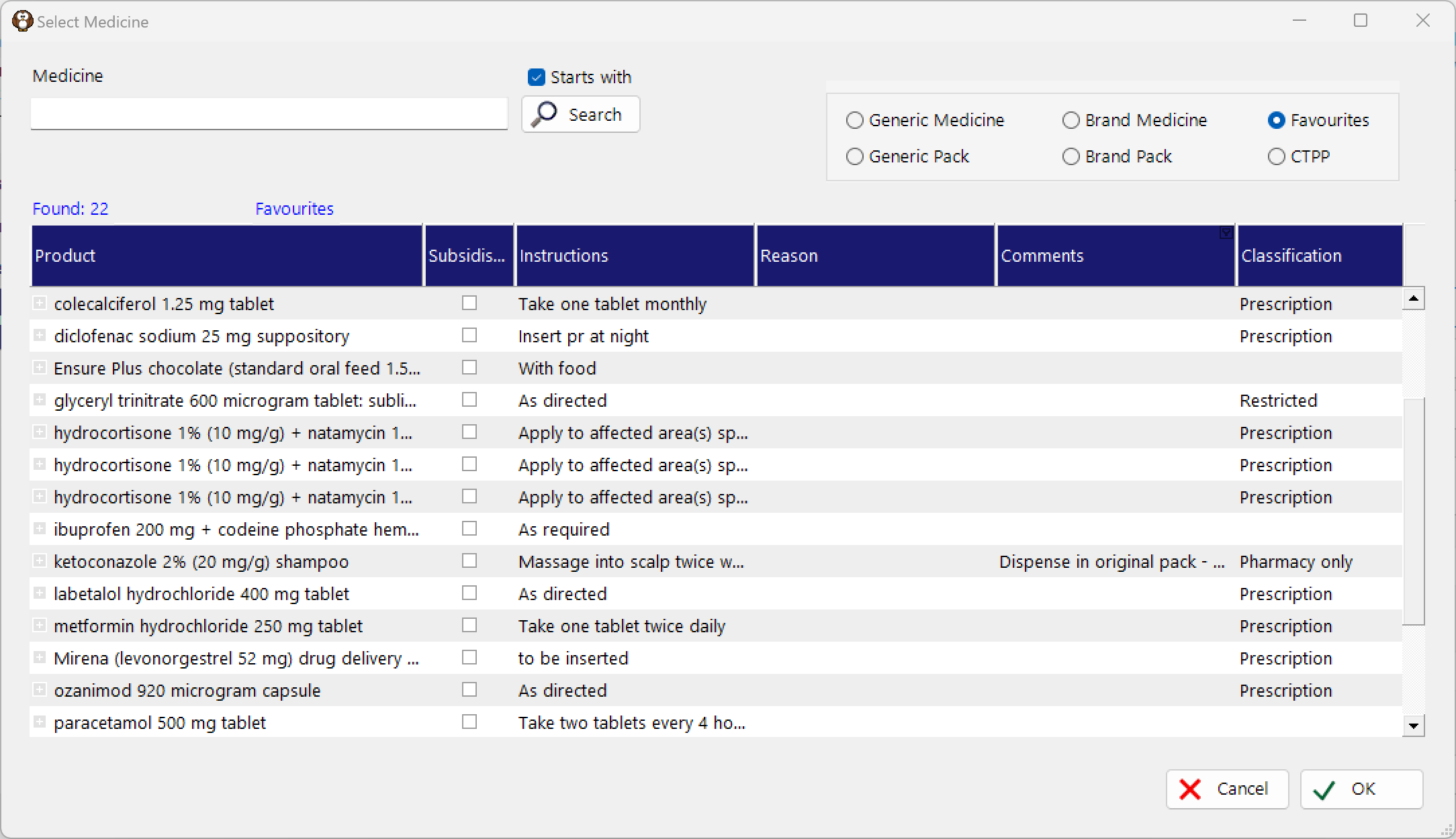
In the Medicines search field, either start typing the name of the favourite medicine or just click on the Search button to list all the saved Favourites
The saved Dose, Supply and Instructions (and other saved information) will be inserted into the Prescription Item form to allow you to make modifications, if required.