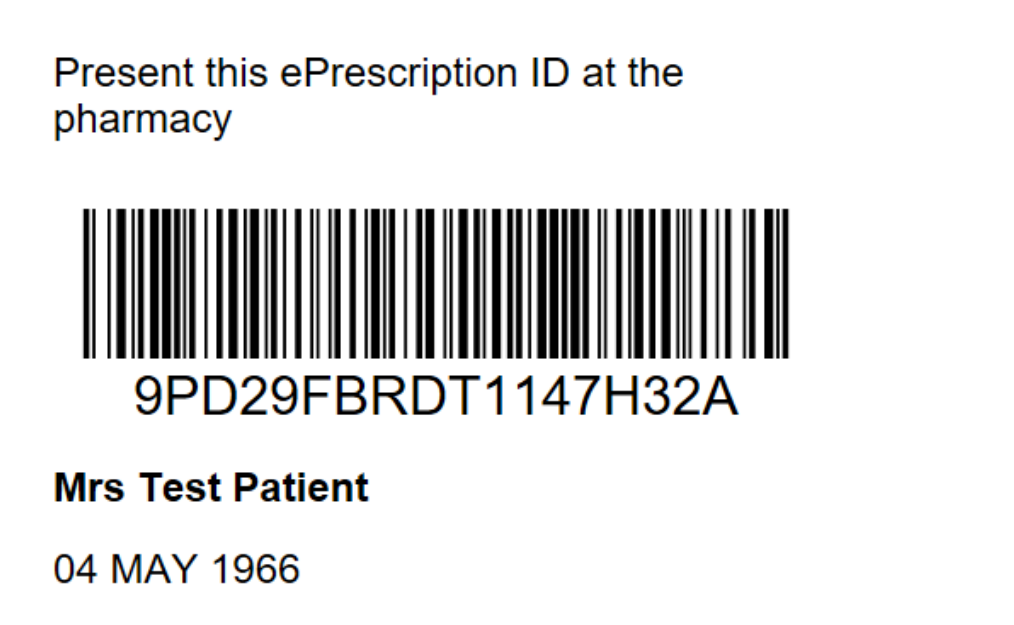
You are able to print, email or txt the prescription, prescription summary or a token, to the patient, which they can provide to the pharmacy. The ‘token’ is actually the barcode or the associated ID number, which indicates that the prescription is valid and can be dispensed to the patient.
When the prescription is ‘Sent’ (uploaded to the NZePS hub and pharmacy) the prescription or prescription summary will be displayed, with the option to print, email or txt it.
At the pharmacy, the paper prescription or token barcode must be scanned and the electronic version of the prescription downloaded unless a prescription image was directed to the pharmacy
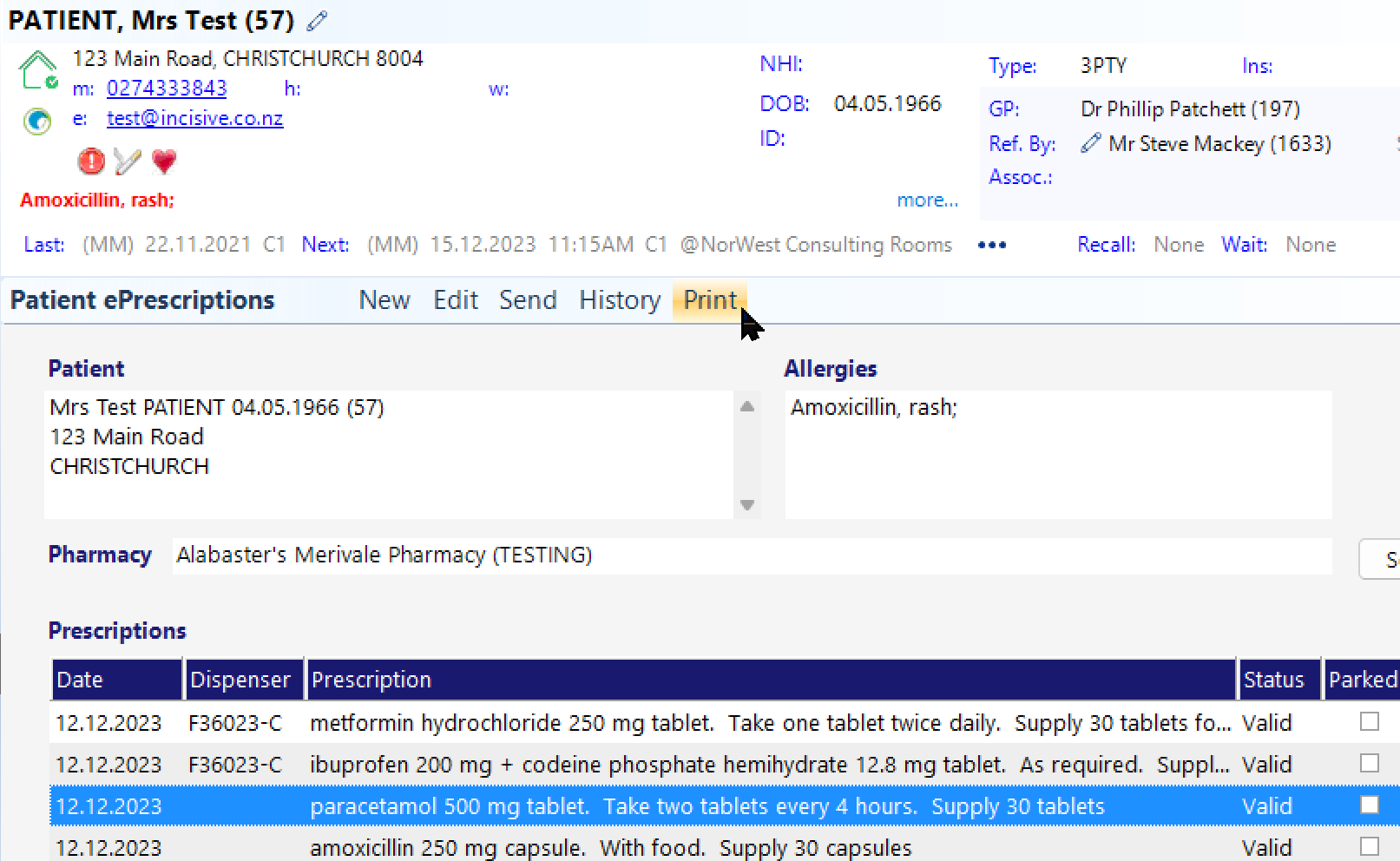
The token sent by SMS or email is for the highlighted prescription, which will include all the medicines within it.
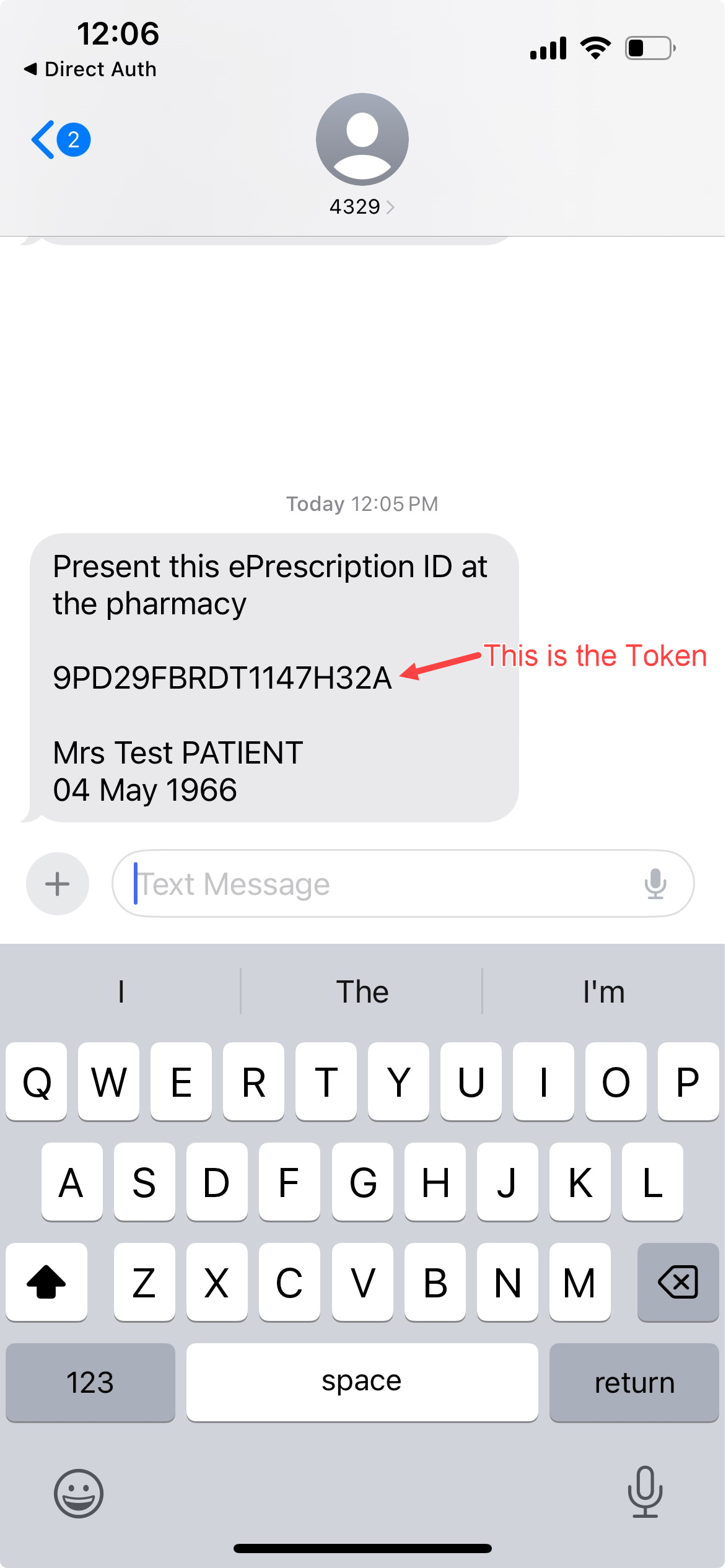
SMS
Only the prescription ID (number) can be sent as a txt, as phones are not able to display a barcode within a txt. The pharmacist will need to key the token ID into their system.
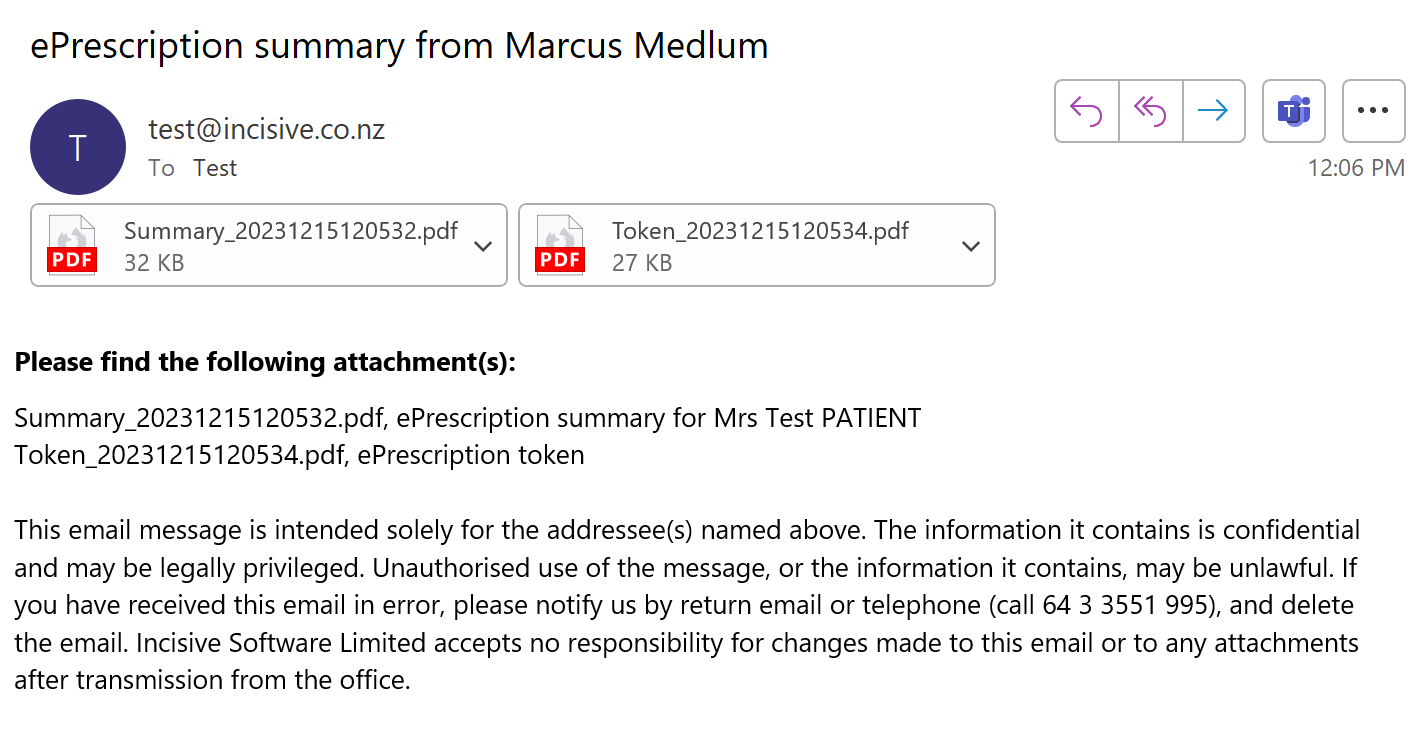
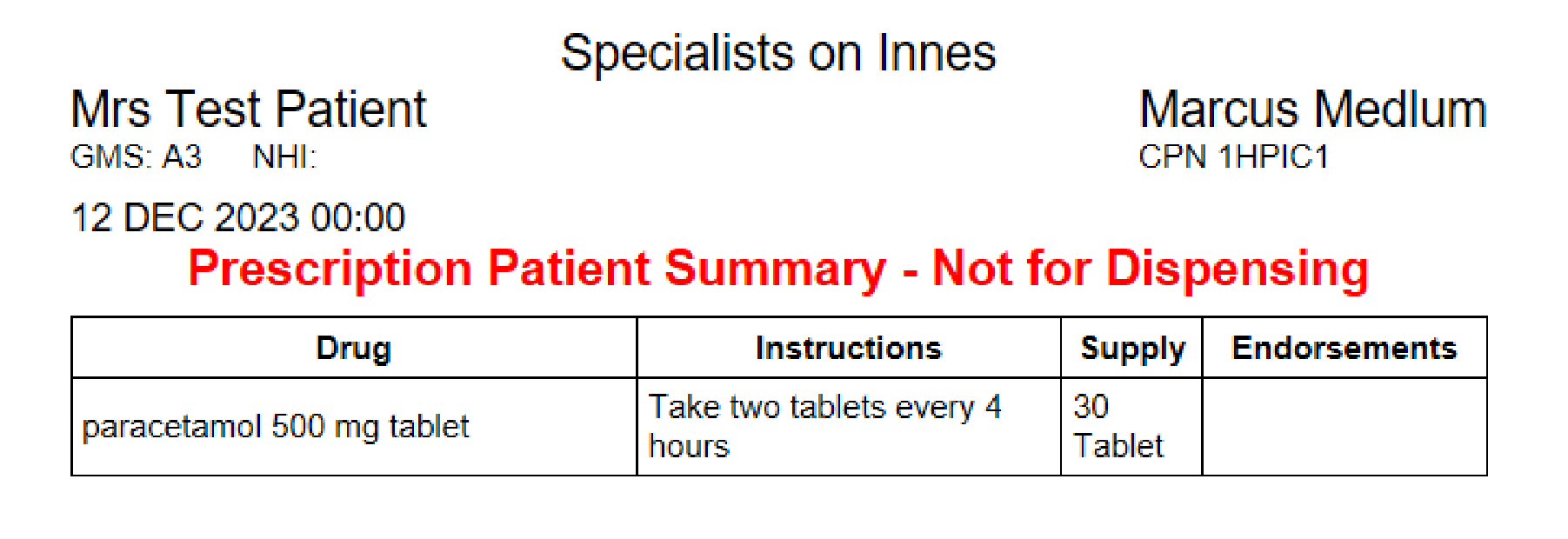
Summary
Token
A prescription can only be printed if:
a preferred pharmacy has NOT been selected for the patient, AND;
the option to print the prescription has been chosen.
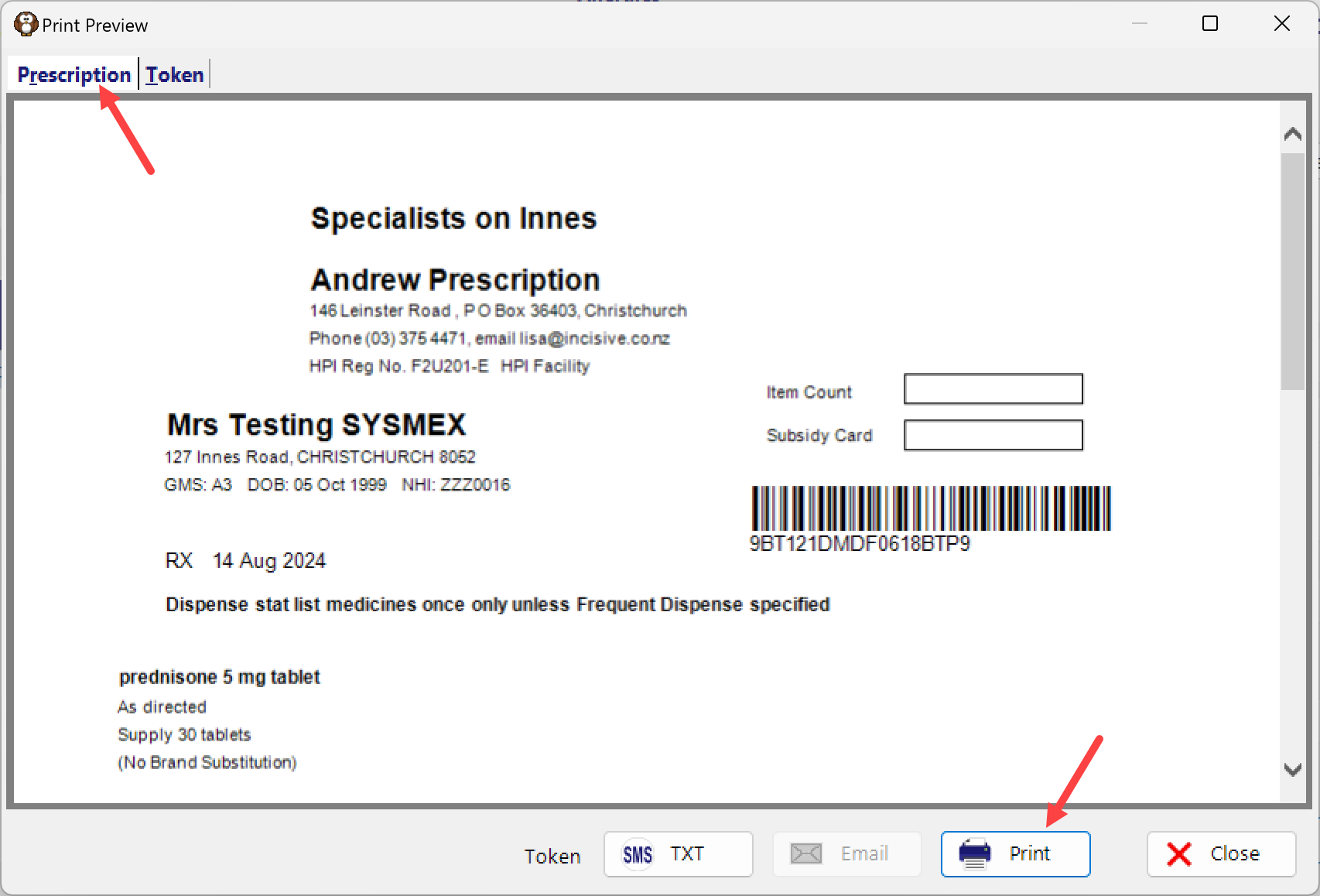
All other options will only provide a Summary view of the prescribed medicines, which can be printed but cannot be used for dispensing.
A Prescription tab will appear instead of a Summary tab. The Prescription can be printed using the Print button. For security reasons, you cannot email a prescription.
Resending the token to the patient
From Patient > eScripts, you can highlight the medicine and click on ‘Print’ to display the options to print or send by email or txt.