- Select 'New'.
A screen will display the current deposit supplement number and the total dollar value currently contained in that supplement, together with the new supplement number.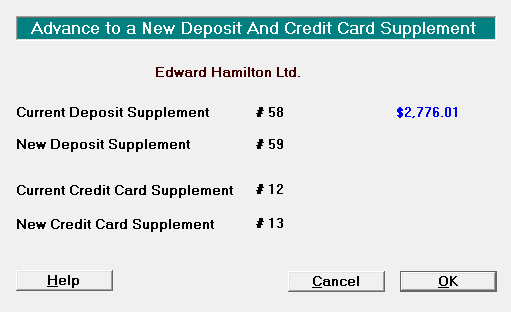
- Select 'OK' to advance to a new Deposit Supplement for the specified bank account.
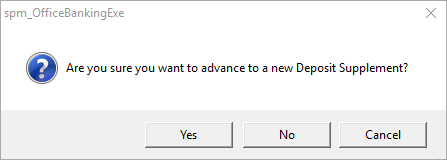
- Select 'Yes' if you are sure that you want to advance to a new Deposit Supplement.
The Banking Tab clears and displays the new Deposit Supplement number. - Display and print the deposit supplement and confirm that the banking is correct. This transfers the total to the Cash Book.
NOTE: While you can edit the details of a cheque (bank, branch and drawer name) any alterations to the amount or payment type will need to be carried out as deletions and the new entry will appear on the new current deposit supplement.
You may only have one deposit supplement on hold at a time.