If you inadvertently advance to a new Deposit Supplement and wish to revert to the previous one, you can do so, providing no receipts have been written to the new one.
- Ensure that the current Deposit Supplement is displaying on screen. There should be no entries on it.
- Select 'Delete'.
A screen will display with a message that there are no receipts in the Current Deposit Supplement.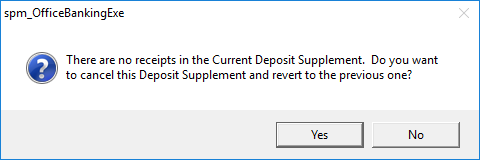
- Select 'Yes' to cancel the Deposit Supplement and revert to the previous one.