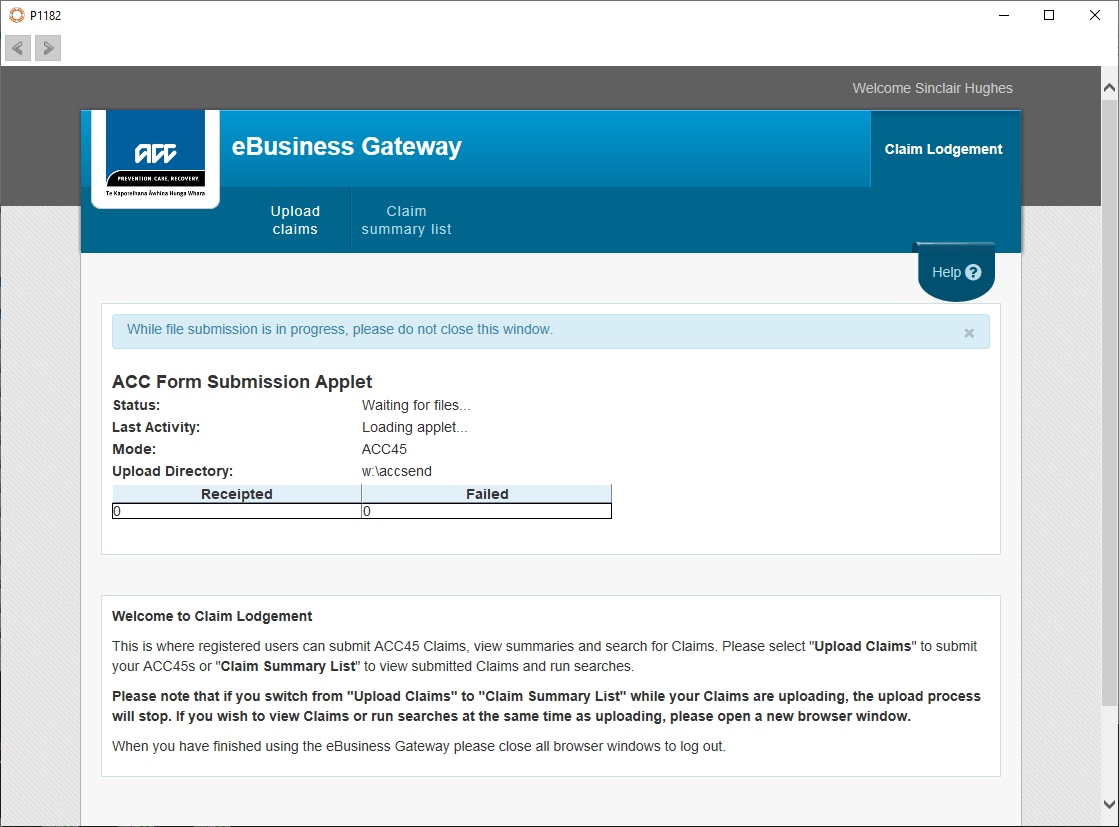
Discontinued feature
From 31 March 2022 ACC are no longer allowing invoice files to be uploaded to them using their Java applet. All invoices and claims must be submitted through the Incisive application to the ACC portal.
ACC provide a Java applet to upload files that have been constructed as electronic invoices, to the ACC servers.
The applet has not been developed by Incisive.
You need to arrange for eBusiness filing with ACC to be able to use this function.
Requirements:
- eBusiness account with ACC
- HealthSecure digital certificate installed on the workstation.
- Directory where the files are created by SPM/PHM to be mapped as a W: drive
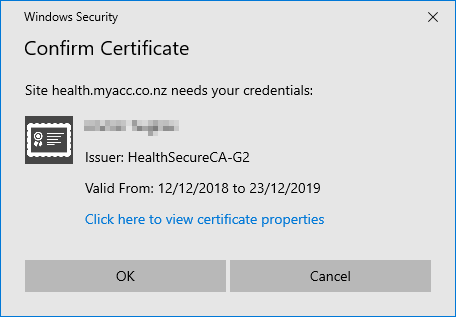
- You will be prompted for your HealthSecure digital certificate
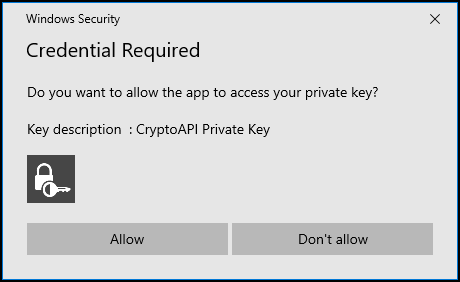
- Select the 'Allow' button
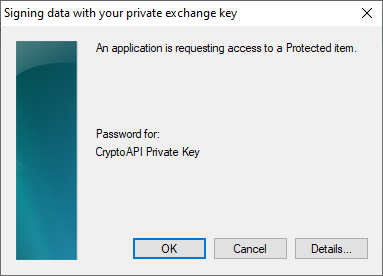
- The applet will be looking for any electronic invoice files that are located in the directory that has been specified in Setup > System > File Locations > ACC eForm Location