- Go into Setup > Printer(s)
- Click on the printer that you want to print the labels from.
This should be the printer that is set up under Setup > Workstation > Workstation Configuration as your normal printer.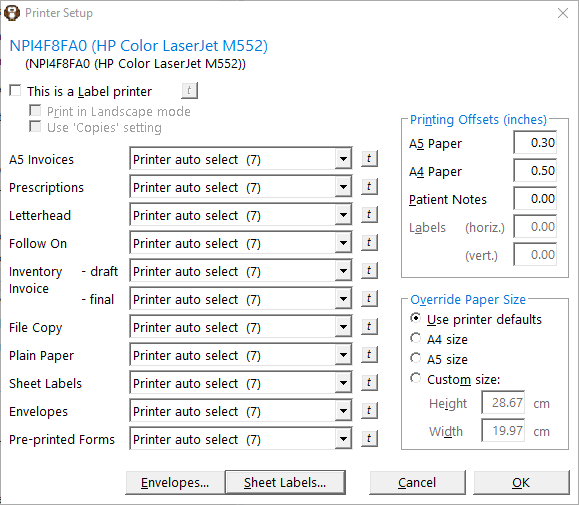
- Click on the Sheet Labels button and the following screen appears.
Make sure you have the correct details set for all the fields - Click on the Test Print button and see if it looks ok.
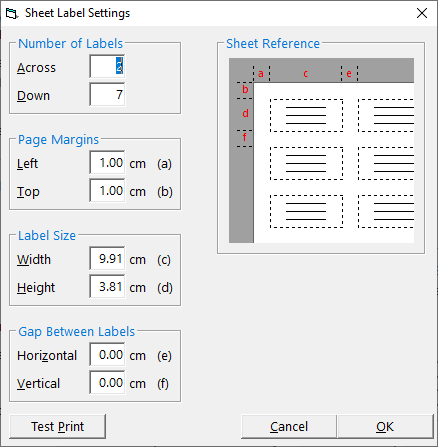
- Click on 'Ok'.