Labels can be printed from different features throughout the program.
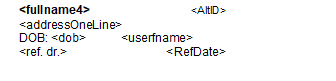
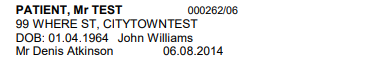
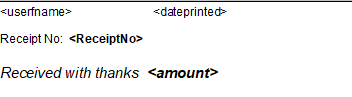
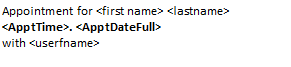
The following types of labels are provided in a pre-configured format but they are able to be modified by you.
- Patient Label
- Filing Label
- Lab Label
- Address Label – Patient
- Receipt
You can alter the information that appears on these labels as well as its position and formatting.
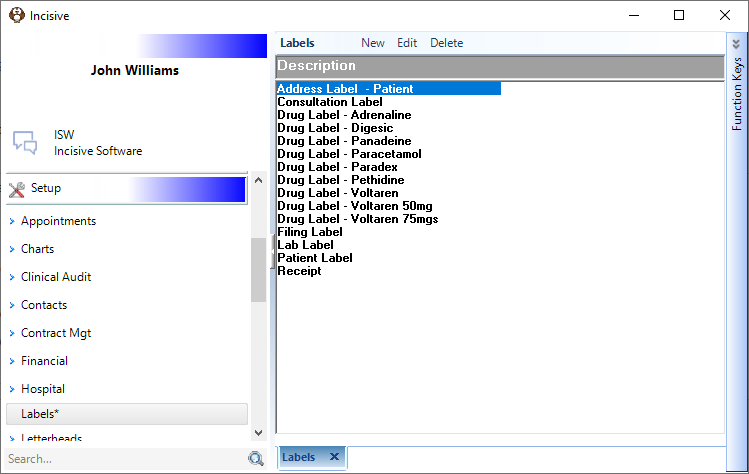
Toolbar button | Description |
|---|---|
Create a new label template | |
Modify an existing label template | |
Delete | Delete a label template |
You can also create your own labels which will appear for selection when you go to print a label.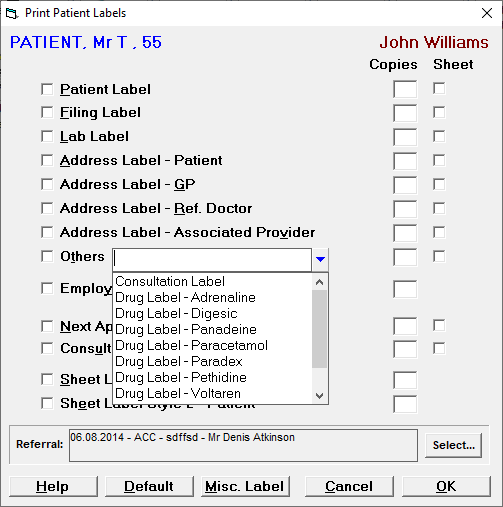
Label templates
Type | Template | Result |
|---|---|---|
Patient |
|
|
Filing | ||
Receipt | | |
Lab | ||
Address - Patient | ||
Address - GP | ||
Address - Ref. Dr. | ||
Address - Assoc. Prov. | ||
Employer | ||
Next Appointment | | |
Consultation |