- Setup > Labels > New
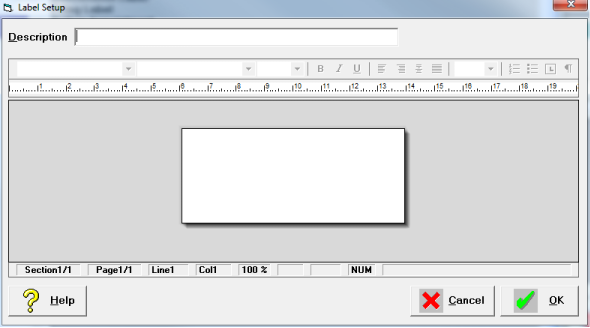
- Type a description for the label.
- Lay out the label using Merge Fields and enter text as required.
The information that appears on the labels can be a combination of typed text and Merge Code Fields. The Merge Code Fields are selected in the same way as for Form Letters above, i.e. press Function Key F9.
NOTE: That while the Merge Code Field may be quite small on screen, when it is filled in at the time of printing, it may be much bigger. Format your label with this in mind.