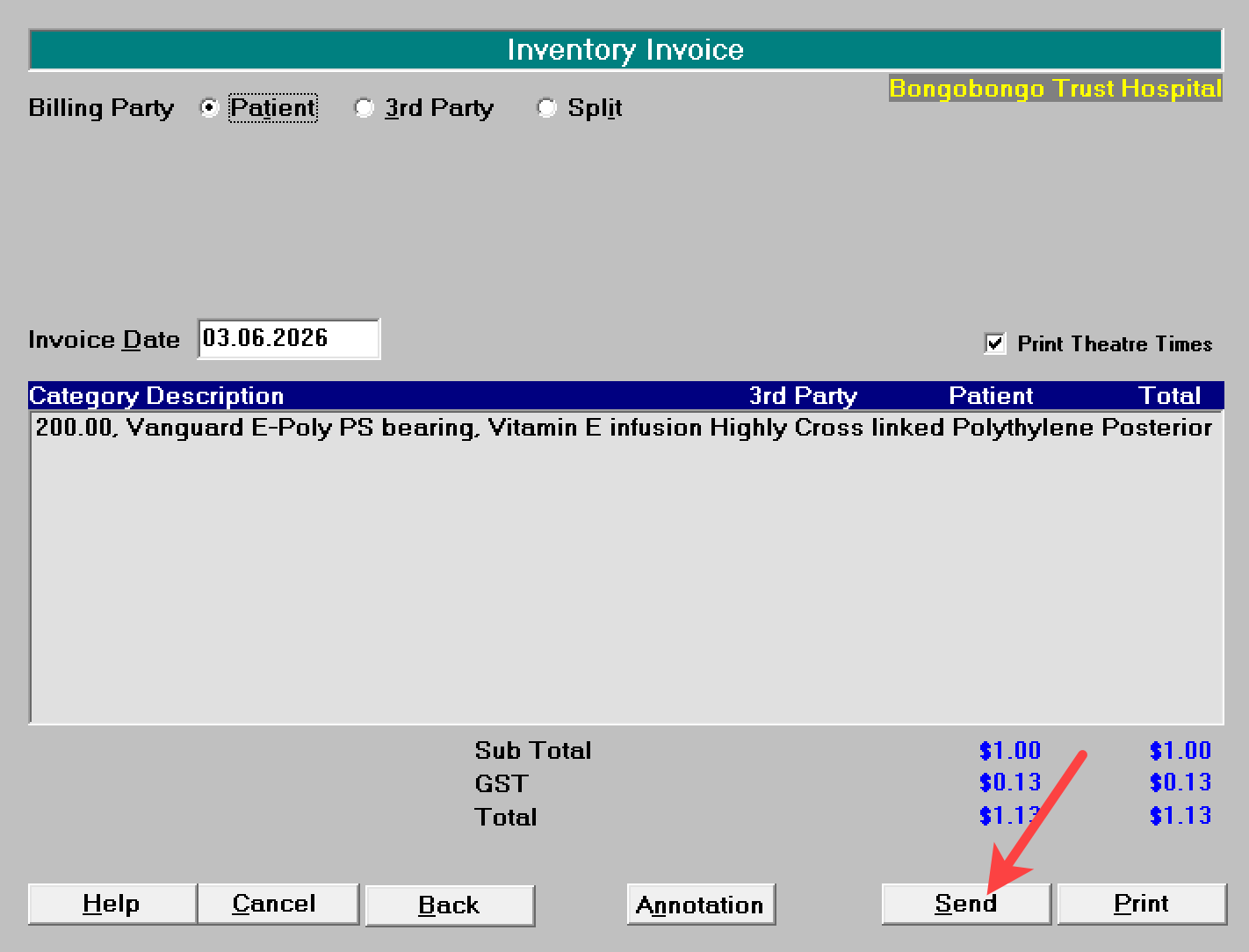
When choosing to Send (email) the invoice, there are a number of options available for you:
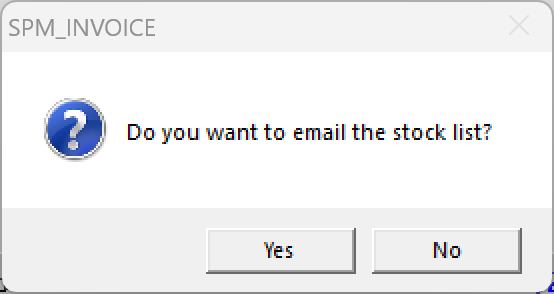
If the stock list is to be included, it is added to the invoice document.
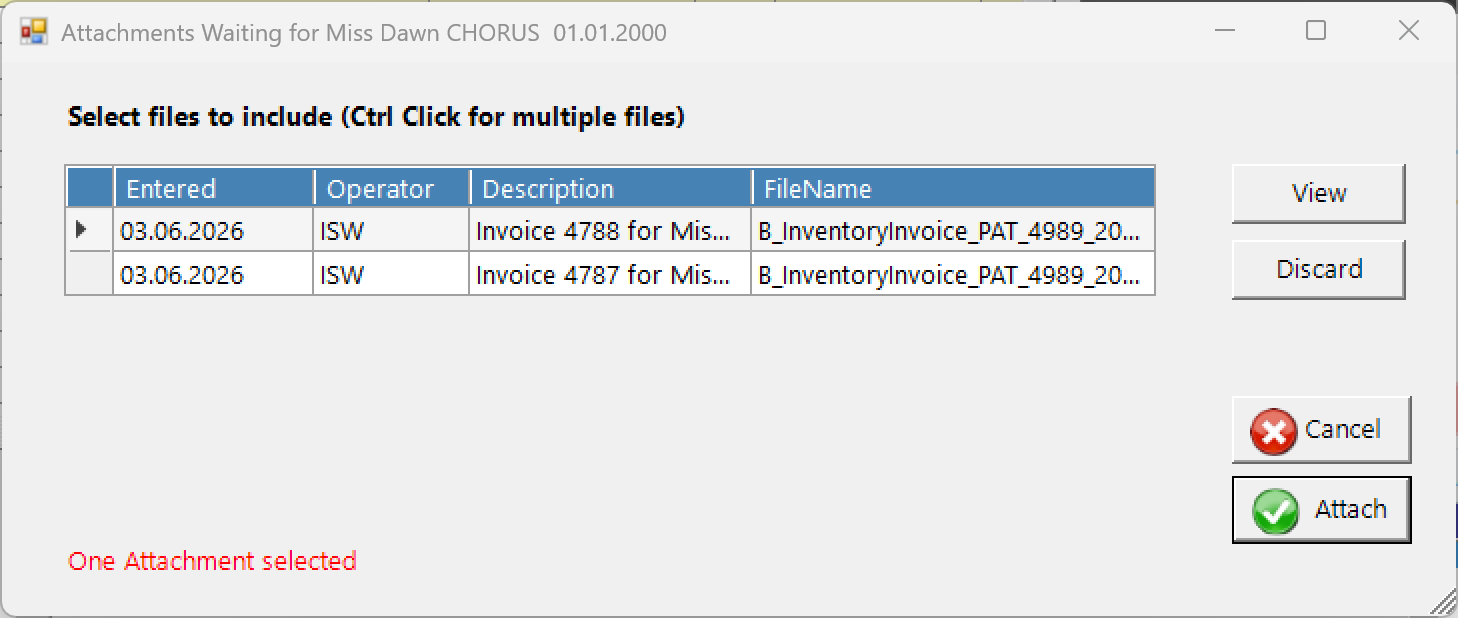
If there is more than one invoice waiting to be sent for this patient, a list will appear allowing you to choose which invoice you want to attach to the email. Use Ctrl+Click to select more than one invoice
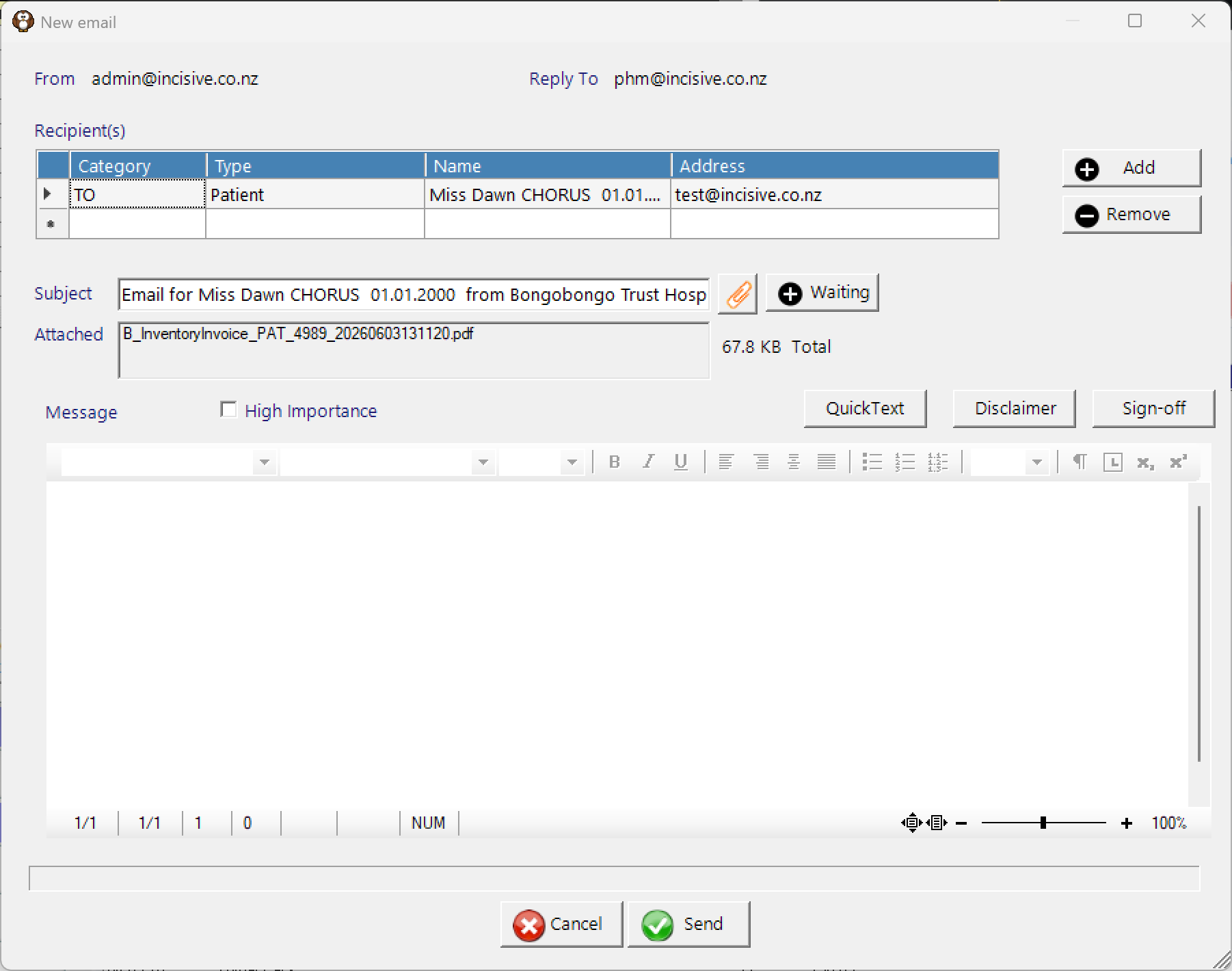
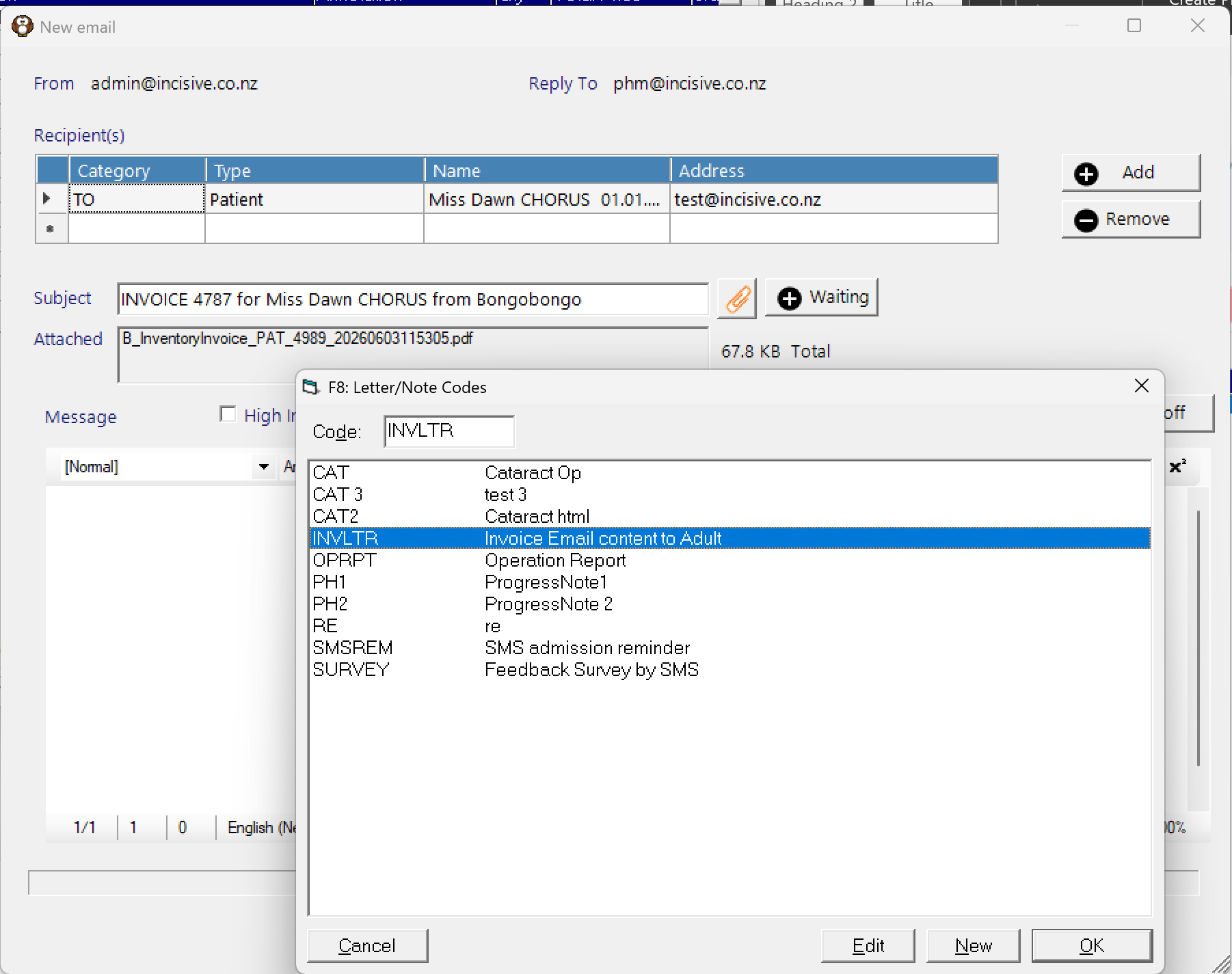
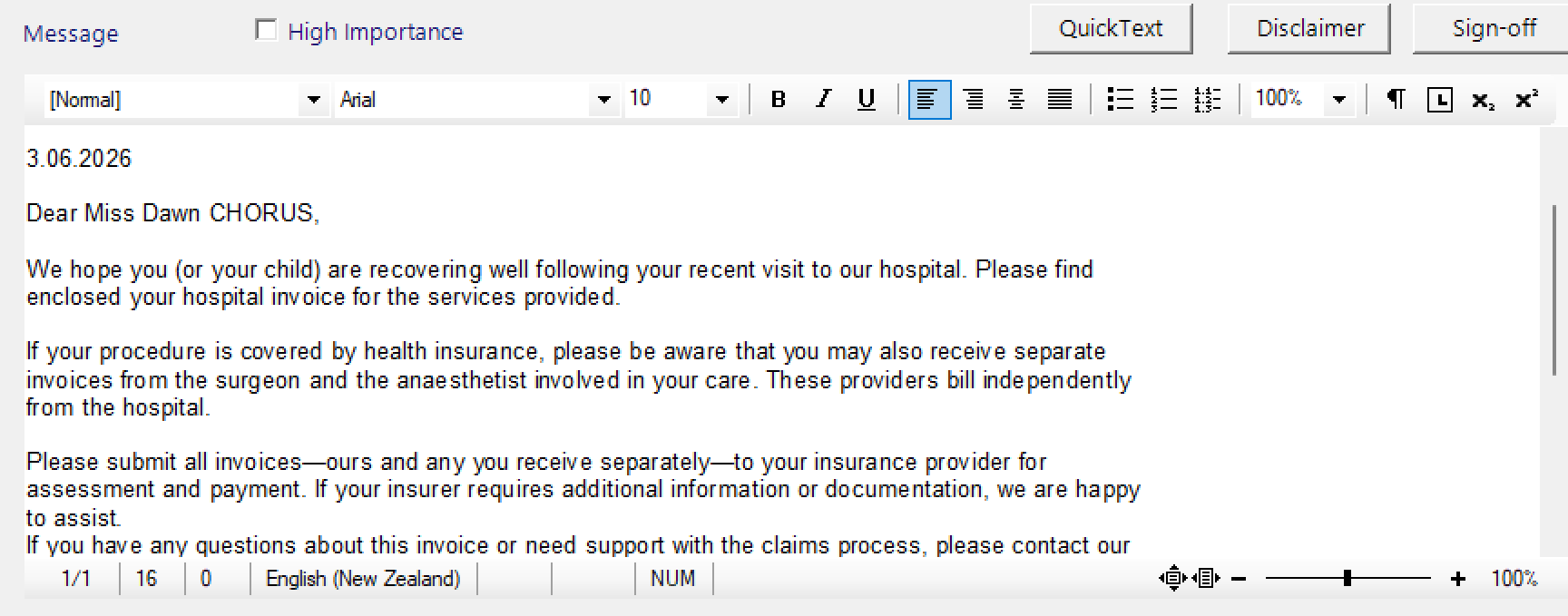
To insert template text, position the cursor in the email body and press the F8 key on your keyboard or click on the ‘QuickText’ button. Select the text you want to insert then click on the Send button.
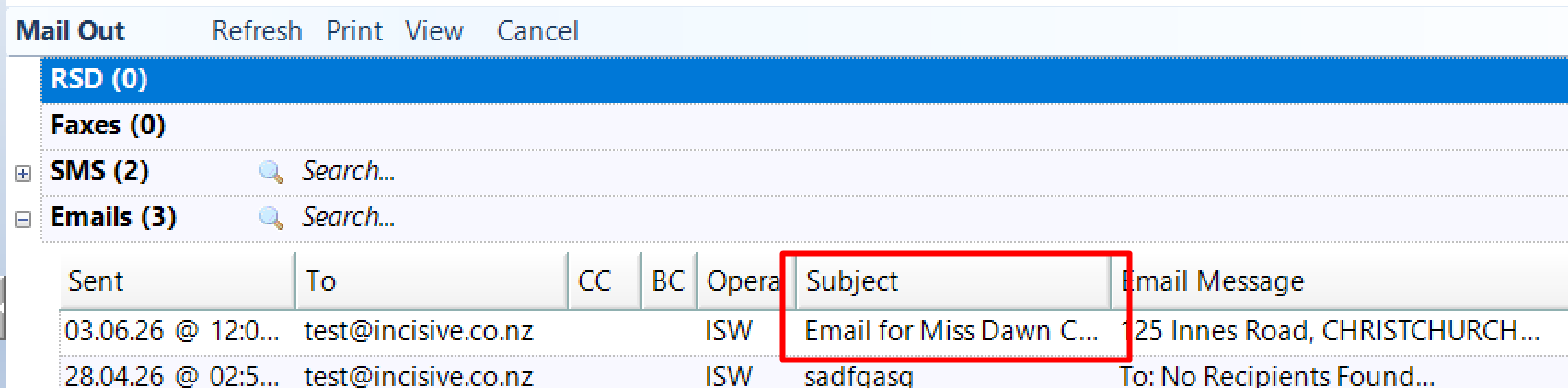
Once the email has been sent it will appear in the patient’s 'Mail Out' tab