The Review feature can be used for two functions:
- Listing the menu & toolbar items that do not have any Roles assigned to them (this is the default view).
- Viewing the overall allocation of Roles to the menu & toolbar items
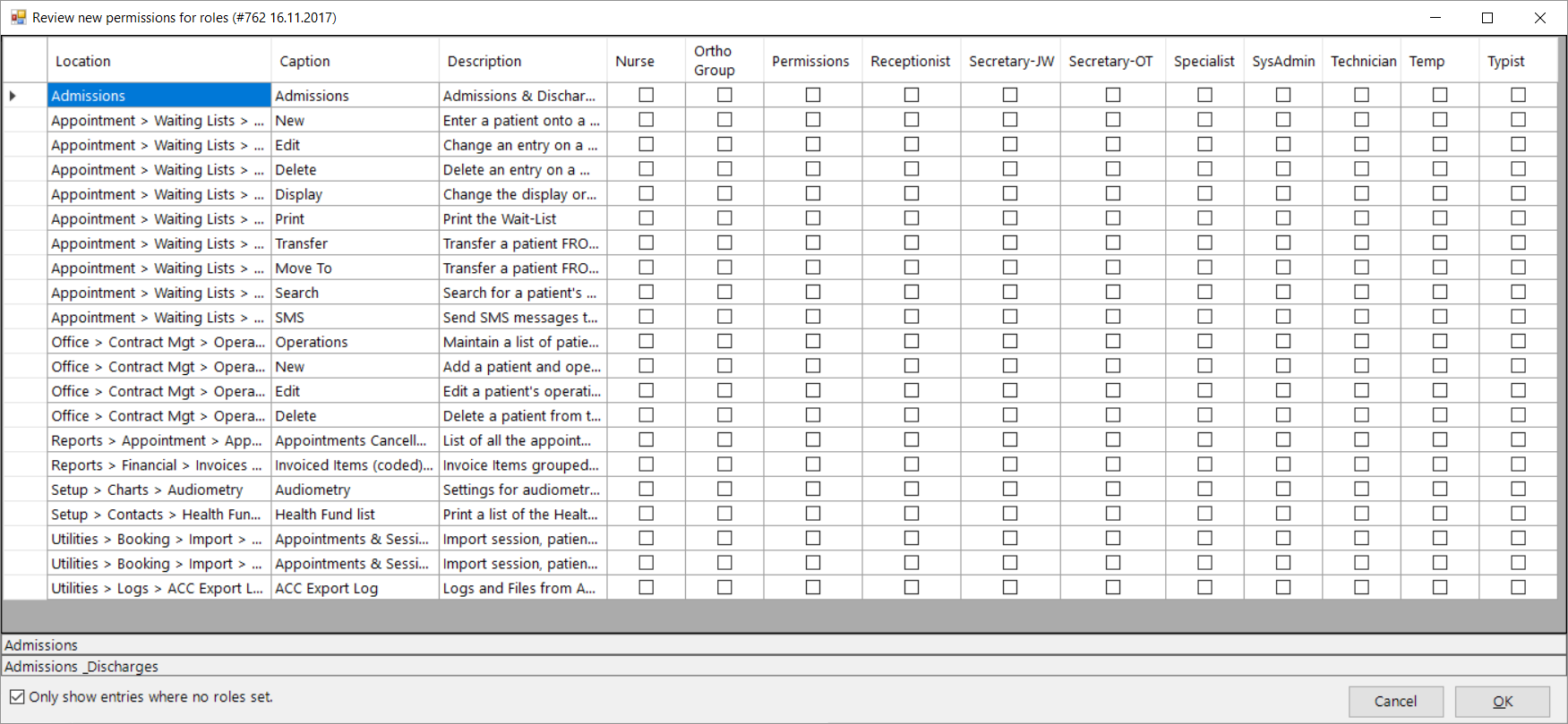
Use the 'Show only entries where Roles are not set' at the bottom of the form to filter the menu items to display all the menu and toolbar items that do not yet have a Role assigned.
This will commonly occur after an update of the Incisive application.
Assign Roles to new menu items
This option filters all the menu items and toolbar buttons and only displays those that do not have any Roles assigned to them.
This might occur after an update of the Incisive application or perhaps you might of previously missed some.
Review all Roles
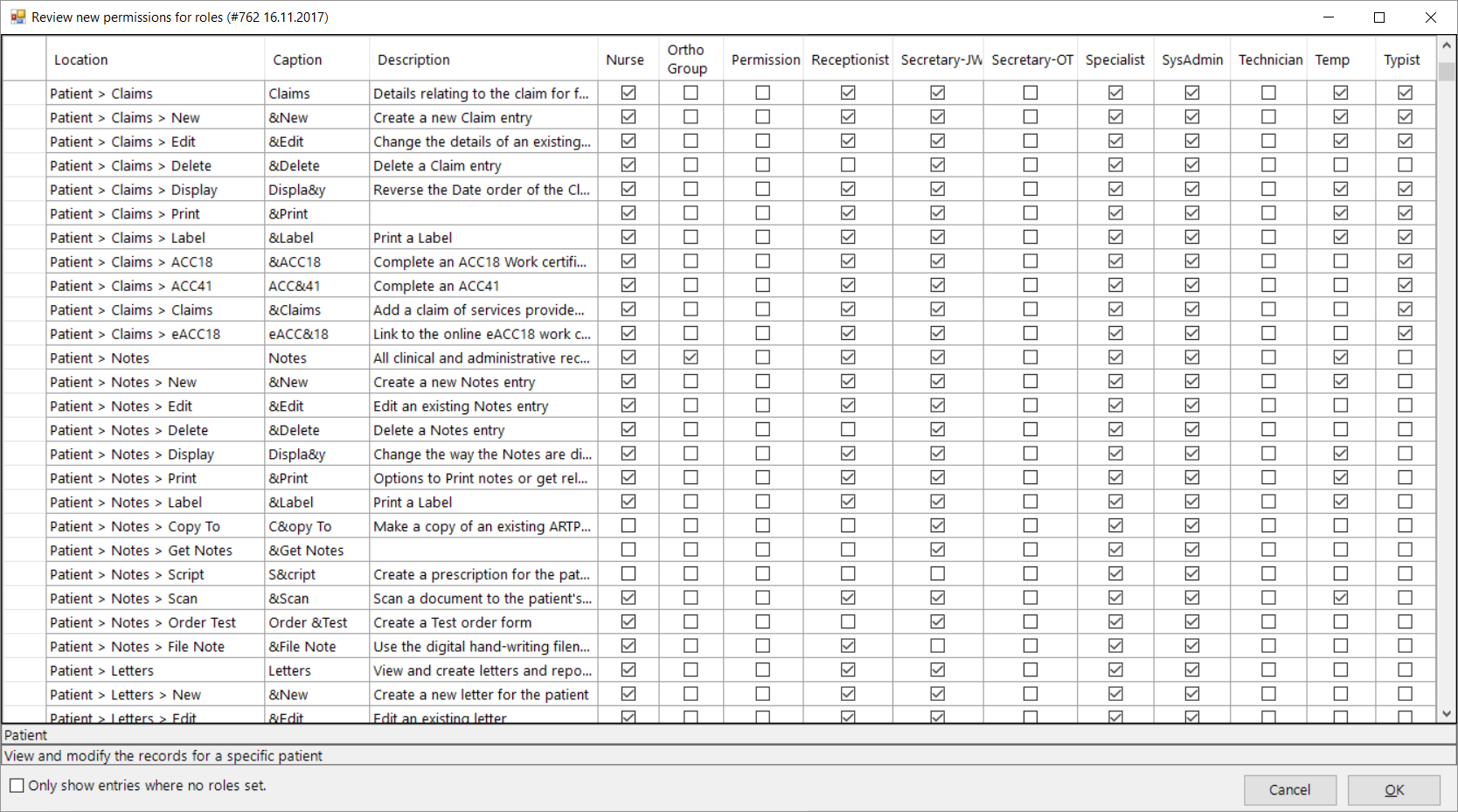
This option lists all of the menu items and toolbar buttons and allows you to have an overall view of the permissions that you have assigned to various Roles and make changes as required.
Uncheck 'Only show entries where no roles set.'
On This Page:
How Do I...
- View patient Notes from multiple doctors