If a Provider does not want to use the default Patient Registration form as provided, you can create your own one.
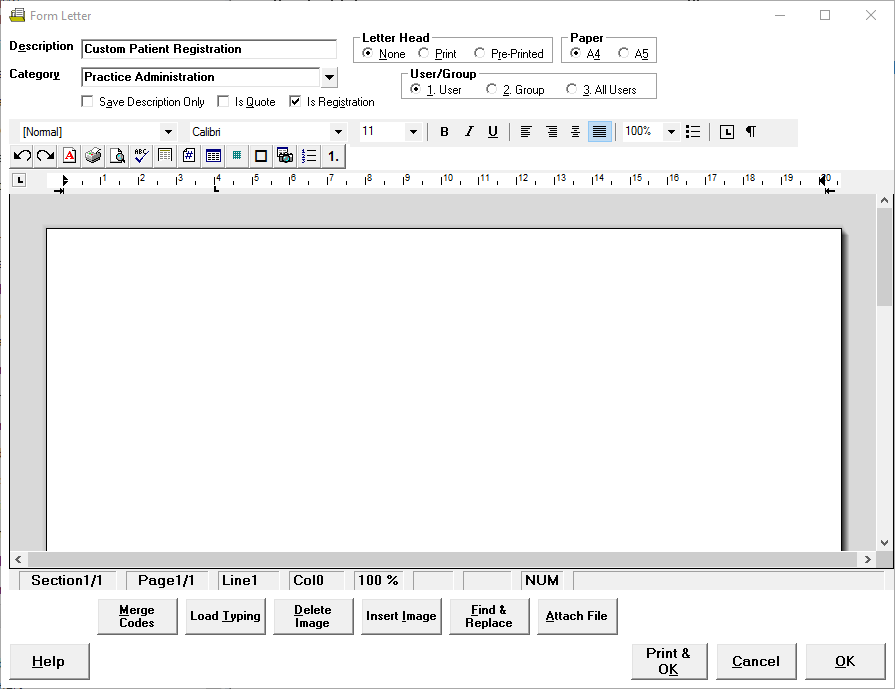
This is created as a Form Letter, with the flag 'Is Registration' checked on.
A list of Form Letters flagged as 'Is Registration' then appear in the Patient Registration drop down box in the Provider Config3 settings CONFIG 3.
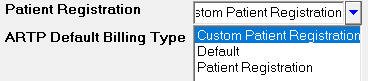
The Patient Registration form selected here, will then print from Patient Registration - Print.