Patient and Third Party outstanding balances are almost identical to receipt. The differences are:
- if Third Party is selected, then the list of patients that displays at the bottom of the screen will be only those patients who have amounts outstanding to a Third Party
- if Patient is selected, then the display will be only those patients who have amounts outstanding themselves.
Obviously patients may have both Third party and patient amounts outstanding so you can toggle between Patient and Third Party invoices by selecting the 'Receipt Patient' or 'Receipt Third Party' button at the bottom of the screen.
- Complete the Payment details, selecting either for 'Patient' or 'Third Party'.
Search for the invoices that are going to be paid
The amount banked displays in the top right hand corner (providing an amount was entered) with the difference to be receipted in the middle right of the screen
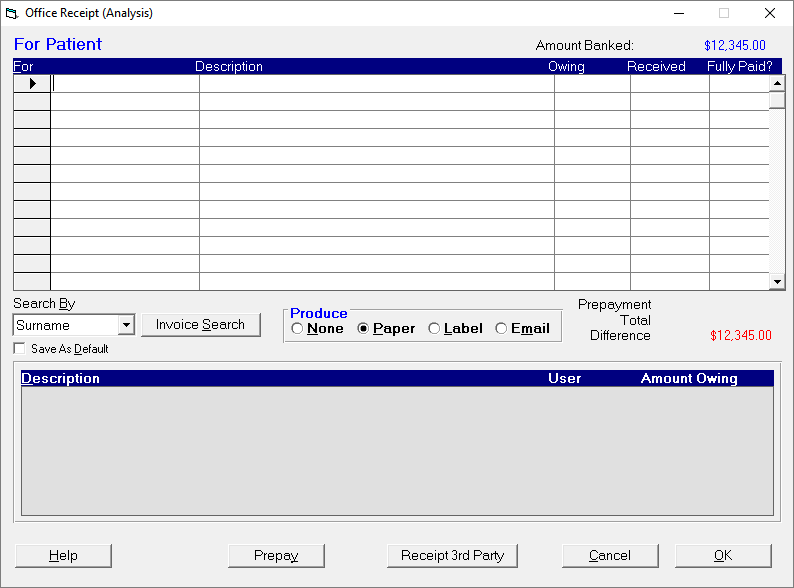
Use the Search By selection to choose how you want to search for the invoice
Select Surname, ID Code, DOB or Firstname if you are paying off multiple invoices for a patient
Select Invoice Number if you are just paying off a single invoice
- In the first column (For):
- Type up to three characters of the patients Surname, ID Code or Firstname and press Enter; or
- Type the Invoice number if known and press Enter.
A list of possible patients to receipt appears at the bottom of the screen.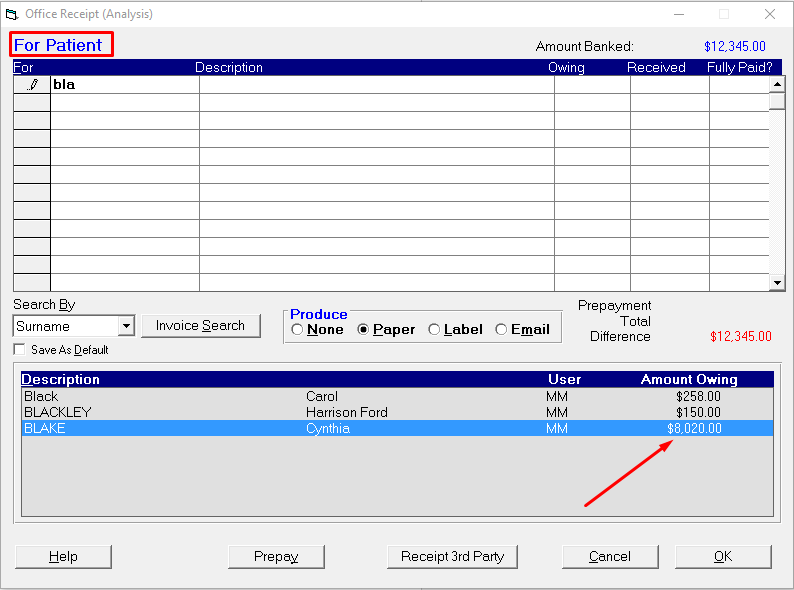
- Select the appropriate patient and press 'Enter' or double-click on the patient name.
The patients name and amount owing appears in the grid. Press' Enter' to accept the amount received, or type the amount in the Payoff column if it is different.
If there are multiple invoices for the patient you will be allowed to enter the amount you want to allocate to each invoice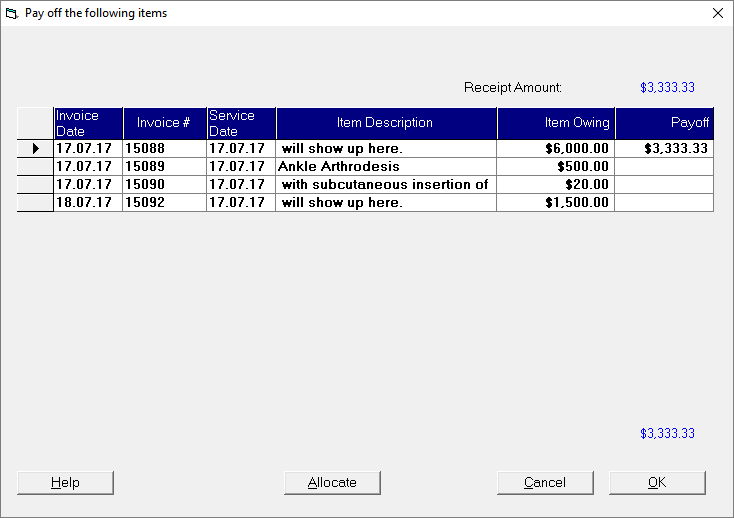
If the amount owing on an invoice is not Fully Paid it will automatically select No

- Continue receipting further patients or switch to search for invoices produced for a Third-Party
Select the Receipt Third Party button and continue again from Step 4.
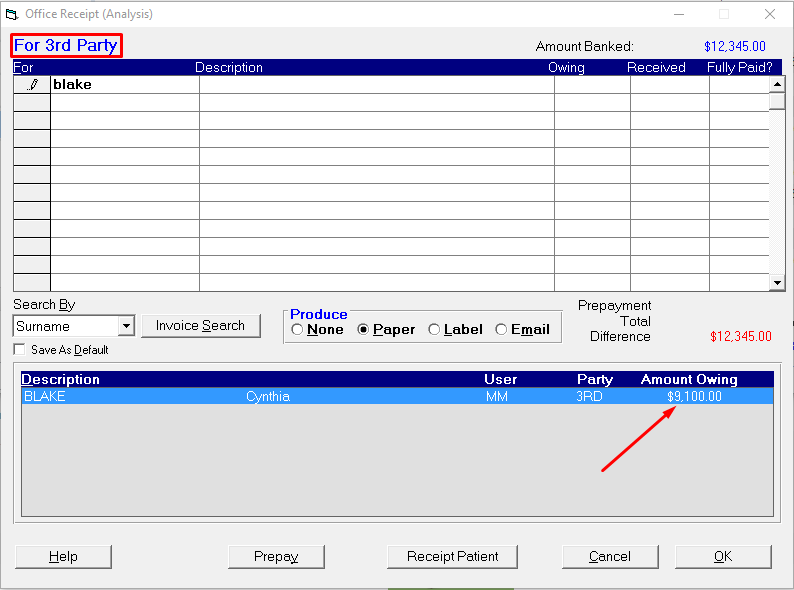
You can toggle back and forward between Patient and Third-Party when allocating the payment to invoices.
When the Amount Banked has been fully allocated and there is no Difference you can select 'OK' to process the receipt.
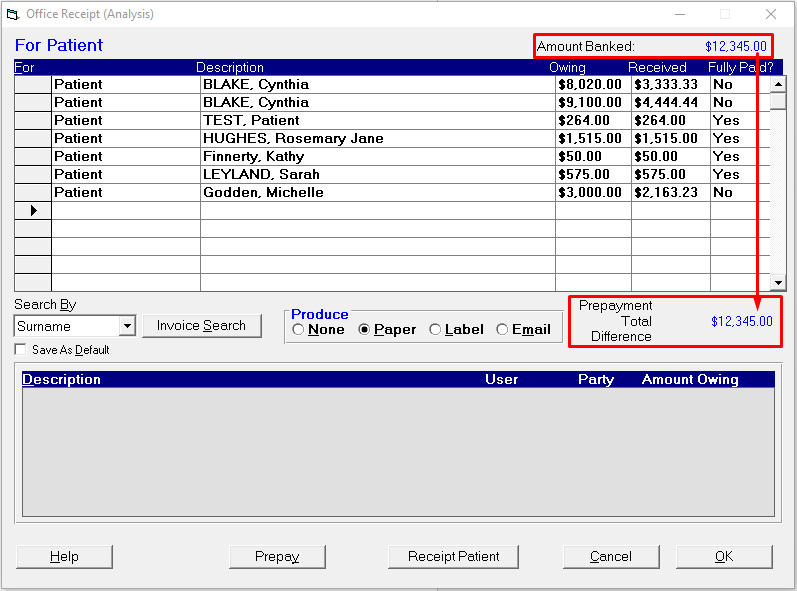
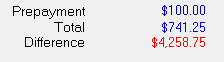
The receipt will not process if the amount banked does not add up to the total receipted for all patients.
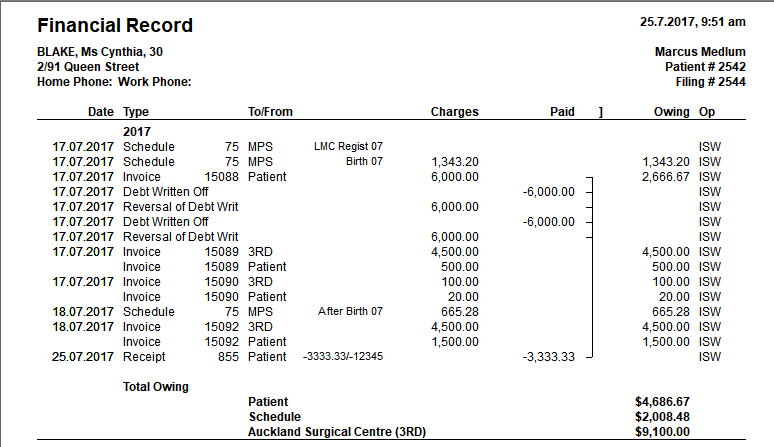
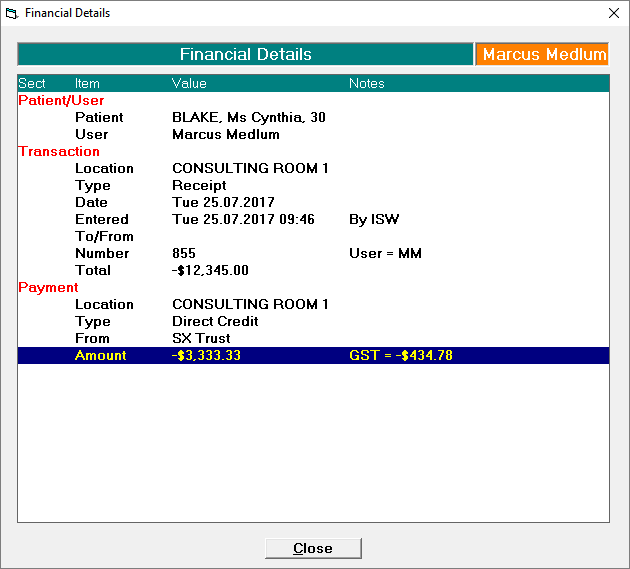
The total payment and the amount allocated to the patient will appear in the patient's Financial records

If the payment is banked into a different Providers account (e.g. Joint Practice account) the receipt will appear in the patient's financial transactions as a Credit Payment.

Pressing the Spacebar on the patient's receipt entry will show further details of the payment and allocation
Double-clicking on the patient's receipt entry will provide a report of the patient's financial transactions