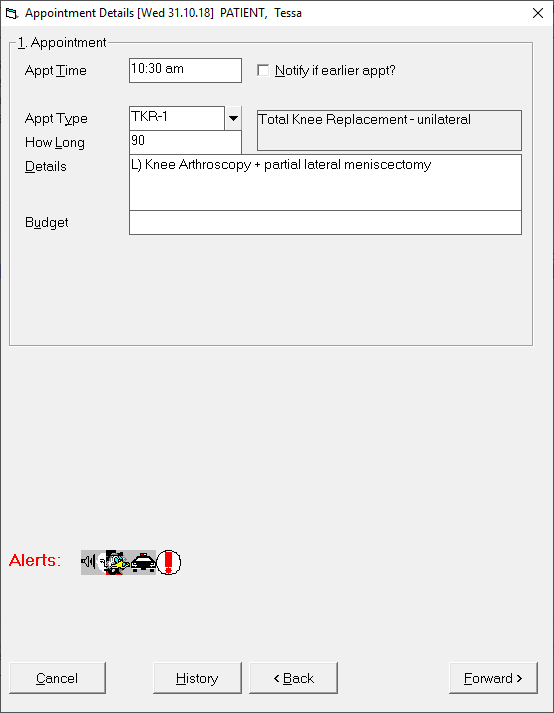
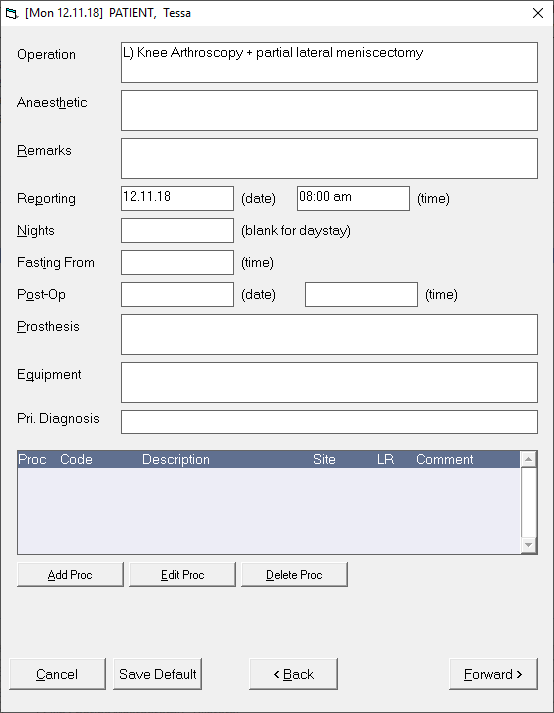
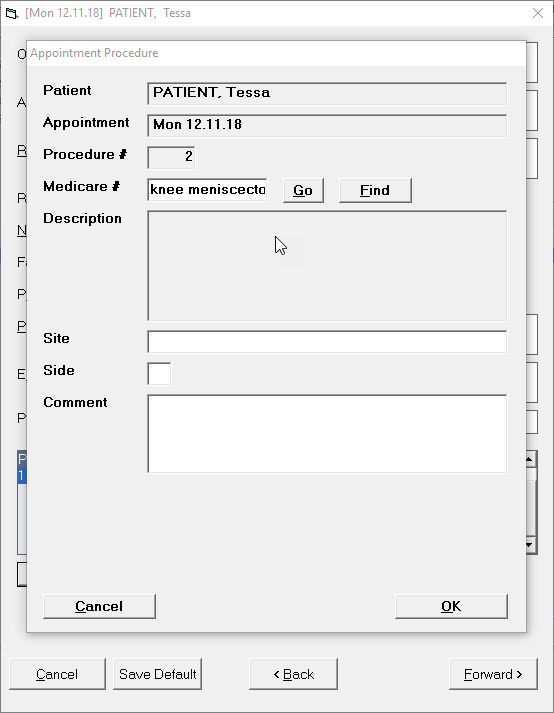
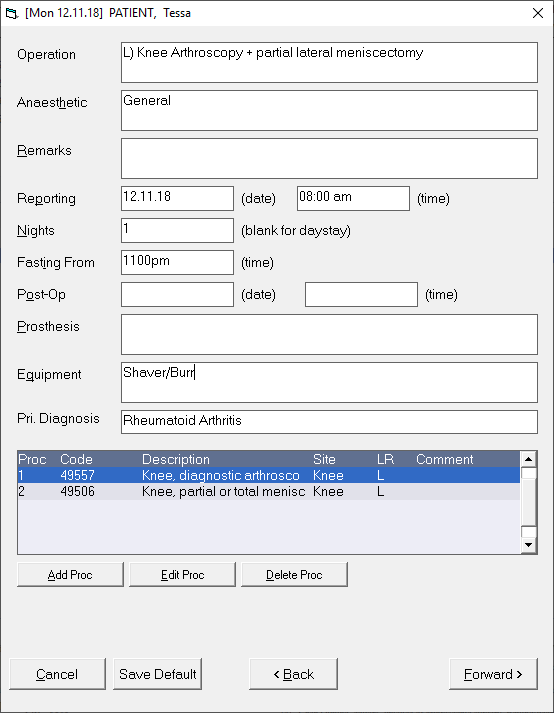
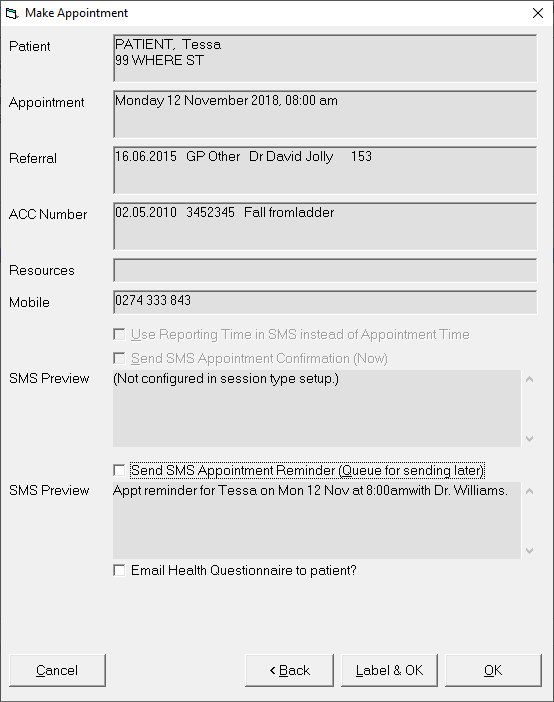
This feature allows for additional data to be included with the operation booking and is very useful if the appointments are exported and transferred to a hospital using Incisive's PHM application.
The text entered and options selected can be saved against the Appointment Type using the 'Save As Default' option. When the Appointment Type is then next selected the saved details will automatically populate the relevant fields.