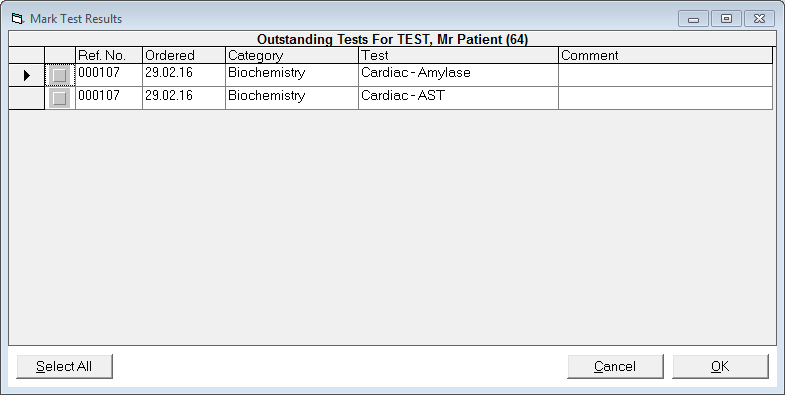
If you are not using HL7, the results will need to be entered when returned.
- F4 to select the Patient, go to the 'Notes' tab and select the 'New' button.
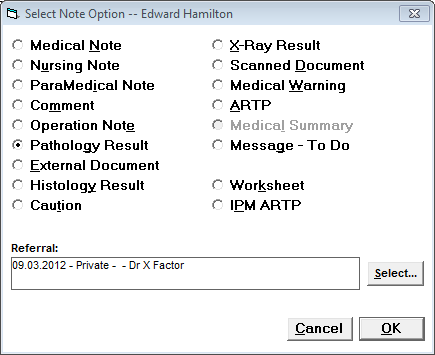
- Select Pathology Result and press 'OK'.
- Then select the Mark Test Results. This brings up a list of outstanding results.
- Mark the appropriate results as being received by putting a tick in the grey box at the left hand side and then press 'OK', or if you have received all the tests you are waiting for then press the 'Select All' button and then press 'OK'.