To change Provider
If there is more than one Provider in your database and you have permissions and roles to these providers, then, for a list of the other Providers to switch to, use one of the following methods:
Mouse | Click on the click on the currently selected Provide in the top left hand corner of the screen. |
Keyboard | Press F2. |
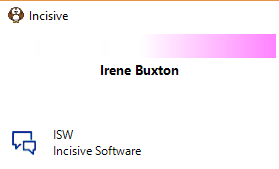
A list of Providers will be display.
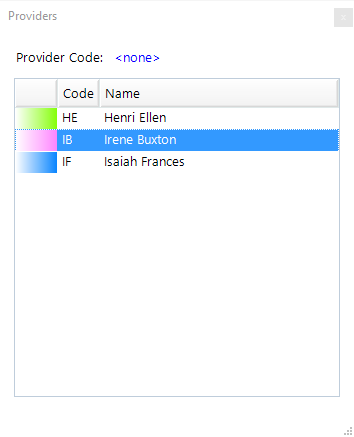
To select a Provider
Use one of the following methods:
- Type the Provider's Code; or
- Arrow down to highlight the Provider and press Enter; or
- Double left mouse click on the Provider with the mouse.
The Colour and Code for the current Provider will appear in the top left of the menu.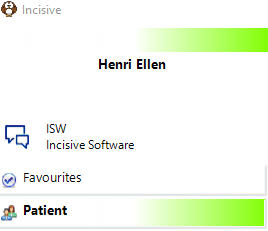
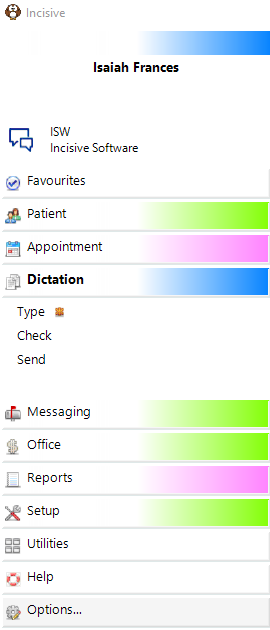
In a multi-Provider practice the active module selected will display the Provider colour at the top of the screen (in addition to the Module itself.
In this example, Dictation is the active module.
If you work for only one Provider you can set them as your Default Provider in Setup > Operator so that the modules always load with them already selected.
If you do not have any Roles / Permissions to a Provider, you will not see them listed on the Providers screen.