To display information about the current patient
Function Key F3 displays a smaller subset of Tabs about the current or highlighted patient.
For example if you are in the process of entering an invoice and cannot remember some details critical to for the invoice, press F3 and a small set of tabs displays. These work in the same way as the main set, that is, press N for the Notes tab etc, or select the tab with the mouse. The space bar works in the same way also to expand and contract the text.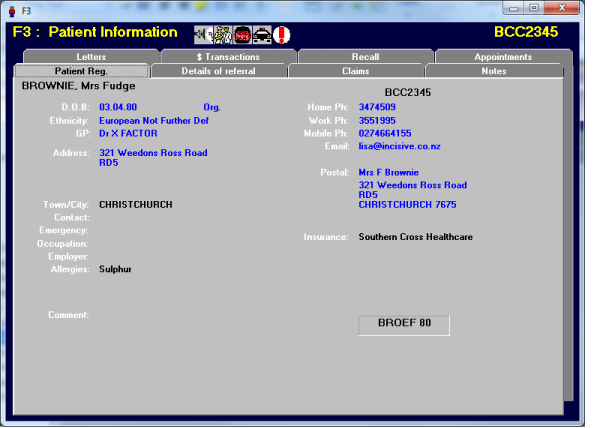
- The tabs are for display only. You cannot do data entry.
- To return to the main screen, press Escape.
The F3 Patient Information screen can be called from the following parts of the application:
- F4 - Select Patient
- F5 - Daylist
- Appointment - Daylist
- Appointment - Overview
- Dictation - Type
- Dictation - Check
- Patient - Notes
- Patient - Financial
- Office - Receipts
- Office - Invoices