You can only delete entries on a schedule that is current. Once a schedule has been printed and advanced, deleting is not possible.
- Highlight the schedule containing the entries you want to delete.
- Select 'Edit'.
All of the schedule entries will display on screen.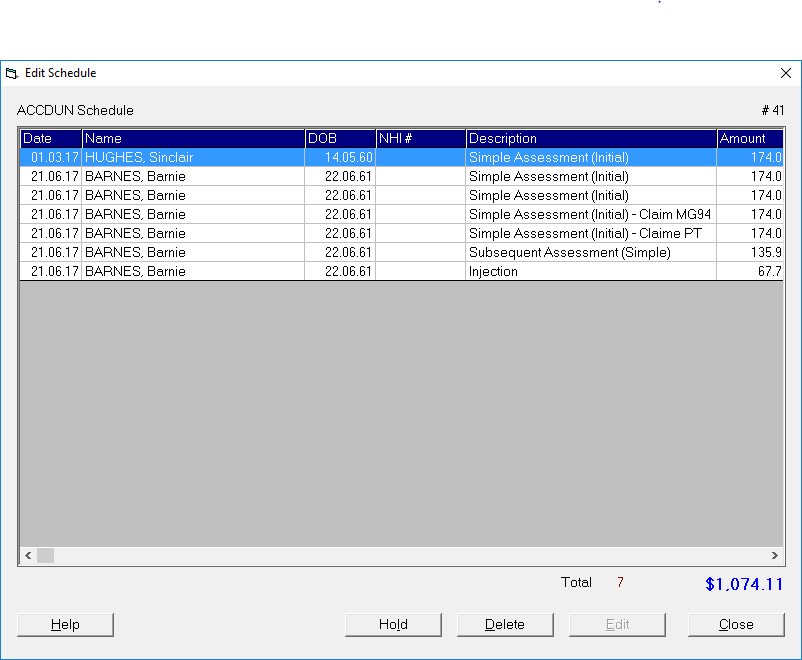
- Highlight the entry you want to delete.
- Select Delete.
- You will be asked to confirm you wish to delete.
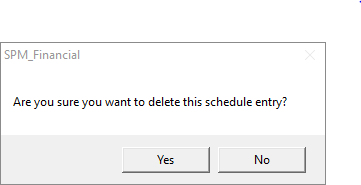
Select 'Yes' to confirm the deletion of an entry off the schedule.
Select 'Yes' to confirm the deletion of an entry off the schedule.