Claims for payment (items) relating to a service provided to a patient should only be credited-off a schedule invoice if you are certain that the claim item will not be paid at a later date.
A Credit reduces the amount owing. No payment is involved.
If there is a payment allocated to the schedule that has not been reconciled, then this will need to be done before you can enter any credit entries.
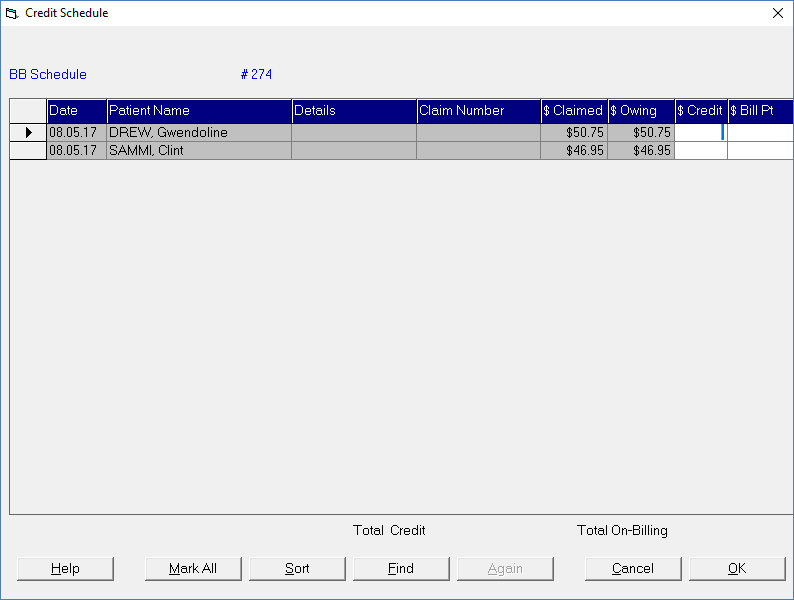
Selecting the Credit button from Office > Schedules will display a screen with all items currently outstanding on the schedule.
To credit individual items off the schedule, either:
- Type the amount to credit (or Bill to the patient), or:
- Press Enter for the full amount owing to be entered in the relevant column.
Alternatively, use one of the options listed below.
Mark All | If all patients listed are to be credited, select Mark All.
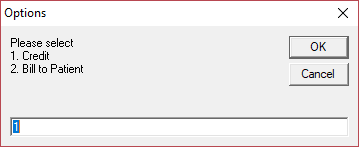
The Credit option credits the amount off the schedule and the patient's financial record. The 'Bill to Patient' option credits the amount off the schedule and automatically invoices the amount to the patient. If most of the entries are to be credited off the schedule with only a few exceptions, it is often faster to use Mark All and then remove the amount from either the $Credit column or $Bill Pt column for the patients that aren't to be credited rather than individually crediting each patient. |
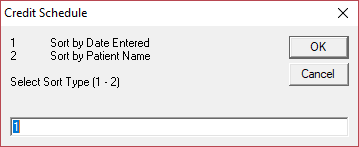
Sort | The Sort option allows you to sort the list of patients by Date Entered, or by Patient Name. This is to assist with finding specific patients.
Select the option by typing the number corresponding to the sort method required and press Enter or select OK. |
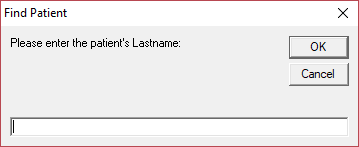
Find | To find a particular patient on the list, use the Find option.
Type the patient's last name and press Enter. |
Again | This option will be come active only after Find is selected. This allows you to search for the same patient again if they appear more than once in the list, or two or more patients have the same last name. |
Cancel | To cancel out without saving the changes. |
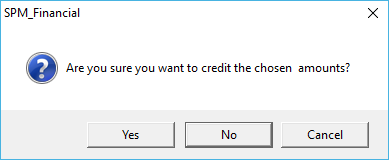
OK | To save the credit entries.
Select 'Yes' to credit the chosen amounts. |