If you receive notification that a cheque (or Direct Credit) you have receipted and banked has been dishonoured, carry out the following steps to ensure that the reversal is correctly handled:
- From the Patient > Financials select New > Dishonoured Cheque or Dishonoured Direct Credit.


- A list of all cheques (or direct credits) previously receipted, and in the case of a cheque where the Deposit Supplement has been advanced, will appear.
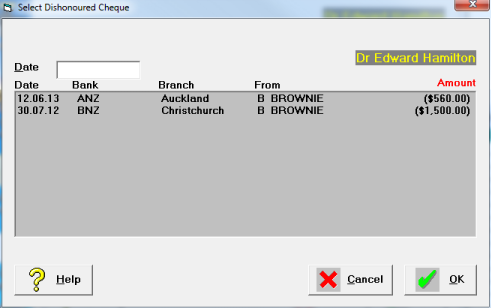
- Type the date the cheque was reversed from the bank account and select the correct cheque from the list followed by OK.
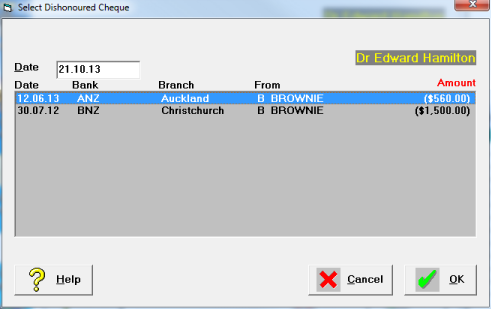
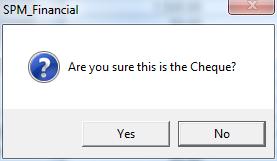
- Confirm that you have selected the correct cheque.
- An entry will appear on the Financial transactions screen,

- An entry will appear for reconciling in the Cashbook.

Training:
- ACC invoicing
- Add a New Transaction Au
- Add a New Transaction NZ
- Quick Invoicing
- Invoicing the Patient
- Invoice to 3rd Party
- Invoice a Solicitor
- Change Referral for an Invoice
- Make invoice codes from Medicare
- Adding Assistants or Alternate Providers
- Print Balance for Invoice
- Billing Types
- Advanced Invoicing Options
- Hospital Invoicing Au
- Hospital Invoicing NZ
- Tutorial - Invoicing
- GST Rounding adjustment
- Multiple Patients - Group Receipts
- Dishonoured payments
- ACC Payment Advice import
- ACC Payment reversals
- Receipting Payments from Debt Collectors