Occasionally there is a need to move either a session or a patient from one theatre to another. Usually this is because the surgeon's preferred theatre has become available or management wish to make better use of the resources available.
A complete operating session can only be moved within the same day.
If the session has been changed to a different day then the whole session cannot be moved as one; instead a new session for the surgeon will need to be created for the correct day and then the 'Move-To-Date' option used to transfer each patient individually.
Move a session
- Make sure there is no session already allocated in the theatre you want to transfer to.
- Go to Appointments > Hospital Bookings >Operating List and select the surgeon and day.
- Highlight the header of the session
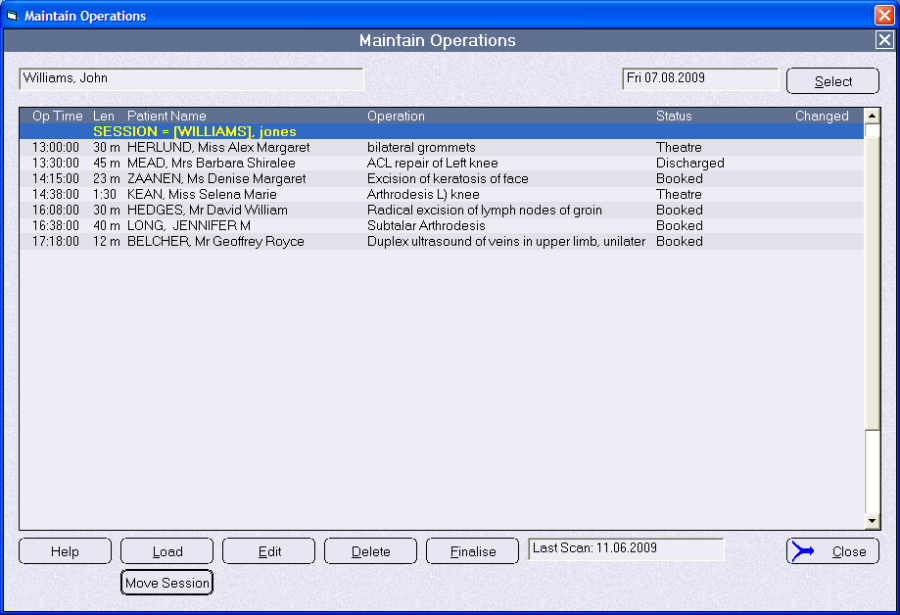
- Click on the 'Move Session' button

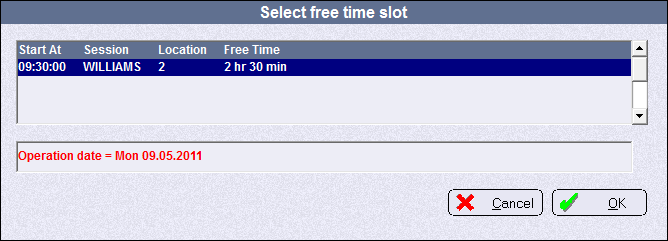
- Choose the theatre you wish to transfer to. You can only move a session to a theatre or location that:
- is for the same day
- does not already have a session at the same time
A session cannot be moved if there is already a session overlapping the required period. - Confirm you want to move the session.
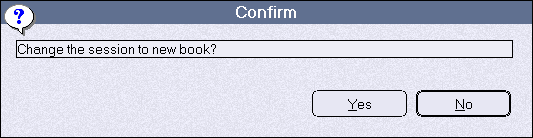
The transfer is now complete.
Move a patient
The patient can be moved:
- To a different session (theatre) on the same day
- To a different session or surgeon on a different day (see page )
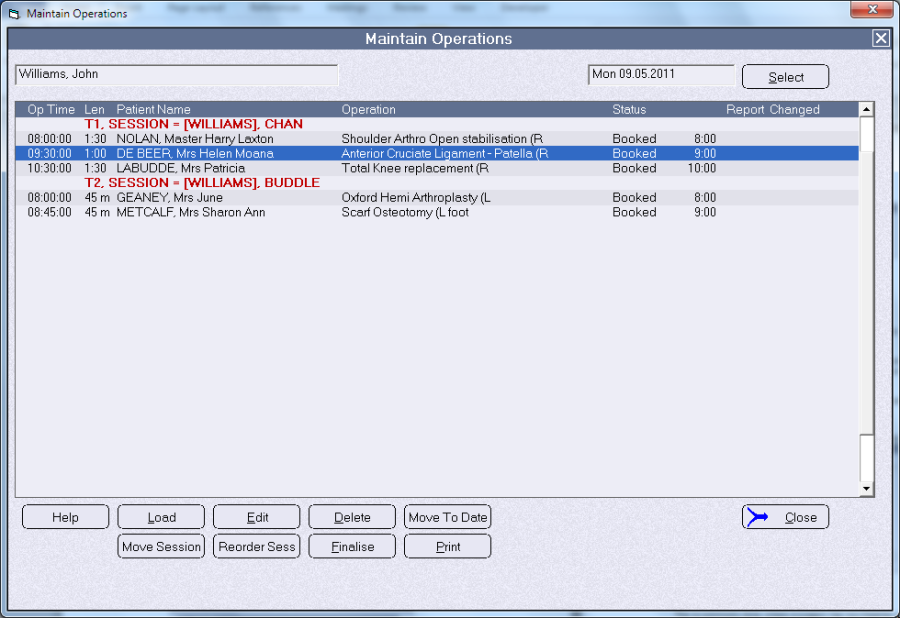
Moving a patient to another theatre on the same day is commonly done where a surgeon has two theatres running simultaneously and wishes to operate on a patient in the alternate theatre.
If the operation is going to be performed by a surgeon other than the one originally booked, you can change the 'Primary Surgeon' using the option in Utilities > Booking > Change Primary Surgeon.
- Go to Appointments >Hospital Bookings >Operating List and select the Surgeon and date that the patient is currently booked
- Highlight the patient and right-mouse-click on the patient's name. Select the option 'Move to Session' from the list.
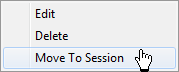
This option will only be active if there is a second session for the same surgeon on the same day, or if there is sufficient time available in the target session for the patient's operation. - Select the session that you want to move the patient into and click 'OK'