The duration of a booking, the operation start time or the order of the bookings in the list, can be changed after the booking has been made.
The order can be changed by dragging the booking to the required list order
The duration or start time is altered using the following steps
Go to Appointments > Hospital Bookings > Operating List
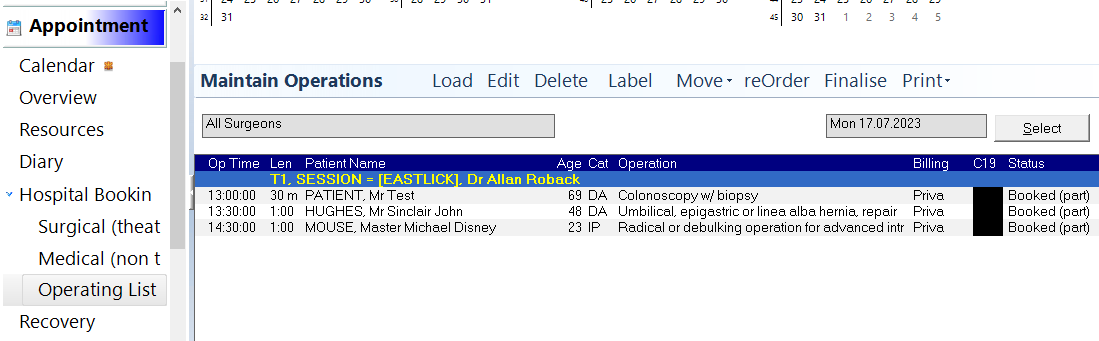
Highlight the Session header then click on the ‘ReOrder’ button in the top toolbar
Click on either the Duration or Start Time of the booking you want to change.
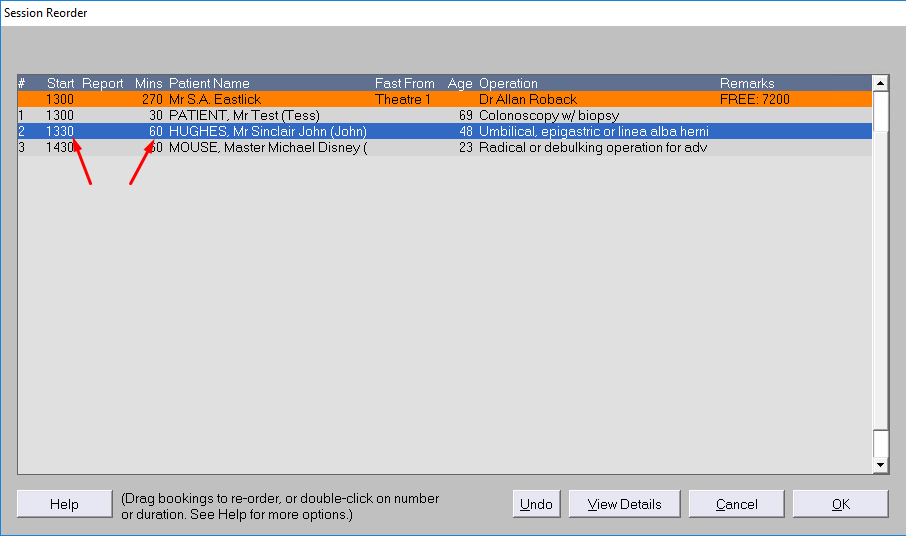
Change the start time or duration value
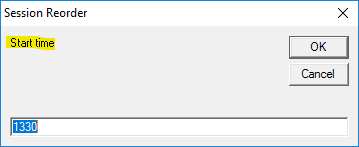
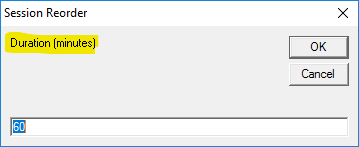
The bookings that follow will automatically adjust their start-times
Duration should always be door-to-door not knife-to-skin - skin-to-skin